
Local AWS authentication
Use `crunr auth` to save AWS credentials locally, verify them with STS, and manage named profiles from the CLI.

crunr is a local CLI for sending compute jobs to AWS, running them in your own account, and collecting logs and outputs back on your machine. It supports GPU and CPU workloads without requiring a cloud console or hosted backend.
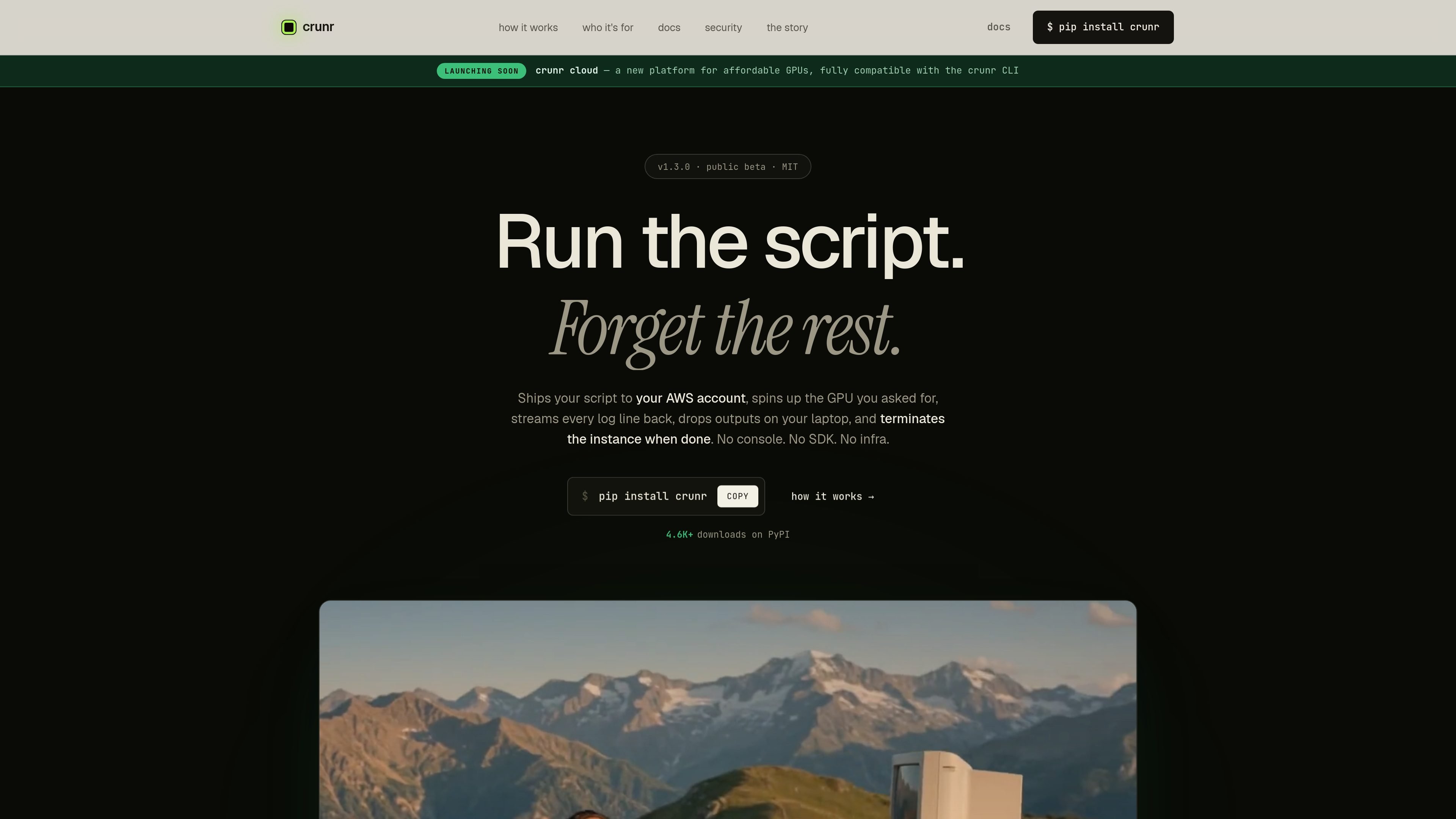
crunr is a local command-line tool for shipping compute jobs to AWS from your terminal. It is designed for scripts that need more machine than a laptop can provide, especially GPU workloads, batch processing, and other jobs that should end cleanly when they finish.
The workflow is straightforward: install the CLI, authenticate against your AWS account, run a script with `crunr run`, watch logs stream back, and receive outputs in your local folder. The docs say the tool handles provisioning, upload, execution, collection, and termination inside a single process on your machine, with no crunr server in the middle.
The product emphasizes that your AWS credentials stay on your laptop, EC2 instances use an IAM role instead of your access key, and the instance is terminated automatically inside a `finally`-style cleanup path. The site also describes optional S3 persistence, multiple AWS profiles, and support for both GPU and CPU jobs.
Use `crunr auth` to save AWS credentials locally, verify them with STS, and manage named profiles from the CLI.
Run Python, shell, Node, R, Go, or other local scripts without rewriting them for a cloud SDK or decorator-based workflow.
Launch the cheapest matching AWS instance for the job, with options for GPU, memory, exact instance type, spot pricing, region, and disk size.
Stream stdout and stderr live while the job runs, then sync `outputs/` back to the local machine or optionally back jobs with S3.
Terminate the instance automatically when the job ends, even on failure or Ctrl+C, so billing stops when the work is done.
Provide a local CLI-only workflow with no crunr backend server or long-lived cloud daemon, so jobs run in the user's AWS account.
Run training, fine-tuning, or evaluation jobs on the GPU instance that fits the workload, without maintaining a permanent GPU box.
Launch batch jobs and heavier data processing work directly from the terminal, then collect results locally when the run completes.
Give startup teams a way to ship compute jobs on AWS before they have a dedicated DevOps setup or Terraform-based infrastructure.
Run experiments on real hardware for research or coursework while paying only for the time the instance is active.
Move ad hoc GPU jobs away from rented platforms and into your own AWS account when you want tighter control over billing and credentials.
crunr is a local CLI that runs on your machine and connects directly to AWS. You install it with `pip`, authenticate with an AWS access key, and run jobs with commands like `crunr run`.
According to the docs, you need Python 3.10 or newer, `ssh`, `rsync`, and an active AWS account with an IAM access key. macOS and Linux work out of the box; Windows is supported through WSL 2 or Git for Windows if `ssh` and `rsync` are available.
`crunr run` launches a compute job, streams stdout and stderr in real time, and then syncs outputs back to your laptop. The docs also mention optional S3 persistence for outputs and a job history view with `crunr jobs`.
The source says `crunr` is open source and MIT licensed. The public docs describe the CLI, setup flow, command reference, and security model, but the pricing page itself is not available in the collected material.

MakerLoft is a chat-first AI app builder for non-developers who want to create static sites or full-stack apps from a GitHub repository. It supports a free GitHub Pages path and a DigitalOcean-backed app path with sign-ins, payments, and an admin dashboard.

Biji is a versatile platform designed to enhance productivity through innovative tools and features.

Ably Chat is a chat API platform for building custom realtime chat applications. It supports room-based messaging, typing indicators, presence, reactions, and message updates, with usage-based pricing options for different deployment stages.

ClawTick is an AI agent automation platform for scheduling jobs from the CLI, dashboard, or REST API. It is aimed at developers and teams running LangChain, CrewAI, webhook, or custom agent workflows that need monitoring, alerts, and logs.

Falconer is an AI-powered company brain that keeps internal documentation accurate, searchable, and up to date by syncing with tools like GitHub, Slack, and Linear. It helps engineering and cross-functional teams centralize knowledge and answer questions from a shared source of truth.

Ghost is a terminal-based AI assistant for chatting, code generation, and CLI tasks. Includes free models, supports Linux, macOS, Windows, and is open source.