
One-click folder sorting
Select Desktop, Downloads, or another folder, choose the categories to use, and organize the files in one pass.

Declutr is a Mac app that sorts Desktop, Downloads, or any folder into type-based folders with one-click cleanup, Undo, and optional Pro automation.
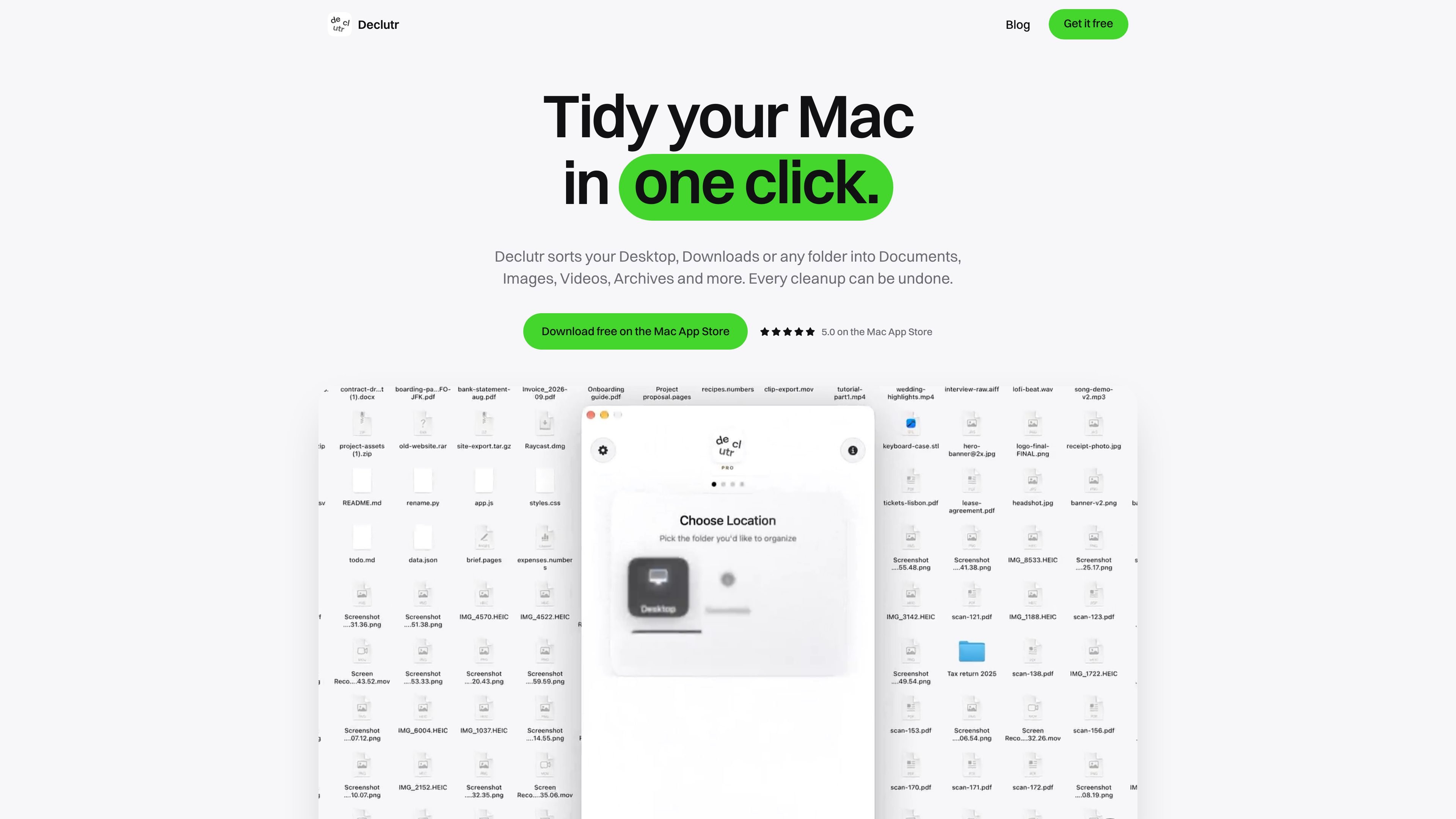
Declutr is a Mac file-organizing app for cleaning up Desktop, Downloads, or any other folder. It sorts files into folders by type, including categories such as Documents, Images, Videos, Audio, Archives, Code & Scripts, and 3D Models, so a mixed folder can be grouped without manually moving each file.
To use it, choose a location, select the categories to sort, and start the organization. The app provides an Undo action for the last cleanup. Its sorting is based on file extensions and user-defined rules rather than file contents or AI; folders inside the selected location are left in place. Free covers the basic one-click sort, while Pro adds watched folders, scheduled cleanups, and Smart Rules.
Select Desktop, Downloads, or another folder, choose the categories to use, and organize the files in one pass.
Files are placed into category folders such as Documents, Images, Videos, Audio, Archives, Code & Scripts, and 3D Models. Unlisted extensions go to Other.
Use the completion-screen Undo action to return the files from the last cleanup to their previous locations. Declutr also asks before proceeding with a folder it considers sensitive.
Pro can watch a folder and sort new files as they arrive, or run cleanups on a schedule.
Pro rules can match file name, extension, age, or size, with AND/OR conditions. Matching files can be sent to a named folder or left alone, and rules run before category sorting.
The app offers ten categories out of the box, with options to add extensions, move extensions between categories, or create a category with its own icon.
Select Downloads and run a one-click sort to separate mixed documents, images, videos, audio files, archives, and other downloads into category folders.
Use the app on Desktop to move a pile of screenshots, documents, media, and project files into type-based folders while retaining the option to undo the cleanup.
Point Declutr at a project or work folder when the immediate goal is to group files by extension before deciding which items to archive, rename, or delete.
Enable Pro watched folders or schedules when new files regularly arrive in the same location and should be sorted without manually starting each cleanup.
Create Pro rules for files that do not fit a simple category workflow, such as matching a name, extension, age, or size and sending the result to a named folder or leaving it untouched.
Declutr supports macOS 13 Ventura or later and runs on both Apple silicon and Intel Macs. It is available through the Mac App Store.
Choose Desktop, Downloads, or another folder, select the categories to sort, and start the cleanup. Declutr creates category folders and moves the files it sorts into them.
The completion screen includes an Undo button that puts the files from the last cleanup back where they were. Declutr also asks before proceeding with a folder it considers sensitive.
The free version provides one-click sorting, category folders, and undo. Pro is a one-time $8.99 purchase and adds scheduled cleanups, watched folders, and Smart Rules based on file name, extension, age, or size.
Declutr sorts by file extension and rules you define; it does not inspect the contents of files or use AI. It handles files at the selected folder level, while folders inside that location are left in place.

ArtDeck is a visual reference board app for iPhone, iPad, and Mac. Collect mixed references on one canvas and study them with ToolBox lenses. Offline, optional iCloud sync, one-time purchase.

Codex Plugins bundle reusable skills, app integrations, and MCP servers into workflows you can install in the Codex app or use from Codex CLI.

Snapmark is a VS Code extension for annotating clipboard screenshots before pasting them into AI chats. Blur sensitive details, add numbered callouts, and auto-resize large images.

PDFTools is a browser-based suite of free and premium PDF tools for editing, conversion, and document handling—process PDFs locally without uploading files.

Open Computer Use is an open-source Computer Use service wrapped as MCP for macOS, Linux, and Windows. It helps AI agents and MCP clients run desktop automation workflows through client setup commands or manual MCP configuration.

CloudFuze guides Claude to Gemini migration, moving conversation history and context into Google Drive and Gemini Gems for continuity.