
Formatted DOCX import
Import a single .docx file directly into WordPress and preserve headings, lists, tables, links, bold, italic, and related formatting as semantic HTML.

DocxToWP imports Word .docx files into WordPress posts, pages and custom post types, preserving formatting, images and key SEO fields.
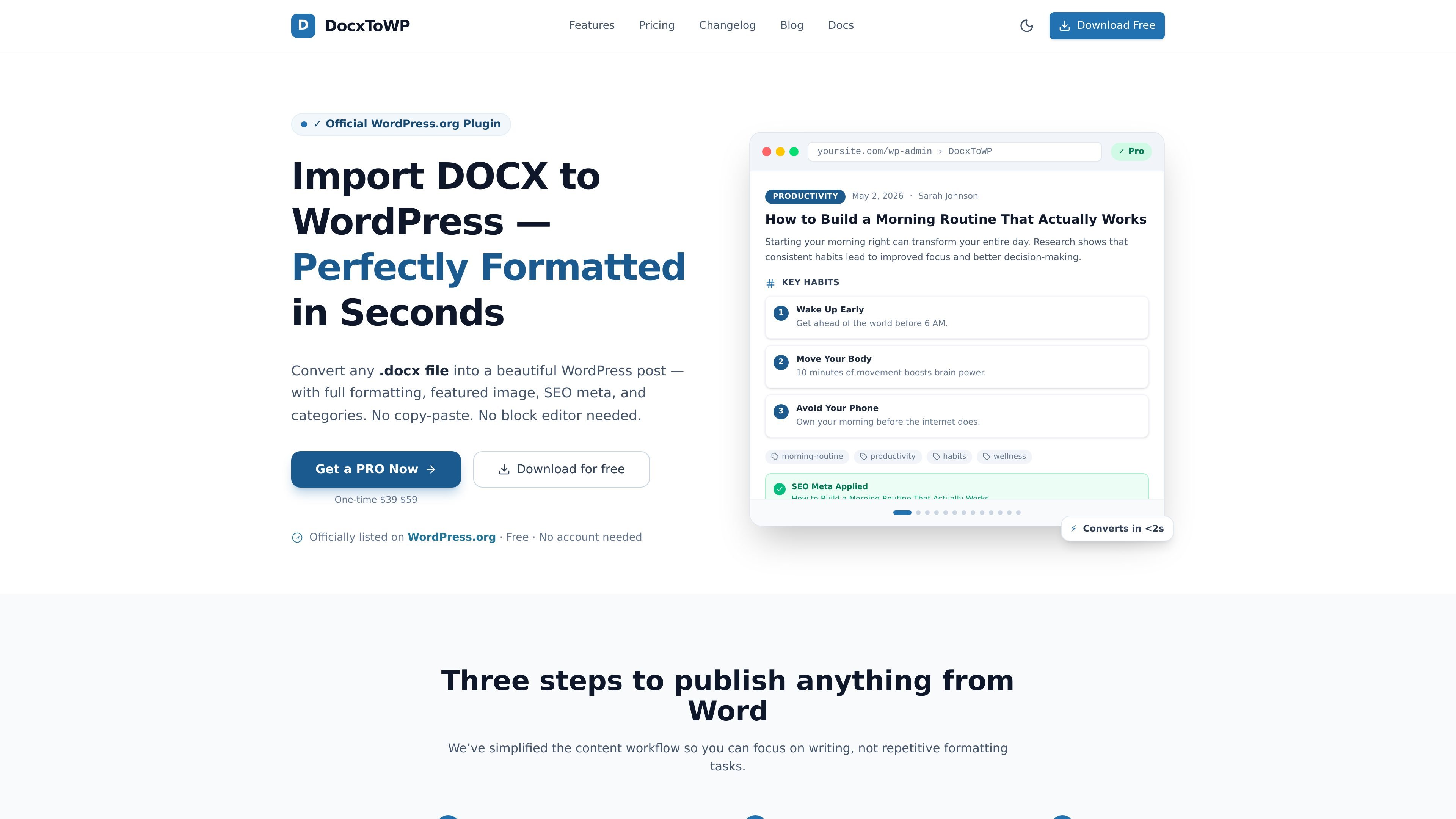
DocxToWP is a WordPress plugin for importing Microsoft Word .docx files into posts, pages, and other WordPress content types without copy-pasting or rebuilding the layout by hand. The site positions it as a way to move drafted content from Word into WordPress while keeping formatting, images, and SEO fields intact.
The plugin is built around a review-first workflow: upload a document, preview the parsed content, and then publish, schedule, save as draft, or set it private. The free version is available on WordPress.org, while Pro adds bulk import, custom post type support, SEO automation, and a richer activity log for repeated publishing work.
Import a single .docx file directly into WordPress and preserve headings, lists, tables, links, bold, italic, and related formatting as semantic HTML.
Extract images from the Word document and upload them to the WordPress Media Library. The site also supports a separate featured image and filename-based matching for bulk imports.
Choose Posts, Pages, WooCommerce products, documentation, or other custom post types registered by the theme.
Preview the content before it is created, then publish immediately, schedule for later, save as draft, or mark it private.
Fill in SEO fields for Yoast SEO and Rank Math, including meta title, description, and focus keyphrase, with support for batch templates in Pro.
Import up to 100 DOCX files in one run in Pro, with live progress, pause/resume, per-file error isolation, and one-click undo.
Writers who draft in Microsoft Word can move finished articles into WordPress without reformatting headings, lists, tables, or links by hand.
Agencies or internal editors can load a set of DOCX files, review each item, and import them with shared settings before publishing.
Documentation teams can publish manuals, SOPs, or knowledge-base content into a custom post type instead of flattening everything into standard posts.
Site owners who care about timing can set imported content to publish immediately, later, as drafts, or on a drip schedule in Pro.
SEO-focused publishers can import content while also filling in meta title, description, and focus keyphrase fields for supported SEO plugins.
Yes. The site says you can upload a .docx file, review the import, and then publish, schedule, save as draft, or set the result to private. The free version is also described as available on WordPress.org for personal use with 5 uploads.
DocxToWP is designed to preserve common Word formatting, including headings, bold, italic, lists, tables, links, and images. The site also says it extracts images into the WordPress Media Library instead of leaving them embedded in the post body.
Yes. The site says it supports Posts, Pages, and any custom post type, including WooCommerce products, portfolios, and documentation.
Yes. The product pages say it works with Yoast SEO and Rank Math, and also mention All in One SEO in the FAQ. It can fill in meta title, meta description, and focus keyphrase fields.
The pricing page says the free version supports 5 total uploads site-wide, while Pro is a one-time purchase with lifetime updates and support. The same page also says Pro unlocks bulk import, unlimited uploads, Pages and custom post types, SEO automation, and the full activity log with re-import.

PDFTools is a browser-based suite of free and premium PDF tools for editing, conversion, and document handling—process PDFs locally without uploading files.

DocuSmart AI is a cloud-connected document search tool for nonprofits and civil society organisations. Search Drive, OneDrive and Dropbox files with cited answers for reporting, compliance and grants.

ArtDeck is a visual reference board app for iPhone, iPad, and Mac. Collect mixed references on one canvas and study them with ToolBox lenses. Offline, optional iCloud sync, one-time purchase.

Codex Plugins bundle reusable skills, app integrations, and MCP servers into workflows you can install in the Codex app or use from Codex CLI.

nolainocr is an AI OCR tool that extracts structured data from PDF invoices, receipts, forms, contracts, and bank statements into Excel, Google Sheets, JSON, or CSV.

Snapmark is a VS Code extension for annotating clipboard screenshots before pasting them into AI chats. Blur sensitive details, add numbered callouts, and auto-resize large images.