
Prompt-to-form generation
Build forms from a prompt, then refine the generated fields, validation, and theme before publishing. The dashboard also shows fast generation and unlimited submissions on the product page.

DodoForm is an AI-native form platform that turns prompts, voice, photos, and messy notes into structured form data, with plain-English analysis and branded forms.
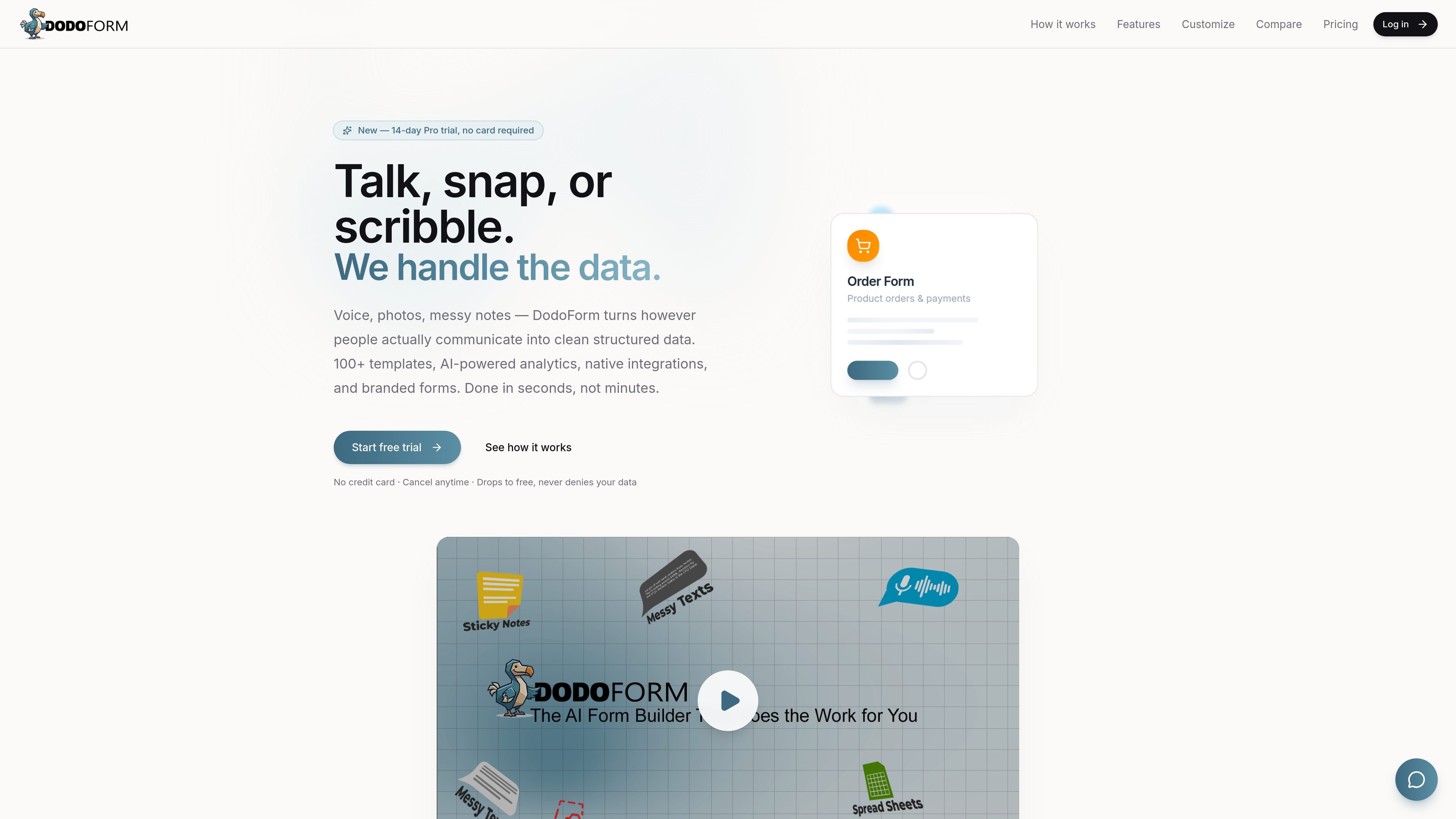
DodoForm is an AI-native form platform for creating, publishing, and analyzing forms that accept more than standard typed answers. It turns prompts, voice, photos, and messy notes into structured form data, then lets users query responses in plain English.
The product combines form building, AI extraction, analytics, and integrations in one workflow. Public pages describe features such as prompt-based generation, conditional logic, webhooks, CSV export, branded forms, and conversational BI, with free, Pro, Max, and Business plans plus an Enterprise or self-hosted option for larger needs.
Build forms from a prompt, then refine the generated fields, validation, and theme before publishing. The dashboard also shows fast generation and unlimited submissions on the product page.
Accept voice, photos, and messy notes, then convert them into structured submissions. The product positions this as an AI extraction workflow with transcription, OCR, and free-text parsing.
Let users ask questions in plain English over their submissions. DodoForm compiles a constrained query plan and returns charts and answers from read-only Postgres.
Collect responses through conditional logic, multi-page forms, custom close messages, and custom thank-you pages or redirects. Forms can also be paused or closed with a message.
Send submissions into Zapier, Slack, Google Sheets, Notion, HubSpot, Pipedrive, or custom endpoints through HMAC-signed webhooks. Integration options cover both no-code and developer workflows.
Use branding and layout controls to match the form to a specific project or client. Supported customization includes themes, logos, banners, spacing, fonts, and other visual settings.
Create intake forms from a prompt, then accept voice notes or scribbled information and convert it into structured records before submission.
Build surveys, feedback forms, and NPS-style questionnaires with conditional logic and analytics that summarize themes and sentiment.
Set up order or payment forms that can collect payments, then route completed submissions into downstream tools through integrations.
Use the conversational BI and reporting features to ask questions about submissions, identify trends, and share automated summaries with a team.
Handle agency or multi-workspace workflows with branded forms, workspace collaboration, and shared management across different clients or projects.
Yes. The Free plan includes up to 3 forms, 100 AI generations per month, conditional logic, webhooks, Zapier/Notion/Slack/Sheets integrations, and CSV export, with no credit card required.
Pro adds branded forms, voice and image input, lead scoring, drop-off heatmaps, and 1,000 AI generations per month. Max adds conversational BI, theme clustering, payments, e-signatures, and 5,000 AI generations per month.
Yes. Payment collection is available on Pro and above. The pricing page says you can connect a PayPal account, and the home page also shows payments as part of supported form workflows.
Form submissions still work when you hit an AI generation limit. Only AI-powered features such as extraction, generation, and analytics pause until the next billing cycle or an upgrade.
DodoForm supports built-in integrations such as Zapier, Slack, Google Sheets, Notion, HubSpot, and Pipedrive, plus signed webhooks for custom endpoints.

PromptScout tracks how ChatGPT, Gemini, Google AI Overviews, and Perplexity mention your brand or competitors, with source analysis and website audits.

SaveMRR is a Stripe retention tool for SaaS teams to scan churn and MRR leaks, then automate recovery with dunning, cancel-save offers, win-back emails, and onboarding nudges.

Hype is a web tool for finding trending YouTube topics by category, time range, and scoring mode. Spot emerging ideas and review source videos.

Sleek Analytics is a privacy-friendly web analytics tool with real-time visitor tracking, Core Web Vitals, and revenue attribution.

Struere turns spreadsheet data into structured operational software with dashboards, alerts, and automations for teams replacing manual spreadsheet workflows.

ClayHog is an AI search visibility platform for tracking brand presence in ChatGPT, Gemini, Perplexity, Claude, and Google AI Overviews from one dashboard.