
Document processing APIs
Parse, extract, split, classify, and edit documents through APIs designed for document-processing pipelines.

Extend is a document processing platform for turning PDFs and other documents into structured data. It helps teams parse, extract, split, classify, and route documents through APIs, Studio, Evals, Composer, and Workflows.
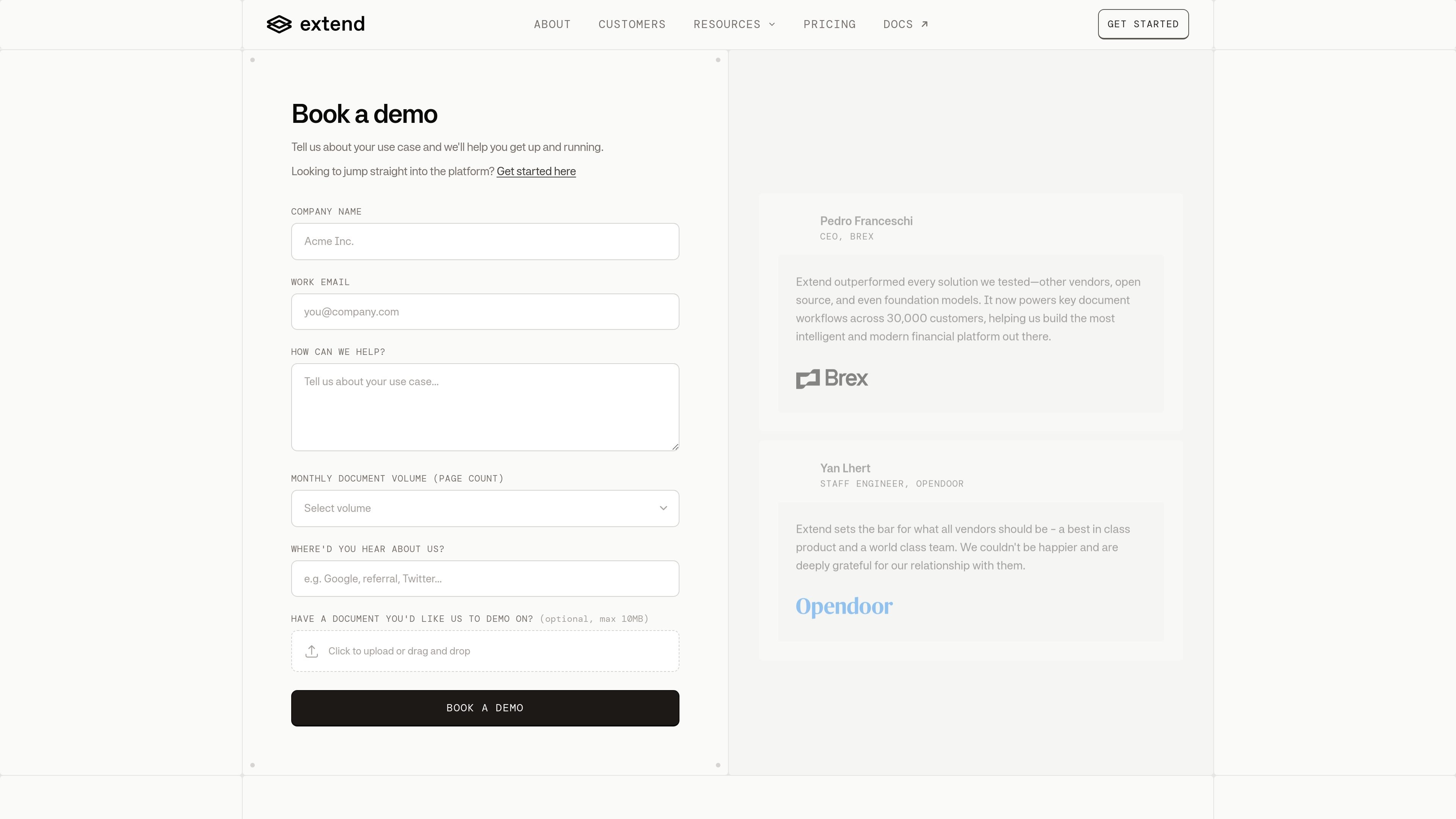
Extend is a document processing platform for turning PDFs and other documents into structured data. The product combines parsing, extraction, splitting, classification, editing, evaluation, and workflow tooling so teams can move from raw files to production pipelines in one system.
The site positions Extend around hard, real-world document layouts where reading order, field relationships, tables, checkboxes, and handwriting affect downstream quality. It offers API access, Studio and Evals, Composer, and Workflows, with options for cloud use or self-hosted deployment on customer infrastructure.
Parse, extract, split, classify, and edit documents through APIs designed for document-processing pipelines.
Use specialized vision models and agentic OCR to handle difficult layouts, tables, checkboxes, handwriting, signatures, and bounding boxes.
Work with multiple processing modes, including low-latency, cost-optimized, and maximum-accuracy paths.
Run a multi-pass review agent and confidence scoring to flag uncertain outputs before they reach production.
Orchestrate multi-step document flows with versioning, durability, human-in-the-loop steps, and routing.
Iterate on schemas and evaluations in Studio, while Composer helps refine schemas from examples and reduce manual prompt tuning.
Convert incoming PDFs and scans into structured fields for downstream systems, especially when document layout is inconsistent or complex.
Break long or mixed documents into smaller units so each section can be routed, validated, or processed separately.
Apply schema-driven extraction for teams that need field-level answers from forms, statements, and operational documents.
Set up review loops that score confidence, flag uncertain outputs, and catch errors before data reaches users or internal systems.
Build end-to-end workflows that combine parsing, extraction, validation, and routing with support for durability and versioning.
Extend offers a platform for parsing, extracting, splitting, classifying, and editing documents, with supporting tools for Studio, Evals, Composer, and Workflows.
The pricing page shows a Pay As You Go plan with 10,000 free credits included, a Scale plan starting at $500 per month, and a custom-priced Enterprise plan.
Yes. The Enterprise plan includes self-hosted deployments, and the site also states that sensitive documents can be kept in-house with self-hosted deployment.
The site highlights Python, TypeScript, and CLI access, plus APIs such as Parse, Extract, Split, Classify, and Edit.
The published materials emphasize document parsing, OCR, extraction, splitting, classification, review, and workflow orchestration. They do not provide a full public list of third-party integrations on the pages provided.

Codex Plugins bundle reusable skills, app integrations, and MCP servers into workflows you can install in the Codex app or use from Codex CLI.

ArtDeck is a visual reference board app for iPhone, iPad, and Mac. Collect mixed references on one canvas and study them with ToolBox lenses. Offline, optional iCloud sync, one-time purchase.

Struere turns spreadsheet data into structured operational software with dashboards, alerts, and automations for teams replacing manual spreadsheet workflows.

Wysera is an AI business platform with PostWyse for content and OpsWyse for CRM and revenue workflows, powered by shared Wyse AI and approval-first automation.

OpenFlags is an open-source, self-hosted feature flag platform for JavaScript teams, with local evaluation, targeted rollouts, and controlled launches.

nolainocr is an AI OCR tool that extracts structured data from PDF invoices, receipts, forms, contracts, and bank statements into Excel, Google Sheets, JSON, or CSV.