
Demonstration-based workflow learning
The Watch & Learn approach learns a workflow from a demonstration and is described as running the learned task across apps without requiring prompts for the learning step.

IrisGo is a desktop AI assistant for solopreneurs that learns recurring workflows by demonstration and runs them across apps, with beta examples for email triage and daily briefings.
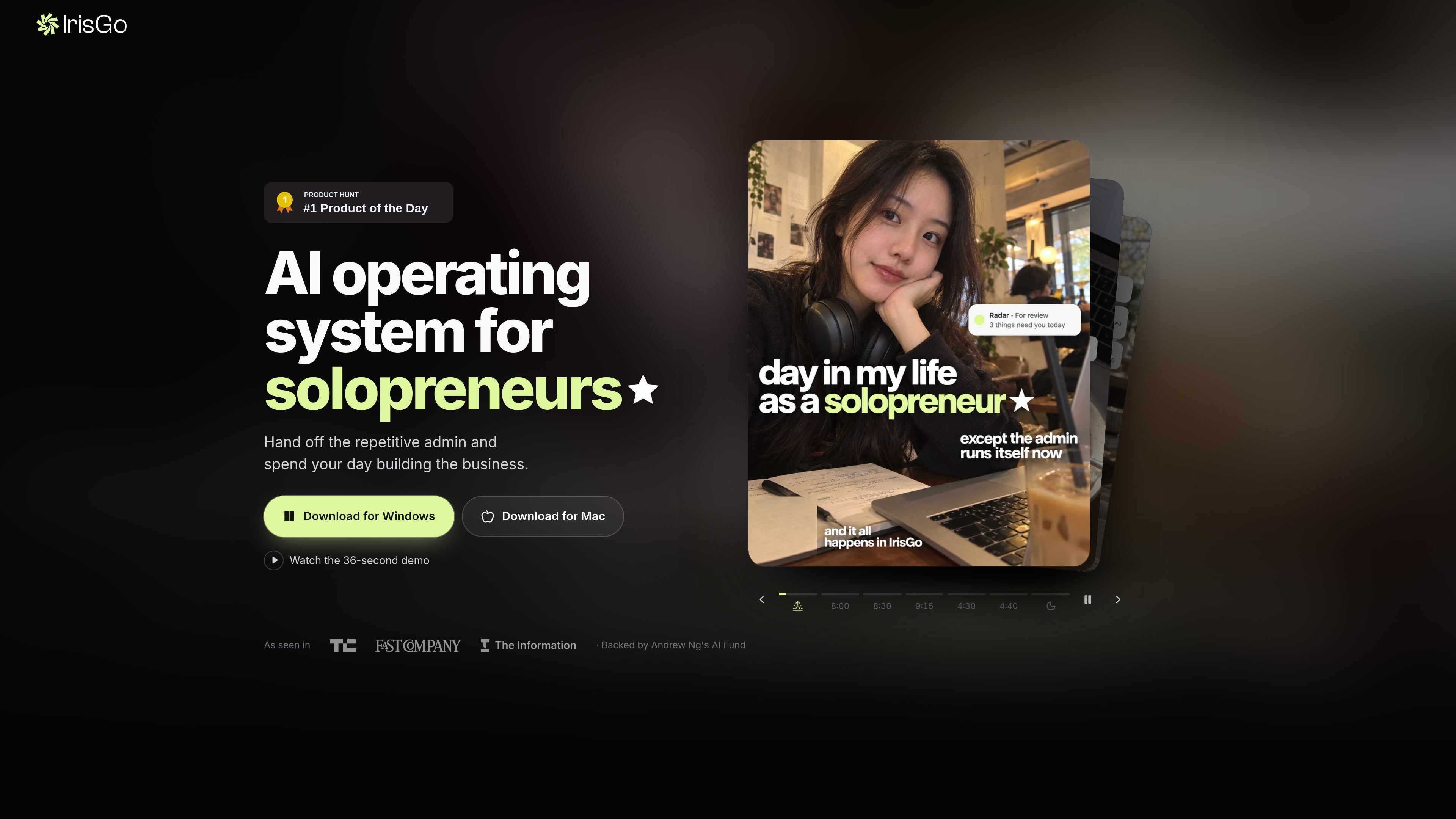
IrisGo is a desktop AI operating system for solopreneurs that handles recurring administrative work across applications. Rather than relying only on typed prompts, it is designed to learn how a user completes a workflow from a demonstration, then repeat that workflow in the background.
The product's public beta highlights workflows such as Daily Brief, Email Triage, My Radar, and Watch & Learn. IrisGo is available for Windows 11 64-bit PCs and Apple Silicon Macs, with automatic updates during the beta. Users decide what data and workflows the assistant can access, and the product supports hybrid local and cloud AI processing.
The Watch & Learn approach learns a workflow from a demonstration and is described as running the learned task across apps without requiring prompts for the learning step.
The product presents Daily Brief, Email Triage, and My Radar as example workflows in its product demonstration, indicating a focus on recurring information and administrative tasks.
IrisGo is positioned as an operating layer that works across applications rather than as a standalone chat interface. The site also describes learned workflows running in the background.
When connected and enabled, Gmail, Google Drive, and Google Calendar content can provide context for summaries, questions, action-item extraction, and workflows the user authorizes.
IrisGo uses hybrid on-device and cloud AI. Contextual processing occurs locally whenever possible, while cloud processing is used when authorized through model and feature settings.
Users can review and revoke data access in settings, see which models are being used, and retain control over automated actions through confirmation or prior authorization.
A solo business owner can use the demonstrated Email Triage workflow as a starting point for handling recurring inbox administration, reducing the need to process the same routine manually each day.
The Daily Brief example is suited to consolidating recurring information into a regular review, giving a solopreneur a repeatable way to start the workday with relevant updates.
My Radar represents an ongoing monitoring workflow for information the user wants to keep track of. IrisGo's cross-app approach is intended to run these learned routines beyond a single chat session.
A user can demonstrate a repetitive process once and have IrisGo learn and repeat it across applications, which is useful for administrative routines that follow consistent steps but span more than one app.
IrisGo is available during its beta for Windows 11 (64-bit) and Apple Silicon Macs. The site provides separate Windows and Mac downloads, and says updates install automatically.
The site describes IrisGo as learning workflows from a demonstration and then running them across apps. Its Watch & Learn material says a workflow can be learned from a single demonstration without requiring prompts for that learning step.
IrisGo processes screen content, clipboard data, or voice input only after explicit user initiation. Access can be granted or revoked through the app's settings, and automated actions require confirmation unless the user has pre-authorized them.
IrisGo can use connected Gmail, Google Drive, and Google Calendar content as context for features that the user invokes or enables, including summarization, question answering, action-item extraction, and authorized workflows.
The public site identifies the current offering as a free beta. The available pricing page does not provide additional plan prices or usage limits, so those terms should be confirmed with IrisGo before relying on the product for ongoing use.

Macuse is a macOS app that lets AI assistants control native Mac apps through MCP and use Computer Use for any app, with on-device automation.

Goldfish is an AI memory app for macOS that helps you reply, write, summarize, and continue with context already on your Mac. It stores memory locally and writes in your tone.

Lasso is an ecommerce product data platform for enriching catalog records, processing supplier files, generating product content, and tracking competitors. It includes a web app, REST API, SDK, and MCP server.

ArtDeck is a visual reference board app for iPhone, iPad, and Mac. Collect mixed references on one canvas and study them with ToolBox lenses. Offline, optional iCloud sync, one-time purchase.

Biji is a versatile platform designed to enhance productivity through innovative tools and features.

Malyatko is a baby tracker for feeding, sleep, growth, teething, and milestones. Use it on iPhone, Apple Watch, and widgets offline, with iCloud sharing.