
Full-screen ambient clock display
Keep turns the iPhone into a full-screen clock display for desks, nightstands, MagSafe stands, and charging setups.
Keep is a full-screen ambient clock app for iPhone with multiple scenes, optional keep-awake mode, and a one-time Pro unlock.
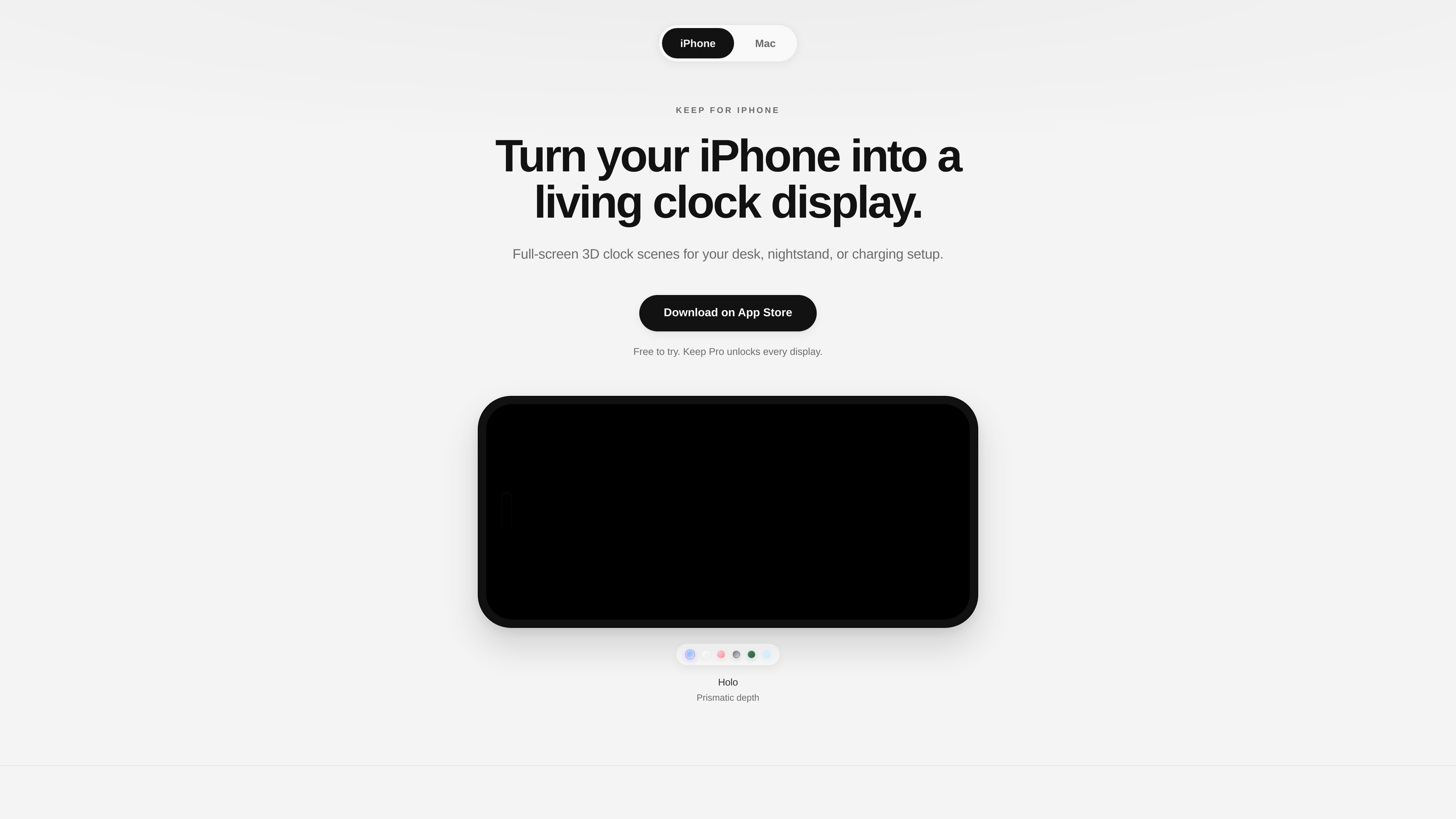
Keep is a full-screen ambient clock app for iPhone. It is designed to turn an iPhone into a stationary clock display for a desk, nightstand, MagSafe stand, or other charging setup.
The app focuses on simple passive use: choose a display, set the phone down, and let the time stay visible. The site says Keep can open automatically when the phone starts charging through Apple Shortcuts automation, and it includes an optional Keep Awake setting to help keep the clock on screen.
Keep turns the iPhone into a full-screen clock display for desks, nightstands, MagSafe stands, and charging setups.
The app offers six named display scenes: Holo, Glass, Jelly, Wireframe, Matrix, and Morph, each presented as a different clock style.
Users can pick a display, place the iPhone down, and leave it running as a passive clock rather than interacting with it continuously.
Keep can be launched automatically when the iPhone connects to power by using Apple Shortcuts automation, with step-by-step setup instructions on the site.
An optional Keep Awake setting is included to help prevent auto-lock while a clock is open, using standard iOS idle timer behavior.
Keep Pro is a one-time unlock that adds the premium displays, future display drops, and free updates without a subscription.
Use Keep on a desk to keep the time visible without opening a separate clock app or checking your lock screen repeatedly.
Place the iPhone on a nightstand so it functions as a stationary clock while the phone is charging nearby.
Use a MagSafe stand or other charging dock and have Keep launch automatically when power is connected.
Choose a display style that fits a minimalist, digital, or motion-heavy look when the phone stays in one place for long stretches.
No. The site says Keep is a full-screen iPhone app, not native Apple StandBy. It is designed for desk and nightstand display and can be opened automatically when charging with Apple Shortcuts automation.
Yes. Keep includes an optional Keep Awake setting that uses iOS idle timer behavior to help prevent auto-lock while a clock is open.
No. Keep Pro is described as a one-time in-app purchase, not a subscription.
Holo is the free display. Keep Pro unlocks the other displays, including Glass, Jelly, Wireframe, Matrix, Morph, and future display drops.
Yes. The site says 24-hour time support is planned for an update after launch.

MacSpoof is a macOS MAC address changer that lets you change or randomize your Wi‑Fi MAC to reconnect and limit device logging on public Wi‑Fi.

NomNak is a free iPhone app for discovering restaurants through friends’ recommendations, with saved spots, a food passport and city search.

Rokoko is a motion capture software and hardware ecosystem for body, finger, and face animation. Rokoko Studio processes capture data, lets creators clean and retarget it, and streams or exports it to 3D tools.

A native macOS Hacker News client built with SwiftUI and distributed through GitHub Releases. It can be installed from a DMG, or built from source in Xcode 26+.

Sidemail Email Validator is a web-based tool for checking whether an email address is syntactically valid, has reachable mail infrastructure, and may be deliverable. It supports quick single-address checks and a separate CSV bulk validation workflow, with optional deeper SMTP verification.

BJP Promise Tracker is a web-based tracker for BJP manifesto promises, with category filters, status updates, and progress at a glance.