
AI image enhancement
Enhances photos with AI that aims to recover real detail, fix color, sharpen edges, and reduce noise while keeping a natural look.

Let’s Enhance is an AI image tool for enhancing, upscaling, and restoring photos online, with free, subscription, and pay-as-you-go options.
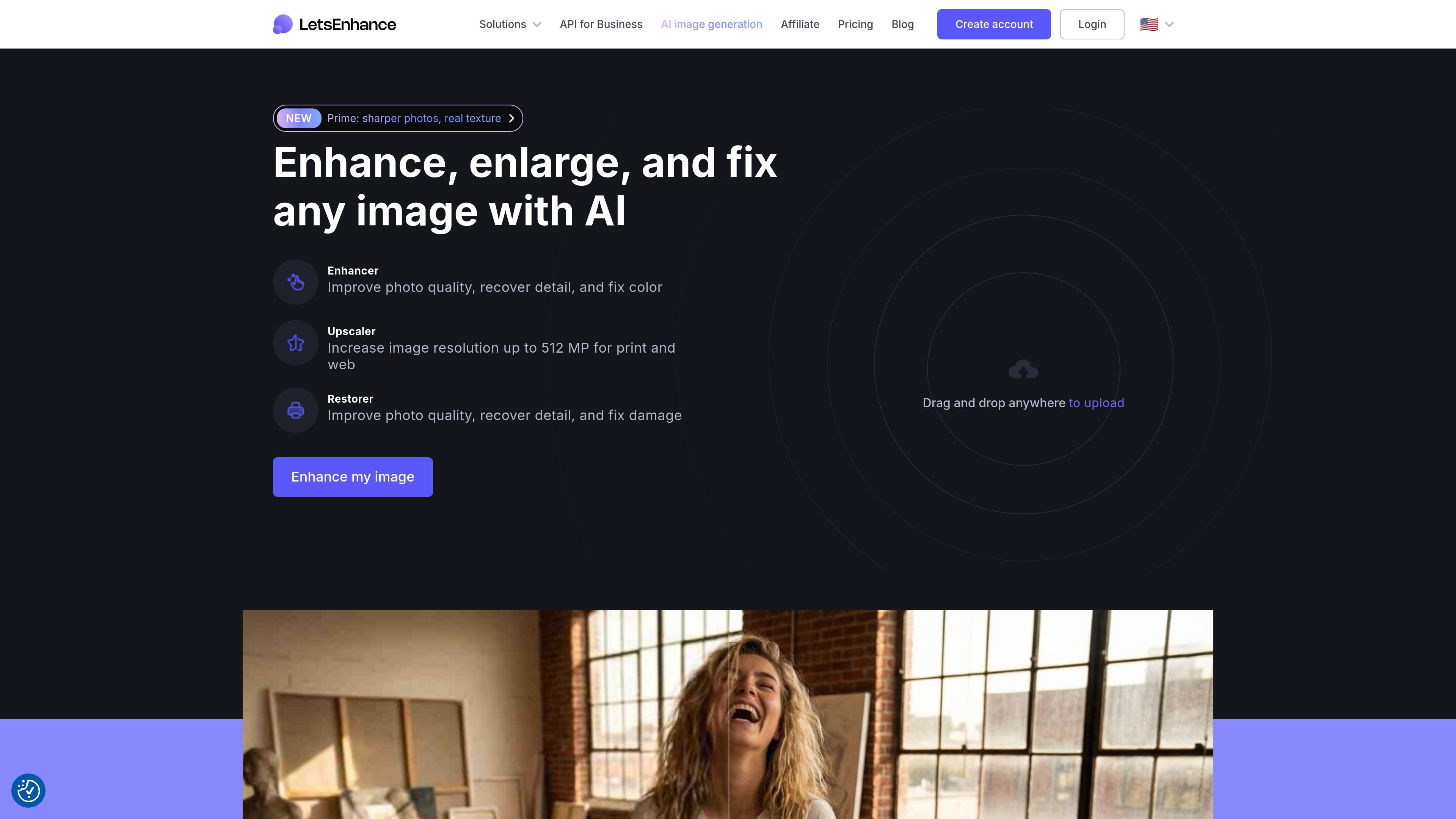
Let’s Enhance is an AI image app for improving photo quality online. Its core tools focus on enhancement, upscaling, and restoration, with the site also describing an API and additional AI tools.
The product is built for people who need clearer images without manual editing. It can recover detail, fix color, enlarge images for print or web, and handle common inputs such as phone photos, compressed JPEGs, AI art, and old scans.
Enhances photos with AI that aims to recover real detail, fix color, sharpen edges, and reduce noise while keeping a natural look.
Upscales images for print and web, with the product page stating output sizes up to 512 megapixels on the homepage and up to 512 megapixels on the highest personal plan.
Supports restoration workflows for old photos, including colorization and repair-oriented cleanup.
Accepts common image sources such as phone photos, compressed JPEGs, AI art, and old scans, so the same tool can handle different image conditions.
Offers free-to-start web use, subscription plans, and pay-as-you-go bundles, so users can choose between occasional and recurring usage.
Improve portraits, product shots, or other everyday photos when the original file looks soft, noisy, or poorly colored.
Increase image resolution for print or larger displays while staying within the product’s stated output limits.
Repair and colorize older family photos or scans that need restoration work rather than simple sharpening.
Process compressed JPEGs, phone captures, or AI-generated art when the source needs a more natural, detailed finish.
Use the web app for occasional jobs through free credits or pay-as-you-go bundles, or subscribe when you process images regularly.
Yes. The pricing page says Let’s Enhance offers a free tier with 10 free credits upon signing up and no credit card required.
Processed images are saved without a watermark after you purchase a subscription or a pay-as-you-go bundle. The pricing page also says images enhanced with free credits can be downloaded again watermark-free after purchase.
The pricing page says input images can be up to 64 megapixels or 50 MB for all plans. Output limits vary by plan, with personal plans up to 256 megapixels and business plans up to 500 megapixels.
The pricing page says subscriptions use monthly credits, and unused credits roll over while you remain subscribed. It also says 1 image equals 1 credit.
The source pages show online tools and mention an API in the site description, but they do not provide detailed integration documentation on the pages reviewed.

Upscale.media is an AI image upscaling and enhancement tool by Pixelbin that sharpens low-resolution images in the browser, with bulk processing and API support.

Let's Enhance is an online AI image app for enhancing, upscaling, and restoring photos. Clean up images and boost resolution with free credits or paid plans.

ImgUpscaler is a browser-based AI image upscaler that enlarges photos, anime, product images, portraits, and old pictures by 2x or 4x.

VanceAI Image Resizer is an AI image enlargement tool for resizing photos online or in the desktop app while preserving detail.

Pixelcut is an AI photo editor for product images, social content and video assets. Free and paid plans; mobile app and browser access for individuals and teams.

Free browser-based AI image enlarger by PhotoAid for upscaling JPEG, WEBP, and PNG photos, especially portraits, without heavy blur.