
SSH-based server management
Monitor and manage servers that are reachable over SSH from a desktop app, keeping the workflow local to your computer.

Local Panel is a desktop app for managing VPS and Linux servers over SSH, with one-click installations and command shortcuts. A free Lite edition is available alongside the paid MacOS and Windows version.
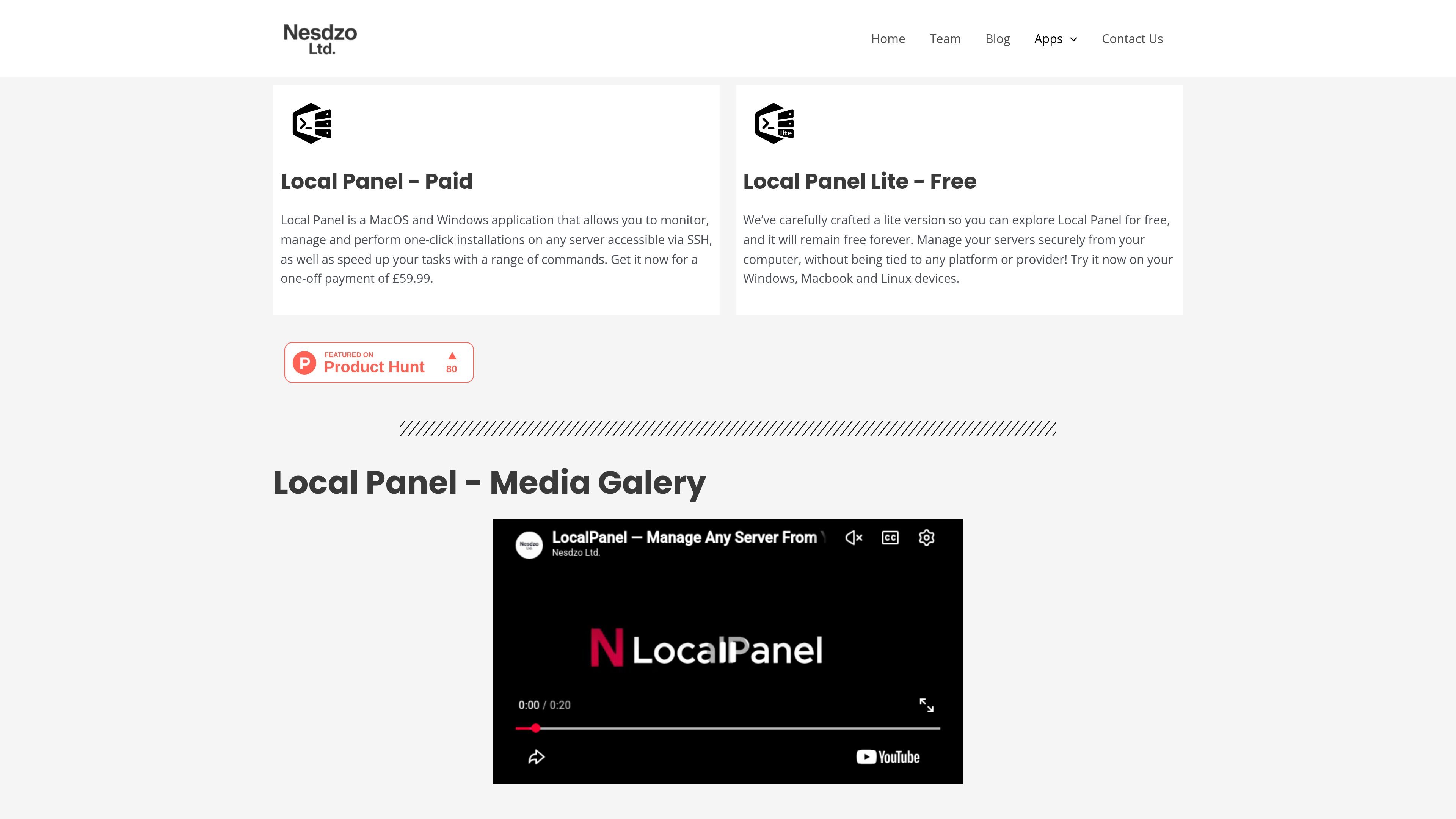
Local Panel is a desktop application for managing VPS and Linux servers over SSH. The product page positions it as a local panel for users who want to monitor servers, run one-click installations, and speed up routine tasks from their own computer.
The main paid version is available for MacOS and Windows with a one-off payment of £59.99. A separate Local Panel Lite edition is offered for free and is described as remaining free forever, with support noted for Windows, Macbook, and Linux devices.
Monitor and manage servers that are reachable over SSH from a desktop app, keeping the workflow local to your computer.
Run one-click installations on supported servers to reduce the amount of manual setup work required.
Use built-in commands to speed up recurring server tasks and common operations.
Store server passwords using the system’s encryption method, according to the product page, to keep credentials tied to the local device.
Choose between the paid full app and the free Lite edition, which is described as remaining free forever.
Use the application on desktop operating systems named on the site, including MacOS, Windows, and Linux for the Lite version.
Use the app to keep an eye on SSH-accessible VPS or Linux servers from a desktop interface instead of switching between separate remote tools.
Use the one-click installation flow to set up server software or services with less manual terminal work.
Use command shortcuts to reduce repetition when performing routine maintenance or common administrative tasks.
Use the free Lite edition to evaluate the workflow on Windows, Macbook, or Linux before deciding whether to buy the paid version.
Local Panel is presented as a desktop application for MacOS and Windows, and Local Panel Lite is offered for Windows, Macbook, and Linux devices.
The source says the paid version can monitor, manage, and perform one-click installations on servers accessible via SSH, and it also includes command shortcuts to speed up tasks.
The source does not describe a formal setup flow, but it does say the free Lite version is meant to let users explore Local Panel without payment.
The page frames Local Panel as a local desktop tool for managing servers securely from your computer, rather than being tied to a specific platform or provider.
The source does not list advanced integrations, third-party plug-ins, or detailed compatibility notes beyond SSH-accessible servers and the stated desktop operating systems.

ClawTick is an AI agent automation platform for scheduling jobs from the CLI, dashboard, or REST API. It is aimed at developers and teams running LangChain, CrewAI, webhook, or custom agent workflows that need monitoring, alerts, and logs.

OpenFlags is an open-source, self-hosted feature flag platform for modern JavaScript teams. It supports local evaluation, targeted rollouts, and controlled launches while keeping flag data in your own infrastructure.

Rectify is an all-in-one SaaS operations platform that combines session replay, monitoring, support, code scanning, roadmaps, and changelogs. It is aimed at founders and product teams, especially non-technical SaaS teams working with AI-assisted development.

PingPulse monitors AI agent workflows with real-time handoff tracking, workflow visualization, and configurable alerts for failures, stalls, and out-of-order execution.

Latitude is open-source observability for Claude Code—monitor every agent turn with full session traces, failure detection, and cost/usage visibility.

PromptScout tracks how ChatGPT, Gemini, Google AI Overviews, and Perplexity mention your brand or competitors, then pairs those results with source analysis and website audits. It helps teams decide what to fix in content, positioning, or site readiness next.