
PingPulse
PingPulse monitors AI agent workflows with real-time handoff tracking, workflow visualization, and configurable alerts for failures, stalls, and out-of-order execution.
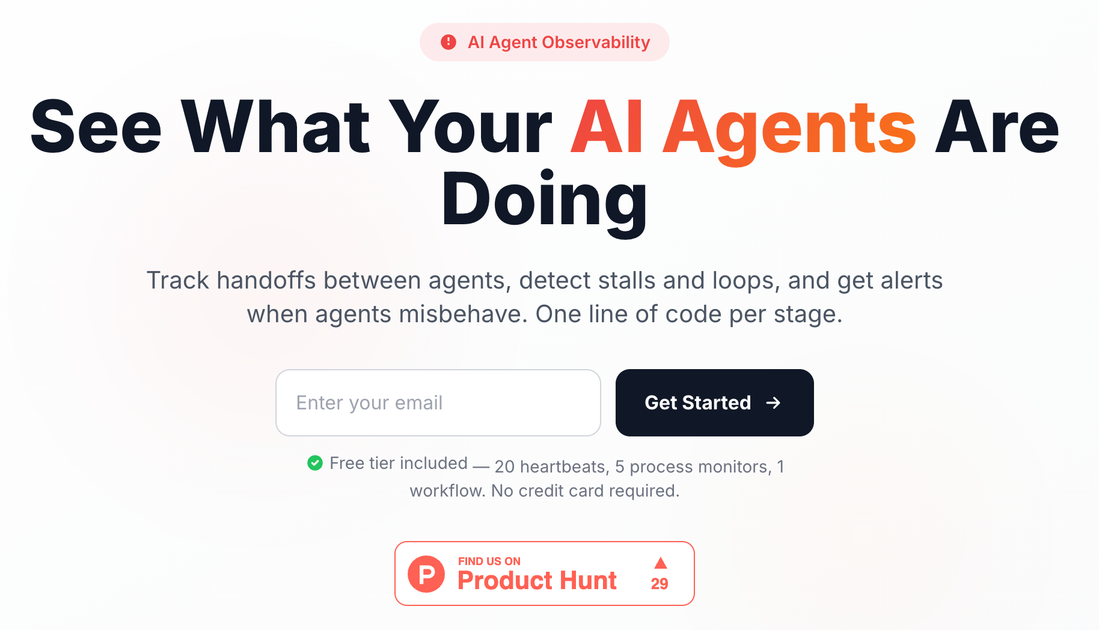
What is PingPulse?
PingPulse is an AI agent observability service for monitoring production AI workflows, including multi-step pipelines and scheduled jobs. It tracks stage-to-stage handoffs and surfaces failures, stalls, or out-of-order execution so teams can detect issues before they become incidents.
The platform works by receiving simple webhooks from your workflow stages, displaying real-time handoff activity and timing in a dashboard. It’s designed for autonomous AI systems and “human-in-the-loop” approvals, including an API-based approval flow.
Key Features
- Workflow monitoring via webhooks: Send pings from workflow stages to track execution across steps in production.
- Stage-by-stage handoff insights: See when control passes between components/agents, including who did what and how long each step took.
- DAG-style visualization and run status: Use a visualization of workflow structure and execution progress to understand where runs break.
- Intelligent alerts for operational events: Configure notifications for handoff timeouts, handoff failures, and workflow completion events.
- Multi-channel notifications: Deliver alerts through Email, Slack, Discord, Teams, Telegram, Google Chat, Mattermost, PagerDuty, Webhooks, ntfy, and SMS.
- Human-in-the-loop approval via API: Provide an approval step that AI agents can request through an available API feature.
How to Use PingPulse
- Get your API key: Sign up and copy your API key from the PingPulse dashboard (keys start with
ppk_). - Point your agent/workflow to PingPulse: Give your AI agent the documentation URL (
https://pingpulsehq.com/docforagents). - Send stage transition pings: Add an HTTP call at each stage transition. The site shows an example
curlPOST tohttps://pingpulsehq.com/dhk/your-workflowwith parameters likestagePath,agentCode, and yourkey.
Once pings are emitted, PingPulse records handoffs and timings and displays them in the dashboard, where you can inspect logs for recent runs and configure alert settings.
Use Cases
- Production AI agent pipelines: Monitor multi-step agent workflows where each stage hands off to the next, and alert when a stage fails, stalls, or completes out of order.
- Scheduled jobs and cron-style runs: Track execution of recurring pipelines (e.g., cron jobs) and receive notifications when a run’s handoff sequence breaks.
- Handoff debugging for dynamic workflows: Use hand-off insights and logs to identify which transition caused delays or incorrect routing in dynamic, multi-agent flows.
- Approval gating in autonomous workflows: Add a human approval step and have agents request approval via the available API workflow, with observability around when the approval stage is reached.
- Operational incident prevention: Configure thresholds so teams are notified when handoffs exceed expected durations (warning/failure thresholds) rather than discovering issues after customers are affected.
FAQ
-
Do I need an SDK or install software on agents? The site states there’s no agent installation or SDK required; monitoring is done via webhooks/HTTP pings from your workflow.
-
How do I send data to PingPulse? The integration described uses a simple HTTP POST to
https://pingpulsehq.com/dhk/your-workflow, including fields such asstagePath,agentCode, and your APIkey. -
What can trigger alerts? The page lists alert types including handoff timeout, handoff failure, workflow completion, and agent inactivity, with configurable warning and failure thresholds.
-
Where can alerts be delivered? PingPulse supports multiple notification channels including Email, Slack, Discord, Teams, Telegram, Google Chat, Mattermost, PagerDuty, Webhooks, ntfy, and SMS.
-
Is there a free tier? A free tier is included with 20 pulses, 5 process monitors, and 1 workflow, and it states no credit card required.
Alternatives
- General-purpose observability (logs/metrics/tracing): Platforms focused on services and instrumentation can monitor components, but may require more effort to capture stage-to-stage handoffs specific to AI agent workflows.
- Workflow orchestration monitoring (e.g., pipeline managers): Tools that track job state and failures can help for scheduled pipelines, though they may not provide the same handoff-centric view across autonomous agents.
- Custom webhook + alerting setup: Teams can build their own webhook ingestion and alert rules, but it shifts dashboarding, handoff visualization, and alert routing effort to your engineering team.
- Event-driven monitoring for HTTP services: An event/alert system can notify on request failures or latency, but may not inherently model agent “handoffs” and DAG-style progression without additional instrumentation.
Alternatives
OpenFlags
OpenFlags is an open source, self-hosted feature flag system with a control plane and typed SDKs for progressive delivery and safe rollouts.
BenchSpan
BenchSpan runs AI agent benchmarks in parallel, captures scores and failures in run history, and uses commit-tagged executions to improve reproducibility.
Rectify
Rectify is an all-in-one operations platform for SaaS, combining monitoring, analytics, support, roadmaps, changelogs, and agent management—via conversation.
Sleek Analytics
Lightweight, privacy-friendly analytics with real-time visitor tracking—see where visitors come from, what they view, and how long they stay.
Codex Plugins
Use Codex Plugins to bundle skills, app integrations, and MCP servers into reusable workflows—extending Codex access to tools like Gmail, Drive, and Slack.
MacSpoof
MacSpoof is a macOS MAC address changer that lets you change or randomize your Wi‑Fi MAC to reconnect and limit device logging on public Wi‑Fi.
