
Brand input fields
Enter a brand name, and optionally add a slogan or symbol, to guide the logo generation process.

AI Logo Maker is a free web-based logo generator for startups, businesses and creators, making quick logos from a brand name, slogan and style preferences.
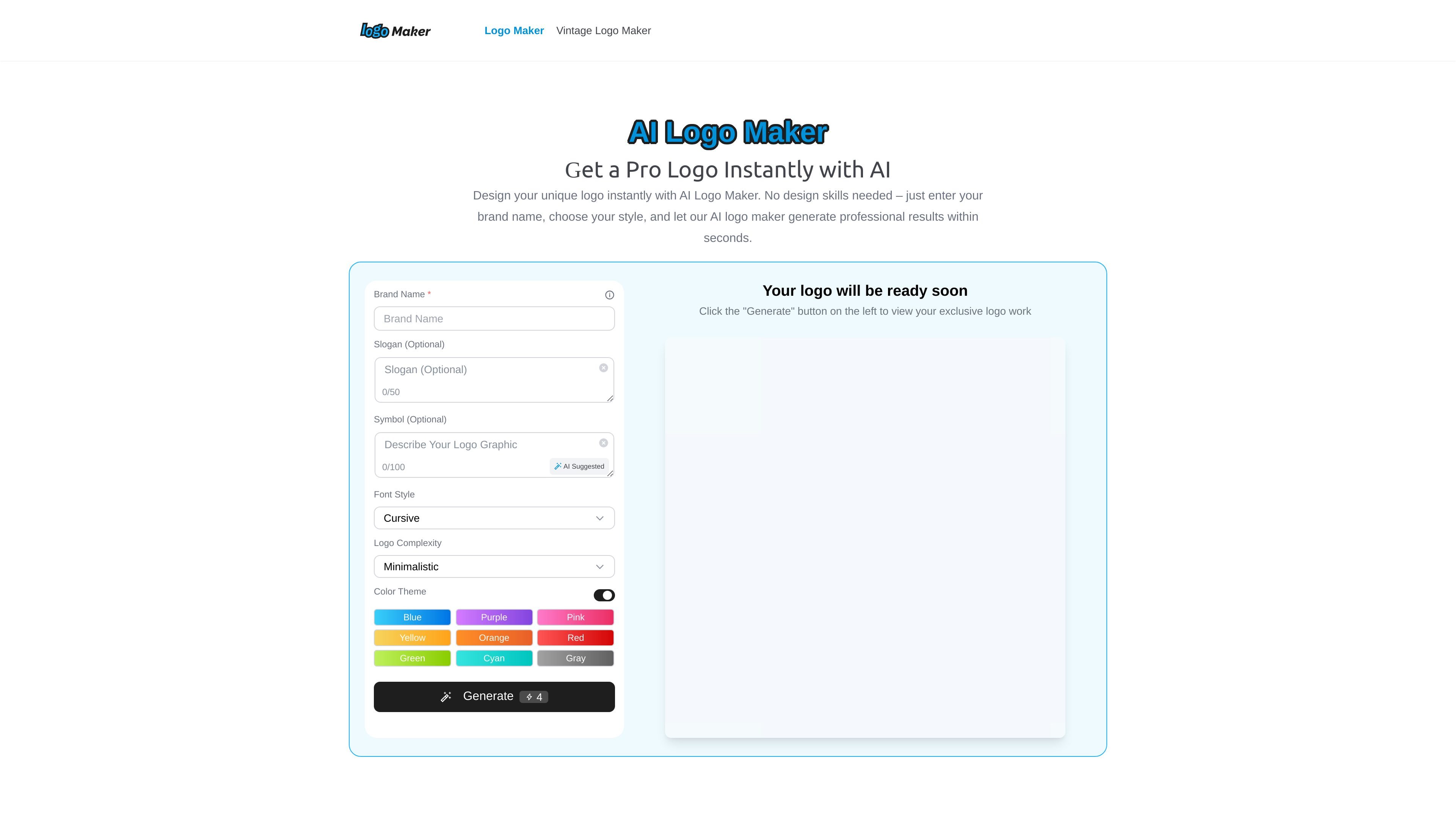
AI Logo Maker is an online logo generator that creates logos from a brand name, optional slogan, and visual preferences. The product is designed for people who want a professional-looking logo without using design software or starting from a blank canvas.
The workflow on the site is straightforward: enter brand information, choose a logo style and color theme, generate options, then download the version you want. The homepage also presents the tool as free to use and aimed at startups, businesses, personal brands, and other creators who need a quick logo setup.
Enter a brand name, and optionally add a slogan or symbol, to guide the logo generation process.
Choose from style options such as modern, minimalist, handwriting, calligraphy, or bold to shape the result.
Select a color theme from options including blue, purple, pink, yellow, orange, red, green, cyan, and gray.
Generate multiple logo options within seconds and preview the results before choosing one.
Download the finished logo in JPG format for use on web, social media, or print materials.
Create a first-pass logo for a new company or side project by entering the brand name and iterating on style and color choices.
Produce a simple logo for a café, boutique, studio, or similar small business that needs a ready-to-use visual identity.
Design channel or shop branding for platforms like Etsy, Instagram, or YouTube, where a consistent visual mark helps recognition.
Generate a quick concept for a client project or classroom material when you need a polished starting point without opening design software.
Yes. The site says you can generate and download logos for free with AI Logo Maker.
No. The page says no design skills are required; you enter your brand name and optionally add a slogan or tagline, then choose a style and colors.
The site says logos can currently be exported in JPG format, which is suitable for web, social media, and print.
The product works by taking your brand name, optional slogan, and style preferences, then generating multiple logo options within seconds.

Make Real is a Next.js app that turns hand-drawn wireframes into HTML prototypes with the tldraw SDK and AI models, with canvas sketching and embedded preview.

PixelDrive is a bulk image generation API for on-brand images from one template via browser editor, REST API, CSV batch, or MCP.

Cherry Blossom is a browser-based PCB editor that turns plain-English prompts into editable schematics, PCB layouts, and fabrication files with AI checks and open exports.

Napkin AI turns text into editable visuals for presentations, documents, and shareable content. Text-first generation, collaboration, and export to PPT, PNG, SVG, or PDF.

Refero MCP for AI agents connects an MCP-compatible agent to Refero’s curated library of web and iOS product interfaces and user flows. It helps agents research real design patterns before generating UI, with access included in the Refero Pro plan.

okkslides is an AI presentation maker that creates and edits business slide decks from prompts, documents, outlines, or existing PowerPoint files. Export to PowerPoint.