
Desktop-aware assistance
Marv is designed to observe what is on the user’s desktop so its guidance can relate to the current task. The site does not detail permissions or the extent of screen access.

Marv is a Windows desktop companion that uses screen context, voice questions, and on-screen guidance to help with tasks. Join the early-access waitlist.
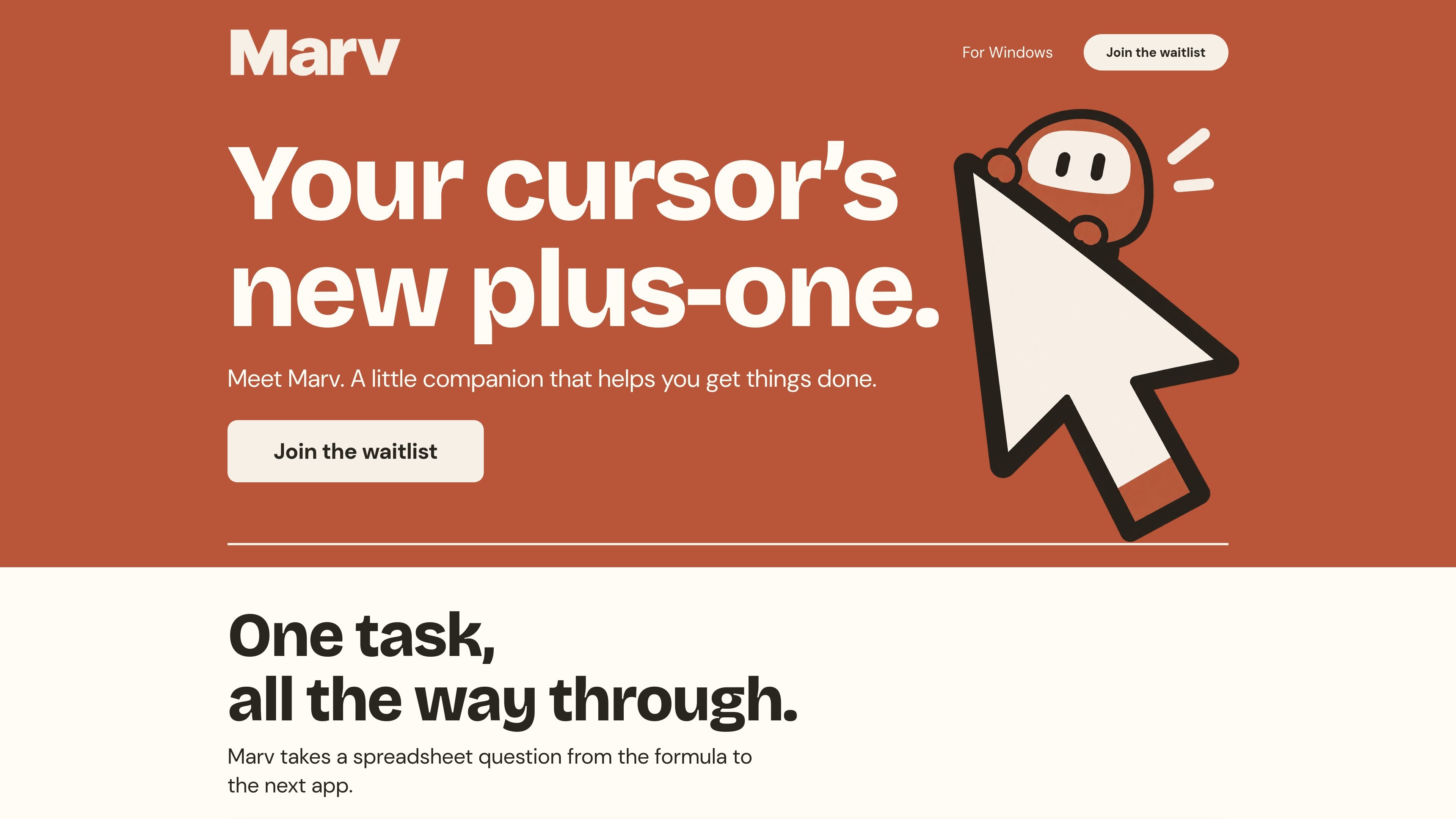
Marv is a Windows desktop companion that uses the user’s screen as context, accepts spoken questions through a keyboard shortcut, and responds with both voice and on-screen guidance. Its purpose is to help users move through a task without repeatedly switching away from the work in progress.
The homepage illustrates a workflow that begins with a spreadsheet question about a formula and continues into the next app. Marv is therefore presented as an in-the-moment guide for desktop tasks: it can explain an answer aloud and use visual markers such as circles, arrows, and highlights to point toward the next action. The site currently directs interested users to an early-access waitlist.
Marv is designed to observe what is on the user’s desktop so its guidance can relate to the current task. The site does not detail permissions or the extent of screen access.
Users can hold a displayed Ctrl+Alt hotkey to speak to Marv instead of typing a request.
Marv responds verbally, allowing users to hear an answer while continuing to work on the desktop.
The companion can place circles, arrows, and highlights on screen to indicate where to look or what to do next.
The homepage presents a workflow that starts with a spreadsheet question about a formula and continues into the next app, showing an intended focus on carrying a task forward rather than stopping at an answer.
A screen-access control is shown in the interface with a paused state, giving users a way to stop or pause Marv’s screen access according to the demonstrated UI.
Ask about a spreadsheet formula while working with the sheet, then use Marv’s guidance to continue the task in the next application rather than treating the answer as the final step.
When a desktop interface is unfamiliar, use spoken guidance and screen highlights to identify the relevant control or location without relying only on a written explanation.
Ask a question verbally while keeping attention on the current desktop activity. The hold-to-talk interaction and spoken response are suited to moments when typing or switching windows would interrupt the workflow.
Use the demonstrated screen-access control to pause Marv when its visual context is not needed, then resume assistance when a screen-aware question arises.
Marv is presented as a Windows companion, and the site describes access as early access for Windows. The available source does not specify supported Windows versions or setup requirements.
The site shows a Ctrl+Alt hotkey and instructs users to hold the hotkey to talk. It does not provide further account, installation, or configuration details.
Marv can answer out loud and can display circles, arrows, and highlights on the screen to show the next step. The source does not specify the full range of output formats or supported applications.
The homepage includes a screen-access control shown as paused, indicating that screen access can be paused. It does not explain the scope, permissions, or data handling associated with screen access.
The site invites people to join an early-access waitlist. The available pricing page does not contain pricing or plan information, so the cost and availability terms are not established by the source.

Claude Overlay is a Windows desktop overlay for Claude Code that reads your screen, so you can ask questions, inspect content, and request edits without leaving the app. Uses your existing Claude subscription via Claude CLI.

Spotit is a macOS app that reads your screen and highlights exactly where to click, using voice questions and on-screen guidance.

Goldfish is an AI memory app for macOS that helps you reply, write, summarize, and continue with context already on your Mac. It stores memory locally and writes in your tone.

Flunkey is a voice-first productivity layer for Windows that turns speech into text, AI outputs, and remembered context without leaving your app.

ArtDeck is a visual reference board app for iPhone, iPad, and Mac. Collect mixed references on one canvas and study them with ToolBox lenses. Offline, optional iCloud sync, one-time purchase.

Biji is a versatile platform designed to enhance productivity through innovative tools and features.