
Screenshot-to-product-shot workflow
Turn an existing screenshot into a more polished product visual for launches or landing pages.

Nocta Pro is a browser-based tool that turns screenshots into polished product visuals. Supports PNG and JPG uploads, no-account previews, and export plans.
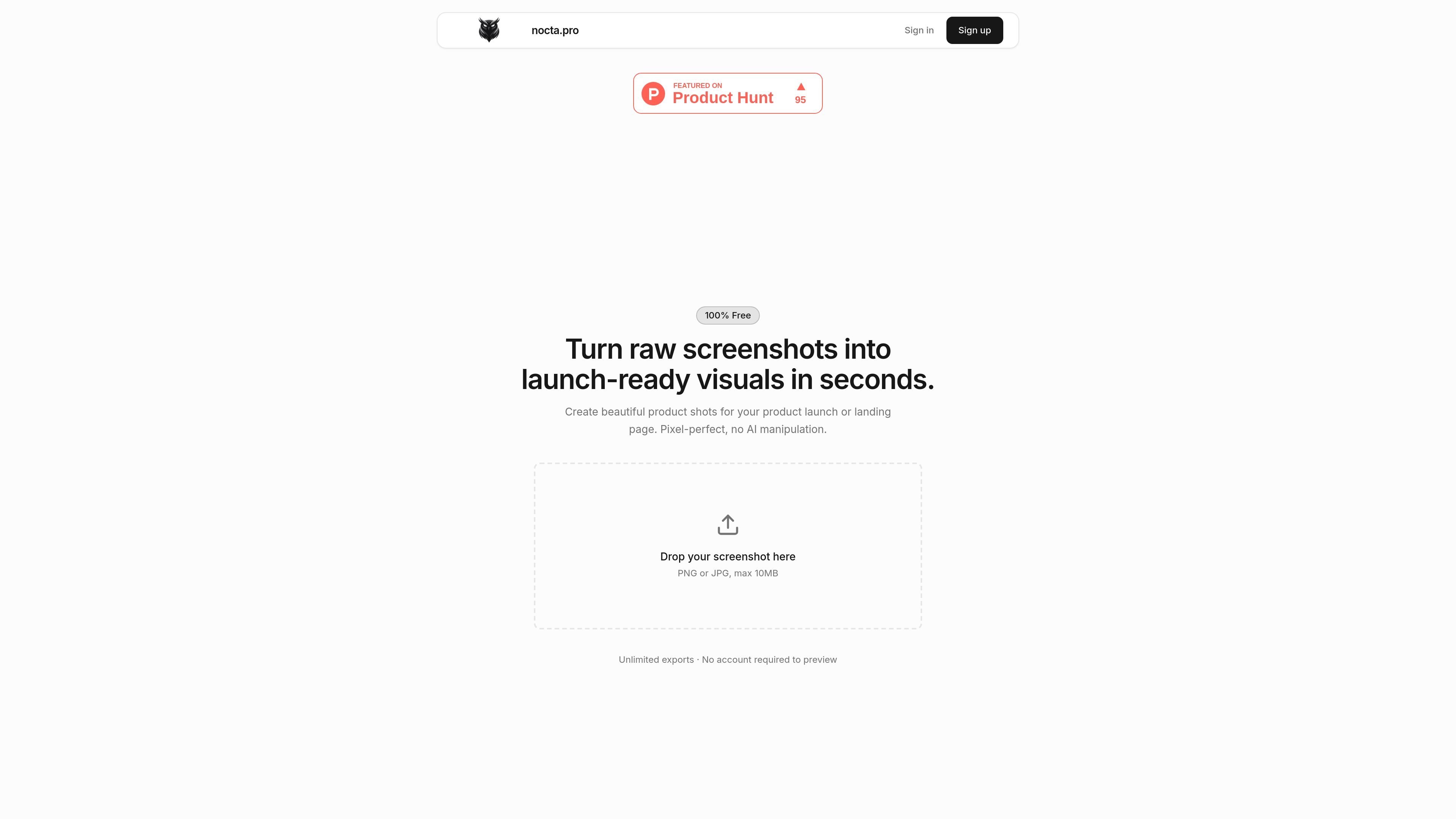
Nocta Pro is a browser-based tool for turning raw screenshots into launch-ready product visuals. Its homepage positions the product around creating polished product shots for product launches or landing pages, with a simple upload flow for PNG or JPG files.
The service emphasizes local processing: screenshots are handled entirely in the browser and never uploaded to Nocta Pro’s servers. The public terms also show a tiered export model, with a free option, a one-time Pro purchase, and a monthly Studio plan.
Turn an existing screenshot into a more polished product visual for launches or landing pages.
Preview the result before exporting, with no account required for the initial preview on the homepage workflow.
Process images locally in the browser, keeping screenshots on the device instead of sending them to the server.
Accept PNG or JPG uploads up to 10 MB, based on the homepage upload prompt.
Export images once you have an account, with plan-based export limits and watermark rules described in the terms.
Use Nocta Pro when you need to turn a raw screenshot into a cleaner visual for a product launch page or announcement.
Use the tool to make screenshots look more presentable on a landing page without building a full custom design workflow.
Use it for quick previewing when you want to see whether a screenshot can be transformed before creating an account.
Use the service when you want a browser-only workflow that keeps screenshots on your device during processing.
Nocta Pro is a browser-based tool for turning screenshots into polished product visuals. The homepage says you can drop in a PNG or JPG and preview the result without creating an account, but exports require an account.
The terms page says screenshots are processed entirely in your browser, so the image stays on your device rather than being uploaded to Nocta Pro’s servers.
You can start by dropping in a PNG or JPG screenshot from the homepage workflow. The source does not describe a separate desktop app or design-file import flow.
The terms page lists three plans: Free with 1 watermarked export, Pro for a one-time $5 purchase with 5 exports and no watermark, and Studio at $19/month with 50 exports per month that roll over.
The source does not show integrations or team collaboration features. It also does not describe output formats beyond exported images.

An All-In-One AI Platform that combines tools for image, video, voice, writing, and chat to enhance creativity and collaboration.

Pixelcut is an AI photo editor for product images, social content and video assets. Free and paid plans; mobile app and browser access for individuals and teams.

Video Effects SDK adds real-time webcam effects like background blur, replacement or removal, denoising, framing, beautification, and color grading for live video apps.

PixelDrive is a bulk image generation API for on-brand images from one template via browser editor, REST API, CSV batch, or MCP.

Snapmark is a VS Code extension for annotating clipboard screenshots before pasting them into AI chats. Blur sensitive details, add numbered callouts, and auto-resize large images.

Arduino VENTUNO Q is an edge AI computer for AI and robotics, combining AI inference and deterministic control on one board with Arduino App Lab support.