
AI-guided creation
Describe a goal and let AI agents research the topic, plan the structure, and draft the pages that support it.

PageOn.AI is an AI-powered visual communication platform for presentations, infographics, reports, posters, and interactive pages. Create, design, and export with AI agents and modular blocks.
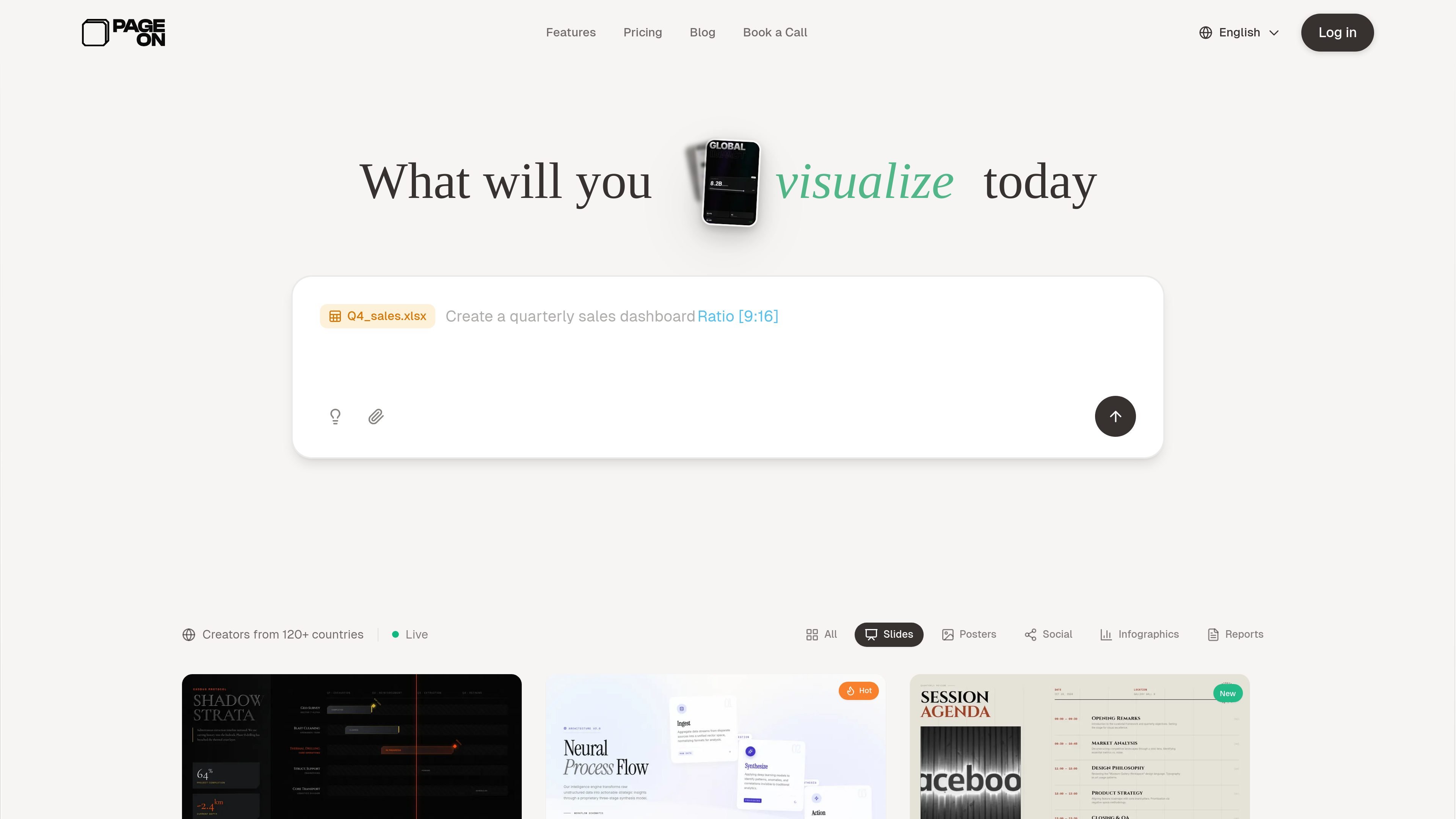
PageOn.AI is an AI-powered visual communication platform for creating presentations, infographics, reports, posters, social visuals, and other interactive pages. The homepage positions it as a tool for moving beyond static slides into living documents that combine content, design, and interactivity.
The product centers on AI agents that help with research, structure, and layout, while a modular block system lets users assemble text, media, charts, maps, diagrams, and animations. The site also highlights brand consistency controls, deeper search for supporting assets, and export options for PDF, PowerPoint, images, and interactive web links.
Describe a goal and let AI agents research the topic, plan the structure, and draft the pages that support it.
Build with modular blocks rather than fixed slides, combining text, media, charts, diagrams, and other components on one page.
Create interactive charts, embedded video, SVG animations, and maps for presentations that are not limited to static screenshots.
Apply stored brand colors, fonts, and logos across output so presentations and other pages stay visually consistent.
Use AI-assisted search and citations to find supporting visuals and data for the content you are building.
Export finished work as PDF, PowerPoint, images, or shareable web links.
Turn a topic, talk, or rough idea into a structured presentation with AI help, then refine the layout and visuals in the editor.
Build one-page or multi-page visual summaries that combine text, charts, media, and diagrams for reporting or explainers.
Create branded content for social posts, posters, or pitch-style visuals while keeping fonts, colors, and logos consistent.
Add interactive charts, maps, and embedded media when you need a presentation that audiences can explore rather than just view.
Use shared workspaces and real-time collaboration when teams need to review and update the same visual project together.
PageOn.AI is an AI-powered visual communication platform that helps you create presentations, infographics, and interactive pages with AI agents.
The product says its AI agents research a topic, plan the structure, and design the pages for you. You can then customize the result to match your vision.
Yes. The site says PageOn.AI offers a free plan, and its pricing page lists Pro plans for individual users.
The FAQ on the site says PageOn.AI supports real-time collaboration.
The site says exports are available as PDF, PowerPoint, images, and interactive web links.

Napkin AI turns text into editable visuals for presentations, documents, and shareable content. Text-first generation, collaboration, and export to PPT, PNG, SVG, or PDF.

Beauty Diagram is an online Mermaid and PlantUML editor that live-previews diagrams, beautifies layouts, and exports SVG or PNG.

Slidesgo is a presentation template platform for Google Slides, PowerPoint and Canva workflows, with free and Premium templates plus AI-assisted creation.

PixelDrive is a bulk image generation API for on-brand images from one template via browser editor, REST API, CSV batch, or MCP.

Lucid Train is a local-first AI coding harness that turns repo code into architecture diagrams for coding agents. Desktop app and Rust CLI, local models or API keys.

Cherry Blossom is a browser-based PCB editor that turns plain-English prompts into editable schematics, PCB layouts, and fabrication files with AI checks and open exports.