
AI uncrop and background expansion
Restores missing edges and expands an image’s background using generative AI, so cropped photos can be widened without manual compositing.

PhotoCat AI Image Extender is a free online tool to uncrop and expand photos with generative AI for social posts, product images, portraits, and landscapes.
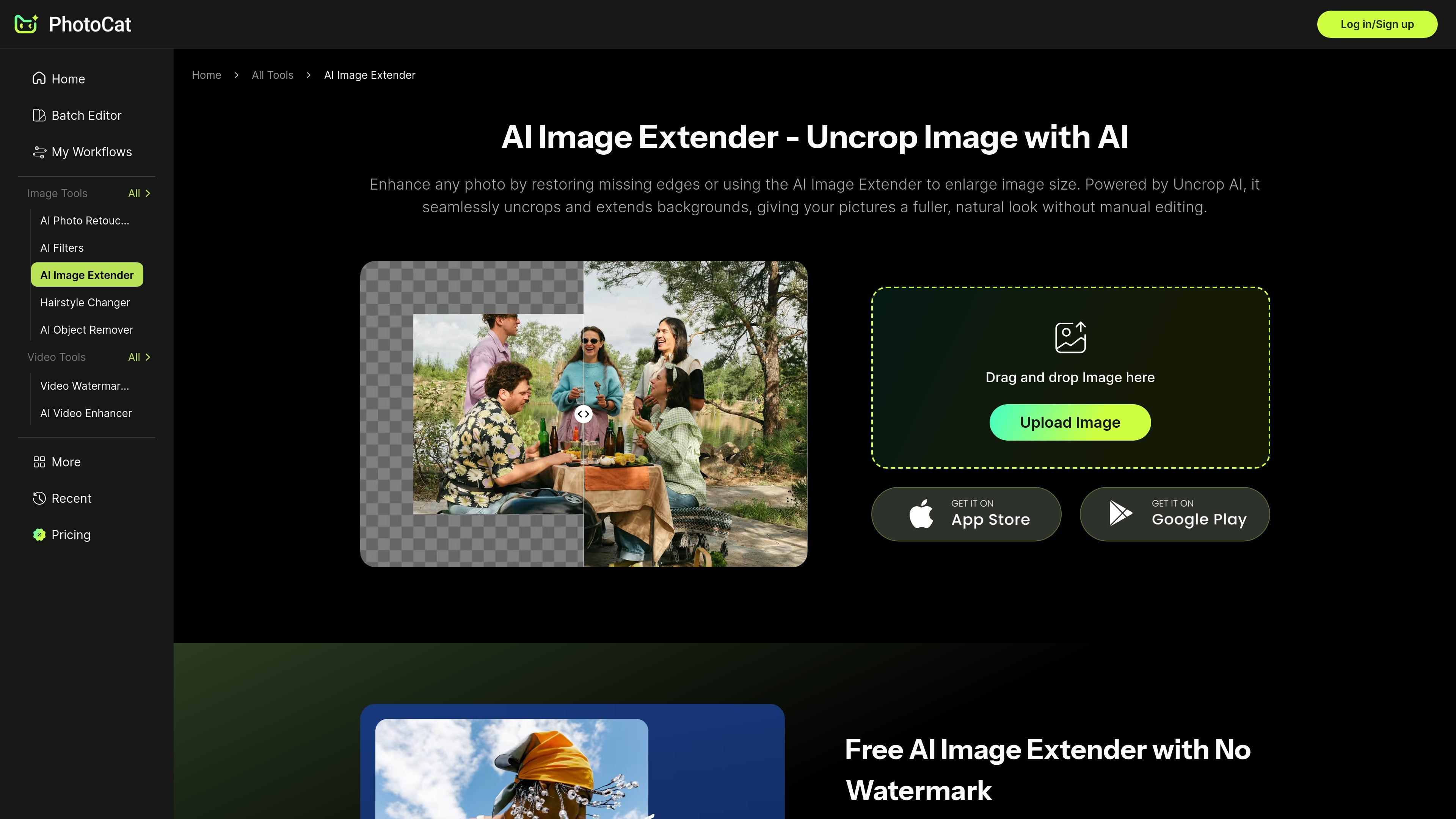
PhotoCat AI Image Extender is an online tool for uncropping and expanding photos with generative AI. It is designed to restore missing edges, widen backgrounds, and make an image fit a new size without requiring manual editing.
The page positions the tool for practical image formatting tasks such as social posts, product shots, portraits, and landscape photos. It also states that the service is free to use and that exported images are not marked with watermarks.
Restores missing edges and expands an image’s background using generative AI, so cropped photos can be widened without manual compositing.
Aims to keep new areas visually consistent with the original scene by analyzing the image before generating the extension.
Positions output as clean and natural rather than stretched, with no visible watermark on the final download.
Supports higher-resolution results and states that it can extend photos in 4K without pixel distortion.
Includes seven preset size options for common platform formats such as Instagram, TikTok, Facebook, and YouTube.
Lets users drag image borders to adjust the canvas manually before generating the expanded version.
Expand a cropped or tightly framed image so it fits a target aspect ratio for social platforms without stretching the original subject.
Add extra space around a product photo for promotional text, pricing badges, or cleaner layout placement in e-commerce creative.
Turn a narrow landscape capture into a wider composition for printing, framing, or a more panoramic presentation.
Fill in missing edges around selfies and family portraits so the image feels complete and balanced after uncropping.
Create banner-ready visuals for channels like Instagram, TikTok, Facebook, and YouTube by expanding the scene to the needed dimensions.
Yes. The page says the AI analyzes the scene and blends new areas so the expanded image looks natural and consistent with the original photo.
The source says the tool offers seven preset size options and also lets you resize the canvas by dragging the image borders before generating the result.
The page positions PhotoCat Image Extender as a free online tool and states that downloads are available without watermarks.
The source describes it as an uncrop and image expansion tool rather than an upscaler. The product pages also mention PhotoCat’s separate AI Image Enhancer for upscaling to 4K.
The page says you upload an image, choose a preset size or adjust the canvas, then click Generate and download the result.

Pixelcut is an AI photo editor for product images, social content and video assets. Free and paid plans; mobile app and browser access for individuals and teams.

Upscale.media is an AI image upscaling and enhancement tool by Pixelbin that sharpens low-resolution images in the browser, with bulk processing and API support.

Free browser-based AI image enlarger by PhotoAid for upscaling JPEG, WEBP, and PNG photos, especially portraits, without heavy blur.

Airbrush is an AI photo and portrait editor for web, desktop, and mobile. Retouch portraits, remove backgrounds, and enhance images with credit-based AI tools.

Aaavatar is a macOS portrait editor for teams. Remove backgrounds, apply brand colors or presets, and export consistent staff photos to LinkedIn, Slack, and email.

Petalica Paint is a web service for automatic line-art coloring and tracing drawings from photos, with commercial use allowed under stated terms.