UStackUStack
Playground icon

Playground

Playground is a free AI design tool to create custom graphics—logos, t-shirts, and social media visuals—generate concepts for everyday creative needs.
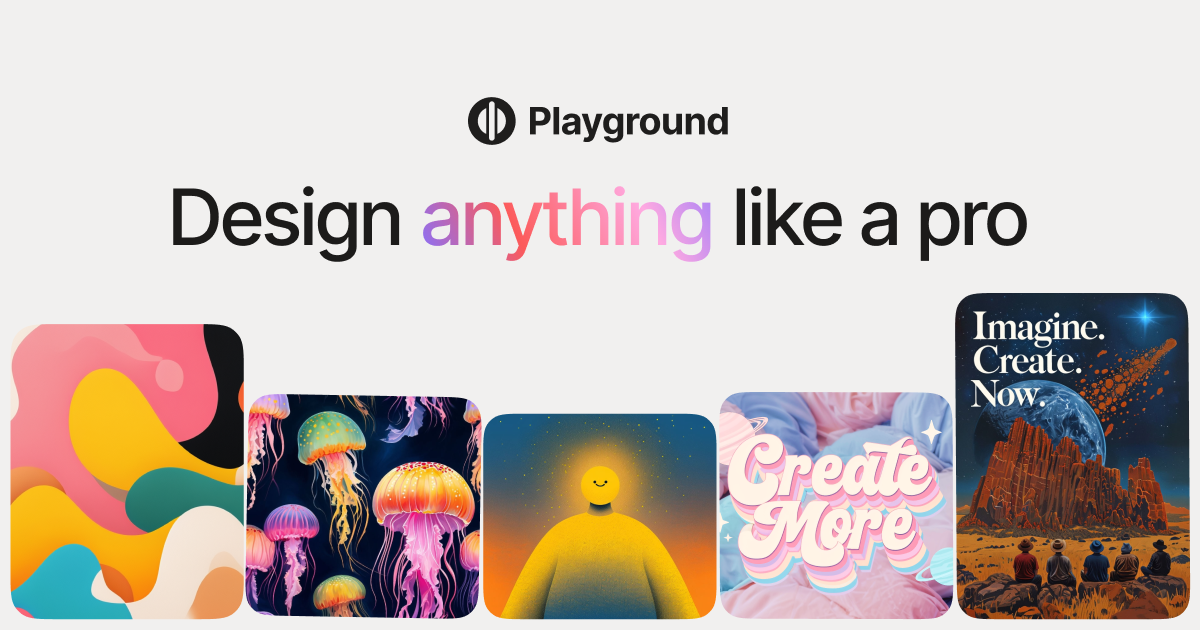
Playground

What is Playground?

Playground is a free AI design tool for creating custom designs and graphics. It’s positioned for making visual assets such as logos and graphics you can use in everyday creative workflows.

Based on the site’s description, Playground focuses on helping users produce design outputs for common needs like brand marks (logos) and ready-to-post visuals (for example, social media graphics).

Key Features

  • Create custom designs and graphics with AI: use prompts to generate design concepts and variations.
  • Logo design support: generate logo-related graphics for branding use cases.
  • T-shirt design creation: produce designs intended for apparel.
  • Social media graphic creation: make visuals suited for social posts.
  • Video-guided onboarding: the homepage indicates you can “watch video” to learn how to start.

How to Use Playground

  1. Open Playground and start creating a design (the homepage calls out “Start designing”).
  2. Use the tool to generate a custom graphic for your target use (e.g., logo, t-shirt, or social media image).
  3. Follow the on-site video guidance (“Watch video”) if you want a quick walkthrough of the workflow.

Use Cases

  • Create a logo concept for a new brand: generate logo designs to explore different styles before committing to final artwork.
  • Design a t-shirt graphic for an event or campaign: create apparel-ready artwork using the tool’s design workflow.
  • Produce social media graphics for promotion: generate visuals to support posts and campaigns.
  • Rapidly iterate on visual ideas: create multiple custom graphics to compare variations for the same theme.

FAQ

  • Is Playground designed for making logos, t-shirts, and social media graphics? The site specifically references logos, t-shirts, and social media in its product description.
  • Does Playground include a way to learn the workflow? The homepage includes a “Watch video” prompt, suggesting video guidance for getting started.
  • Can Playground be used to create custom designs and graphics? Yes. The meta description states users can “Create custom designs and graphics.”

Alternatives

  • Online logo makers and logo design generators: similar goal (logo creation) with workflows centered on brand mark generation and selection.
  • AI graphic design tools for social media: tools focused specifically on creating shareable post creatives, often with templates and export options.
  • T-shirt design software and print-ready design platforms: platforms tailored to apparel layout and preparation for printing, with workflows optimized for garment artwork.
  • General-purpose design tools (vector or image editors): manual creation tools that may offer more control, but typically require more design work compared with AI-assisted generation.
