

Presentations.AI
Presentations.AI turns your typed idea into a structured slide deck, with templates, sharing, multilingual support, and export to PowerPoint.
What is Presentations.AI?
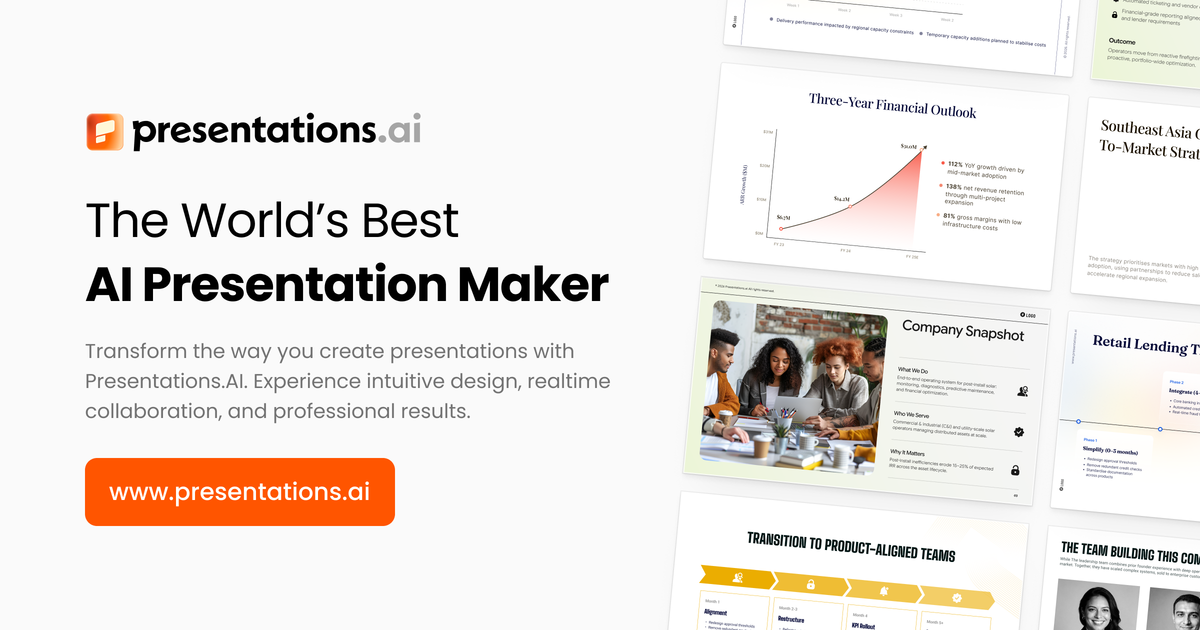
Presentations.AI is an AI presentation maker and slide creator that helps you generate a PowerPoint-style deck from an idea typed into the app. The core purpose is to turn prompts into structured slides—so you can focus on content while the tool handles slide creation and design details.
The site positions its workflow as “Idea to Deck,” describing an AI assistant that creates slides, charts, infographics, timelines, project plans, reports, and product roadmaps, with options for exporting to PowerPoint.
Key Features
- AI to create PPT content from prompts: Generates presentation elements such as slides, infographics, charts, timelines, project plans, reports, and roadmaps from what you type.
- Effortless Creation (instant idea-to-deck flow): Converts an input idea into a professional presentation draft without manual slide-by-slide building.
- Personalized Design suggestions: Provides design suggestions tailored to your “unique style and content,” aiming to match what you’re working on.
- Anti-fragile templates: Uses templates intended to adapt when your content changes while preserving design integrity.
- PowerPoint compatibility (export to PPT format): Lets you export your presentation in a PowerPoint-friendly format for continued editing or sharing.
- Brand Sync for consistent branding: Aligns presentations to your visual identity by keeping brand representation consistent across slides.
- Seamless sharing with real-time sync and access control: Supports sharing while multiple people collaborate, with access controls mentioned alongside real-time sync.
- Analytics & tracking: Provides engagement/performance insights to help you refine presentations over time.
- Multilingual support: Supports multiple languages when creating or presenting content.
- Multi-device compatibility: Allows editing and presenting from different devices with access across platforms.
How to Use Presentations.AI
- Start a new presentation in the app and enter your idea or brief.
- Use ChatGPT for Presentations by prompting the assistant with what you want the deck to cover and how you want it organized.
- Review the generated slides and adjust as needed; the tool’s templates are designed to accommodate content changes.
- Apply branding (optional) using Brand Sync so the output aligns with your visual identity.
- Export to PowerPoint and/or share with collaborators using real-time sync and access controls.
Use Cases
- Pitch deck creation from minimal input: Generate a deck for investment or proposals when you have a concept or story outline but need help structuring slides.
- Technical topic presentations for work: Use prompts for a technical subject to produce an organized set of slides, including scenarios and animated layouts (as described in user feedback on the site).
- Transforming long notes or documents into a slide draft: Create a summarized presentation from a longer body of text so you can share an initial deck with a team.
- Project planning and reporting: Generate artifacts like project plans, reports, timelines, and product roadmaps based on the plan details you provide.
- Brand-consistent internal or external presentations: Maintain consistent styling and alignment to a visual identity across multiple decks using Brand Sync.
FAQ
Is Presentations.AI only for PowerPoint, or can it export to PowerPoint?
The site states that you can export presentations to a PowerPoint format, aiming for compatibility and convenience for PowerPoint users.
What can I generate with Presentations.AI besides slide text?
According to the feature list, it can create PPTs plus supporting visual elements such as infographics, charts, timelines, and other structured items like project plans, reports, and product roadmaps.
Does it support team collaboration?
The site mentions seamless sharing with real-time sync and access control, indicating collaboration workflows.
Can I keep my slides aligned with my brand?
Yes. Brand Sync is described as a feature that aligns presentations with your brand’s style and visual identity.
Does it support multiple languages?
The site lists multilingual support, indicating that it can work across multiple languages.
Alternatives
- Generic slide editors with manual creation (e.g., traditional presentation software): Useful if you want full manual control of every slide, but typically require more time to design and structure content.
- Other AI slide/presentation generators: Similar tools that convert prompts into slides; differences usually come down to how they handle branding, export formats, and collaboration features.
- Document-to-presentation workflows (tools that summarize and convert text into slides): Better fit when your main input is an existing document and you want an automated slide draft from that source, though workflows vary in output formatting.
- Template-based infographic/design tools: Helpful when the primary need is designing visuals, but they may not provide an integrated “idea to deck” experience from free-form prompts.
Alternatives

Slidesgo
Discover free Google Slides themes and PowerPoint templates on Slidesgo. Download and customize online to create presentations.

Nolain OCR
Nolain OCR is an advanced Optical Character Recognition solution designed to accurately extract text and data from various document formats, streamlining document processing workflows.

Jenni
Jenni is an AI workspace to read PDFs, draft essays and papers, and generate in-text citations in 2.6k+ styles.

ChatBA
ChatBA is generative AI for slides: create slide deck content fast with a chat-style workflow, turning your input into a draft.

Beautiful.ai
Beautiful.ai is an AI presentation maker that automates design, layout, and spacing as you build content—so individuals and teams create polished slide decks.

AgreeGuard
AgreeGuard is a free AI Chrome extension that analyzes Terms of Service and Privacy Policies before you click “I Agree,” flagging red flags.