
Per-recipient attribution
Each shared copy gets an invisible mark tied to the recipient name you assign, so a leaked version can be traced back to that copy.

PrivateMark on-device app for watermarking photos and documents to trace leaked copies, plus Hidden Photo for revealing a concealed image.
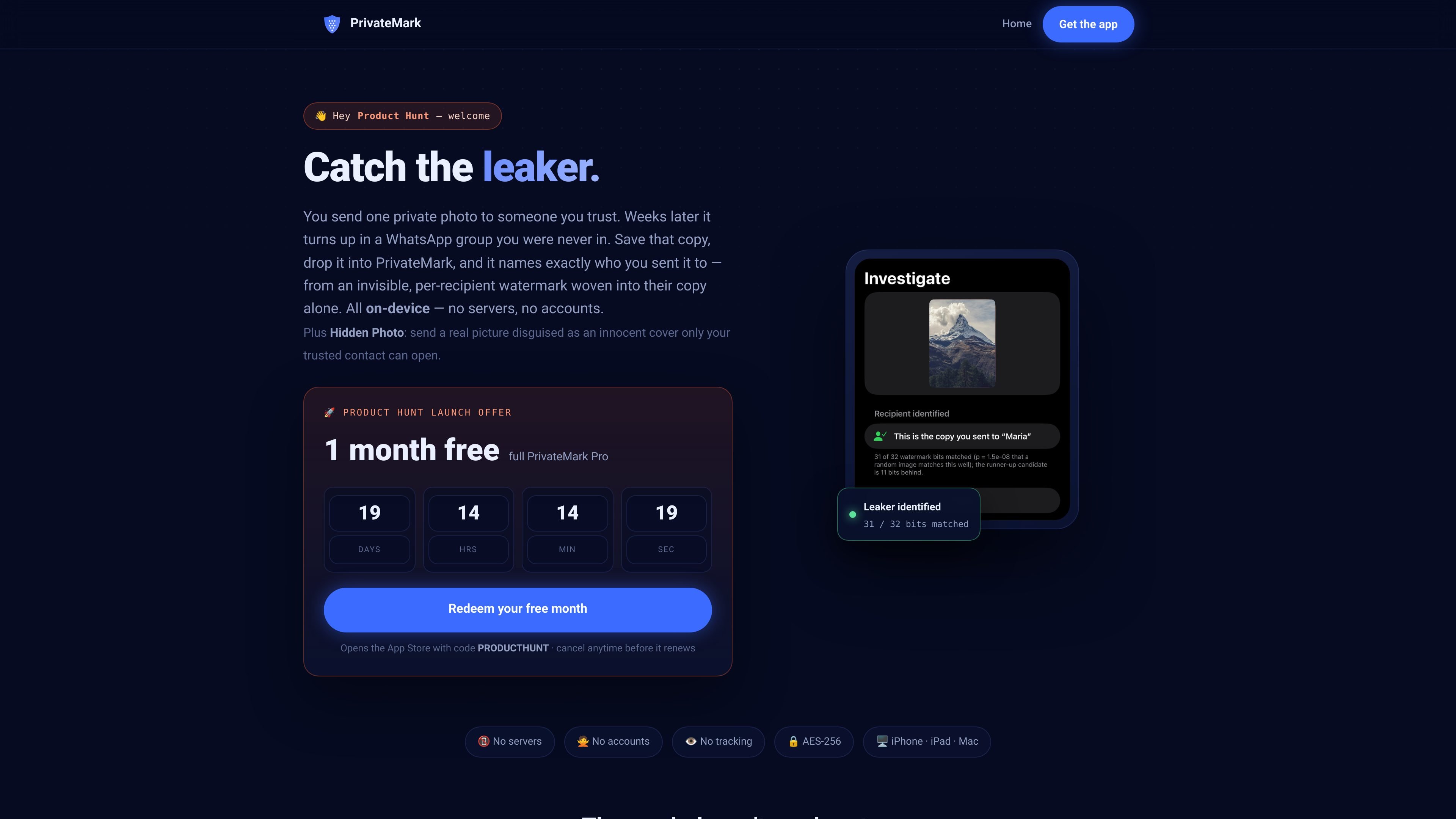
PrivateMark is an iPhone, iPad, and Mac app for embedding invisible, per-recipient watermarks in photos and documents so you can identify which copy was leaked. You assign a recipient name, protect the file on-device, and later import a surfaced copy to see whose version it matches, with statistical confidence.
The same product also includes Hidden Photo, a separate workflow for sending a real image behind an innocent cover image. In that mode, the recipient opens the protected file inside PrivateMark to reveal the hidden photo, with the source describing both a fully offline file mode and a photo mode that can use an encrypted iCloud copy to survive chat-app recompression.
Each shared copy gets an invisible mark tied to the recipient name you assign, so a leaked version can be traced back to that copy.
Watermarking and reading happen directly on the device, with no PrivateMark servers or uploads involved.
The shared file keeps a normal filename and clean metadata, and the mark is embedded in the pixels rather than metadata.
PrivateMark is built for real-world sharing paths and is described as surviving WhatsApp and iMessage recompression, screenshots, and cropping.
The app also protects PDF, Word, and PowerPoint files using marks in embedded images, text, and file fingerprinting.
Hidden Photo lets you send a cover image while a trusted contact reveals the real photo inside PrivateMark with a shared passphrase or encrypted iCloud-backed flow.
Send a sensitive photo or document to a specific person and keep a record of which copy went to which recipient if it later appears elsewhere.
Share board decks, contracts, reports, or other office files while preserving the ability to identify the source of a forwarded copy.
Send an image that looks ordinary in the chat or camera roll but reveals a different photo to the intended recipient inside PrivateMark.
Use the file mode when you want the hidden image to stay entirely on your device and travel only as an encrypted file through AirDrop, Mail, or Files.
Use the photo mode when you want a hidden photo to pass through chat apps and survive recompression, while keeping the real image protected by encryption and your passphrase.
PrivateMark runs on iPhone, iPad, and Mac. The source also notes iOS 17+ for iPhone and iPad, and that one purchase covers all of those devices.
No. The app is designed to work on-device, with no PrivateMark backend. The privacy policy says photos, registry data, and investigations stay on your devices, with only anonymous content-free analytics leaving the app.
The source says watermarked photos can be shared through WhatsApp, iMessage, Mail, AirDrop, and other normal sharing paths. Hidden Photo also has a file mode for AirDrop, Mail, Files, and “send as Document,” plus a photo mode for chats.
PrivateMark says the watermark is imperceptible and survives common degradation such as recompression, screenshots, and cropping. If a copy is too degraded to read, the app can fall back to a perceptual fingerprint to confirm the file is yours, but it will not guess a recipient.
The product pages describe watermarking your own photos and documents before sharing them and say this is generally lawful. PrivateMark itself only provides the attribution fact; it does not tell you what action to take with it.

Snapmark is a VS Code extension for annotating clipboard screenshots before pasting them into AI chats. Blur sensitive details, add numbered callouts, and auto-resize large images.

PDFTools is a browser-based suite of free and premium PDF tools for editing, conversion, and document handling—process PDFs locally without uploading files.

DocuSmart AI is a cloud-connected document search tool for nonprofits and civil society organisations. Search Drive, OneDrive and Dropbox files with cited answers for reporting, compliance and grants.

ArtDeck is a visual reference board app for iPhone, iPad, and Mac. Collect mixed references on one canvas and study them with ToolBox lenses. Offline, optional iCloud sync, one-time purchase.

Codex Plugins bundle reusable skills, app integrations, and MCP servers into workflows you can install in the Codex app or use from Codex CLI.

nolainocr is an AI OCR tool that extracts structured data from PDF invoices, receipts, forms, contracts, and bank statements into Excel, Google Sheets, JSON, or CSV.