
Photo and text-based item entry
Snap a photo or search by name to start the workflow. The app accepts an uploaded image or typed item/category so users can begin from either a visual match or a text query.

reroute helps identify unwanted items and find their next best use through donation, repair, recycling, resale, or reuse ideas, with nearby facilities and impact tracking.
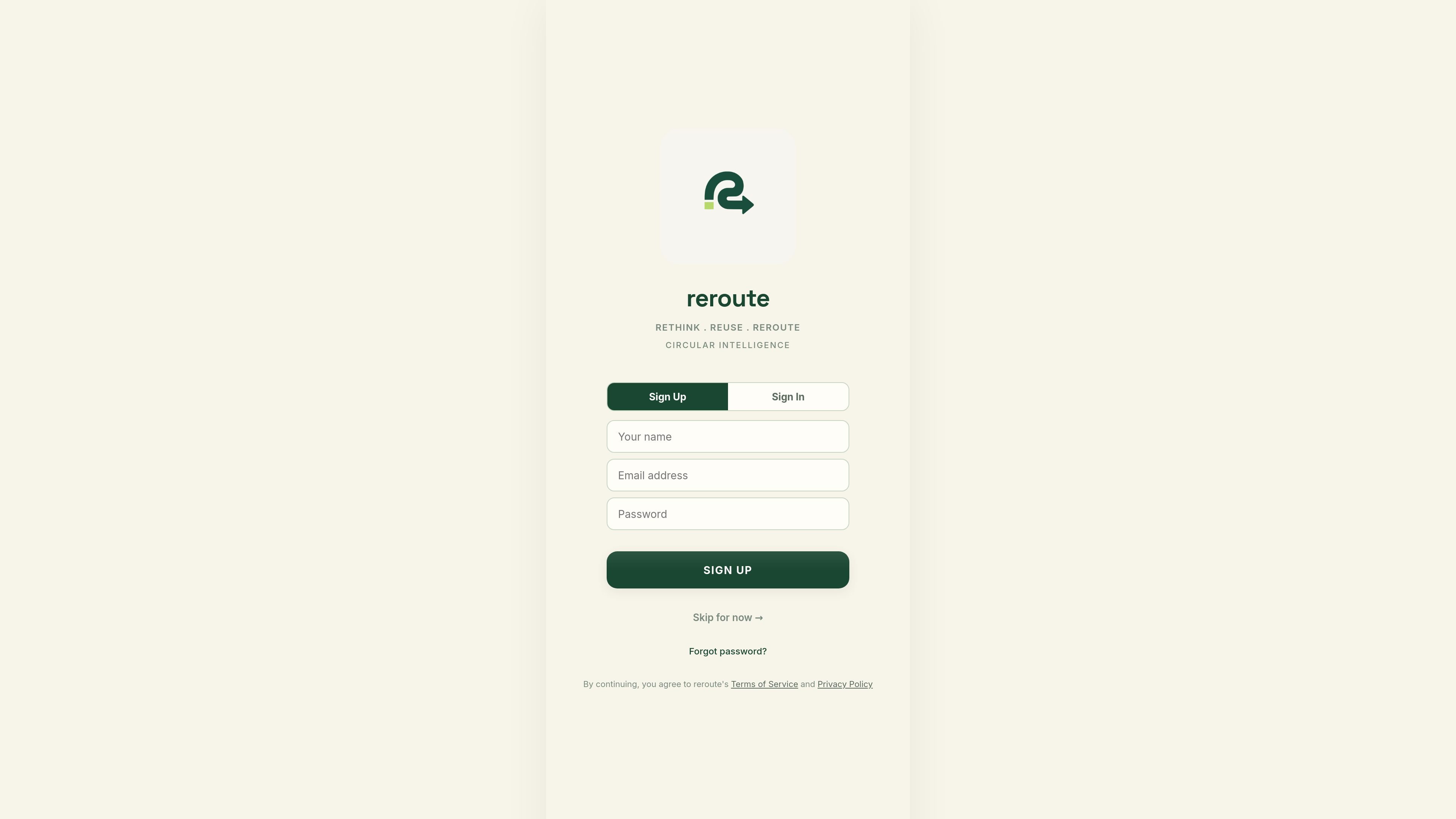
ReRoute is a circular intelligence app that helps people decide what to do with unwanted items. It combines photo-based item identification, manual item entry, condition checks, location-aware facility lookup, and reuse guidance in one workflow.
The site frames the product around “don’t throw it away” and “give unwanted things their next life.” In practice, that means helping a user move an item toward donation, repair, recycling, resale, or repurposing, while also tracking the estimated environmental impact of those choices.
Snap a photo or search by name to start the workflow. The app accepts an uploaded image or typed item/category so users can begin from either a visual match or a text query.
The app attempts to identify the item, then shows item details such as material and confidence before moving forward. If it cannot identify the item confidently, it offers retry and manual selection options.
Users select the item's condition as good, intermediate, or bad. That choice helps steer the next-step recommendations toward reuse, repair, recycling, or another route.
After identification and condition input, ReRoute suggests a destination or next-life option. The site shows routes such as donate, repair, recycle, resell, repurpose, and creative reuse ideas.
The app surfaces nearby facilities for disposal, repair, donation, recycling, and collection, with map view and directions links. Examples on the site include e-waste recyclers, repair shops, donation hubs, and material-specific recyclers.
ReRoute includes impact tracking and saved activity. The site shows counts for rerouted items and impact estimates such as CO₂ avoided, water saved, and waste diverted, along with saved ideas and saved places.
A user has an object they no longer want and wants guidance on what to do with it. ReRoute identifies the item, asks about its condition, and suggests the most relevant next step.
A user knows the item type but not the exact object, or prefers to type instead of taking a photo. The app allows search by name or category before identification and routing.
A user wants to hand off an item locally rather than dispose of it. ReRoute can surface nearby donation, repair, recycling, and collection locations with map view and directions.
A user wants to keep the item in use through a project or fix. The app offers DIY and reuse ideas, including practical suggestions and step-by-step style prompts.
A user wants to keep track of what has been diverted from disposal. ReRoute records reroutes, saved ideas, and estimated impact so users can revisit their activity later.
ReRoute is a circular intelligence app for finding the best next life for an unwanted item. The site describes workflows for identification, condition assessment, destination lookup, reuse ideas, and impact tracking.
Yes. The site supports signing up with email and password or signing in with Google. It also allows a guest mode, and the privacy policy notes that some local data can be stored on your device for quick access.
You can upload a photo or type in an item name or category. The app then attempts to identify the item and suggest a route such as donation, repair, recycling, resale, or creative reuse.
The source shows nearby facility discovery and directions links, but it does not document any formal integrations or supported external platforms beyond the listed third-party services in the privacy policy.
The site presents impact tracking, but the privacy policy says estimated environmental impact values are informational suggestions based on general knowledge and are not guaranteed to be accurate.

ClayHog is an AI search visibility platform for tracking brand presence in ChatGPT, Gemini, Perplexity, Claude, and Google AI Overviews from one dashboard.

PromptScout tracks how ChatGPT, Gemini, Google AI Overviews, and Perplexity mention your brand or competitors, with source analysis and website audits.

SaveMRR is a Stripe retention tool for SaaS teams to scan churn and MRR leaks, then automate recovery with dunning, cancel-save offers, win-back emails, and onboarding nudges.

Hype is a web tool for finding trending YouTube topics by category, time range, and scoring mode. Spot emerging ideas and review source videos.

Sleek Analytics is a privacy-friendly web analytics tool with real-time visitor tracking, Core Web Vitals, and revenue attribution.

Struere turns spreadsheet data into structured operational software with dashboards, alerts, and automations for teams replacing manual spreadsheet workflows.