
HTML form endpoint
Point a plain HTML form at a SaveForm endpoint and collect submissions without adding JavaScript or a custom backend. This fits static sites and traditional HTML-based forms.

SaveForm.io is a hosted form submission backend for collecting, storing, filtering, exporting, and forwarding HTML or JSON form submissions. Replace custom backend work with a simpler workflow.
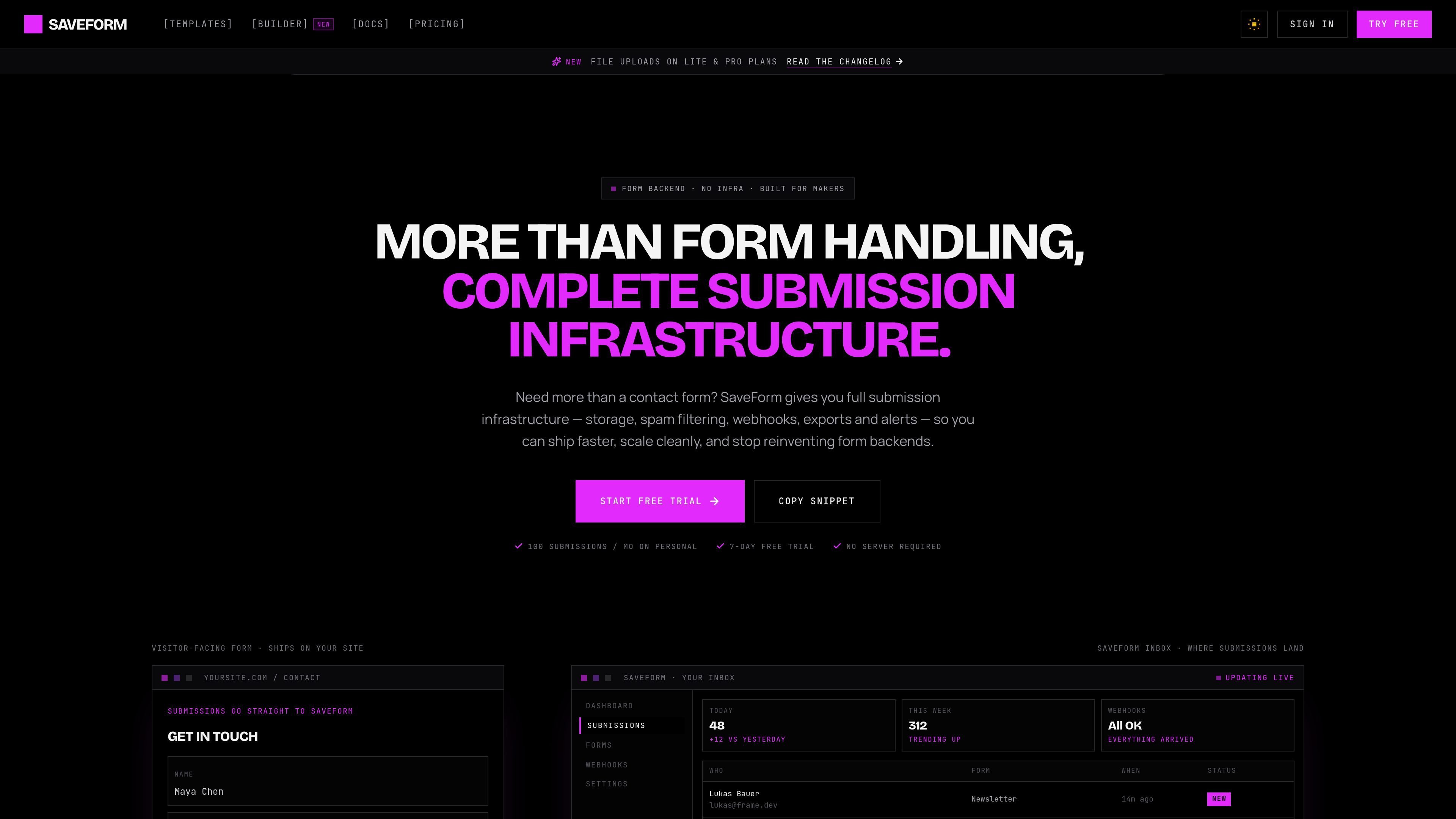
SaveForm.io is a hosted form submission backend for collecting, storing, filtering, exporting, and forwarding form entries from HTML forms and JSON-based submissions. It is designed to replace the need for a custom backend on static sites, simple contact forms, and frontend apps that need a straightforward place to receive submissions.
The product centers on a simple workflow: create a form in the dashboard, point your form action or fetch request to the SaveForm endpoint, and manage incoming submissions from one place. The feature set includes spam protection, email notifications, webhooks, redirects, exports, and configurable retention, with separate paths for classic HTML forms, JavaScript, and framework-based integrations.
Point a plain HTML form at a SaveForm endpoint and collect submissions without adding JavaScript or a custom backend. This fits static sites and traditional HTML-based forms.
Use the JSON REST API or fetch-based requests when your app already submits data programmatically. The docs and features page show support for JavaScript apps and other frontends that send JSON.
Built-in honeypot filtering and domain-based restrictions help reduce bot traffic without adding CAPTCHA to the user flow. Spam protection is described as automatic and configurable per form.
Send submission notifications to email, or forward them to destinations such as Slack, Discord, Zapier, n8n, or a custom HTTPS endpoint through webhooks. The docs also mention delivery logs and request previews.
Review submissions in a dashboard with search, date filtering, read/unread status, and real-time updates. The dashboard can also surface a sender column when name or email fields are present.
Export submissions as CSV or JSON and set data retention by plan. The pricing and docs pages show retention options that vary from 30 days to unlimited depending on plan.
Connect a contact, newsletter, or lead capture form to a hosted endpoint instead of maintaining a custom backend. This is the core fit for static sites and simple marketing pages.
Send JSON from a React, Next.js, Vue, Angular, or similar frontend directly to the submission endpoint. This suits SPAs and app-like interfaces that already use fetch requests.
Route incoming submissions into Slack, Discord, Zapier, n8n, or another HTTPS destination so the team can respond or automate follow-up outside the dashboard.
Use the dashboard to review submissions, filter by date, mark items read or unread, search records, and export data as CSV or JSON for analysis or handoff.
Add honeypot-based filtering, email alerts, and custom redirects to standardize the post-submit experience across multiple client sites or landing pages.
SaveForm.io provides a hosted form submission endpoint. You create a form in the dashboard, point your HTML form action at the endpoint, or POST JSON to it from a script or app, and submissions appear in the dashboard.
No. The docs and pricing pages show HTML form and fetch-based integration paths that do not require a backend. The product is designed to handle submission storage, filtering, exports, and forwarding for you.
The pricing page and docs say plans have monthly submission caps, and the docs note what happens when limits are reached, but the exact behavior depends on the plan and current plan limits.
Yes. The docs and pricing page both mention exporting submissions, and the features page says you can download data as CSV or JSON from the dashboard.
Yes. Built-in honeypot protection and spam filtering are listed in the features and docs, and the pricing page also includes honeypot protection on all plans.

ClawEase is an AI business operator that captures requests across calls, email, SMS, WhatsApp, LINE, and web forms, then completes booking workflows in existing web systems.

VForms lets you place questionnaires inside YouTube videos, capturing feedback in context with timestamped, embeddable video forms.

Badge turns anonymous peer reviews into a Trust Score, helping job seekers, freelancers and candidates show proof of work to recruiters.

UserCall’s Research Triggers invites users into short AI-moderated interviews at signup, onboarding drop-off, cancellation, or checkout abandonment for fresh feedback.

Artifact is a document workflow tool for freelancers, consultants, and agencies. Turn notes into proposals and let clients approve, sign, and pay from one link.

html.contact is a hosted backend for HTML forms that sends submissions to email without your own server. Supports attachments, routing, spam screening, logs, exports, and API access.