
Opportunity discovery and ranking
Settle scans pre-RFP signals, posted RFPs, and buyer movement, then ranks opportunities by fit so teams can focus on the contracts most worth pursuing.

Settle is an RFP revenue automation platform that helps proposal, sales, and business development teams find qualified opportunities earlier, draft responses from company knowledge, and manage the path to submission. The site frames it as useful for teams that already bid on contracts and want a more repeatable workflow.
Settle is an RFP revenue automation platform for teams that want to find, qualify, and respond to contracts earlier in the buying cycle. It combines opportunity discovery, fit scoring, response drafting, readiness review, and workflow automation in a single process aimed at turning RFP activity into revenue.
The product scans pre-RFP signals, posted RFPs, and buyer movement to surface contracts that appear most likely to fit. The site positions Settle as more than a bid board or response writer: it is meant to help proposal, sales, and business development teams see what matters, use company knowledge in responses, and keep the process repeatable as volume grows.
Settle scans pre-RFP signals, posted RFPs, and buyer movement, then ranks opportunities by fit so teams can focus on the contracts most worth pursuing.
The product surfaces evidence such as budgets, renewal timing, board agendas, vendor movement, and draft requirements before a public notice lands.
Settle uses company knowledge to draft responses and answer complex questionnaires from approved, reusable material instead of scattered files.
The workflow includes readiness review and outcome learning so teams can check submission status and improve future responses from what they learn.
For teams with existing processes, Settle supports workflow consultation, gap analysis, and custom criteria to automate a specific response motion.
The platform brings discovery, deadlines, drafting, and response management into one workflow rather than separating them across bid boards, portals, and local files.
Teams that want to identify promising contracts before an RFP is fully public can use Settle to monitor signals such as budgets, renewal timing, board agendas, and incumbent changes.
Proposal teams handling long or repetitive questionnaires can use company knowledge and approved answers to draft submissions faster and more consistently.
Organizations with an existing bid process can use Settle to map their current motion, identify gaps, and automate the parts that slow the team down.
Teams that need better prioritization can use fit scoring and source-backed context to decide which opportunities deserve attention and which ones should be passed over.
Companies that want to keep learning from results can use readiness checks and outcome learning to make future responses more consistent and better informed.
Settle is designed to start earlier than response-only tools. It monitors pre-RFP signals and posted RFPs, then helps teams qualify opportunities and move through readiness and submission in one workflow.
Settle is positioned as a way to identify opportunities before or around the time an RFP appears, rather than only listing already-posted opportunities. The site describes it as scanning pre-RFP signals, posted RFPs, and buyer movement, then ranking what matters most.
The pricing page describes two paths: a core platform with source-backed opportunity discovery, fit scoring, drafted responses, and readiness review, and custom workflow automation for teams that already have an RFP process in place.
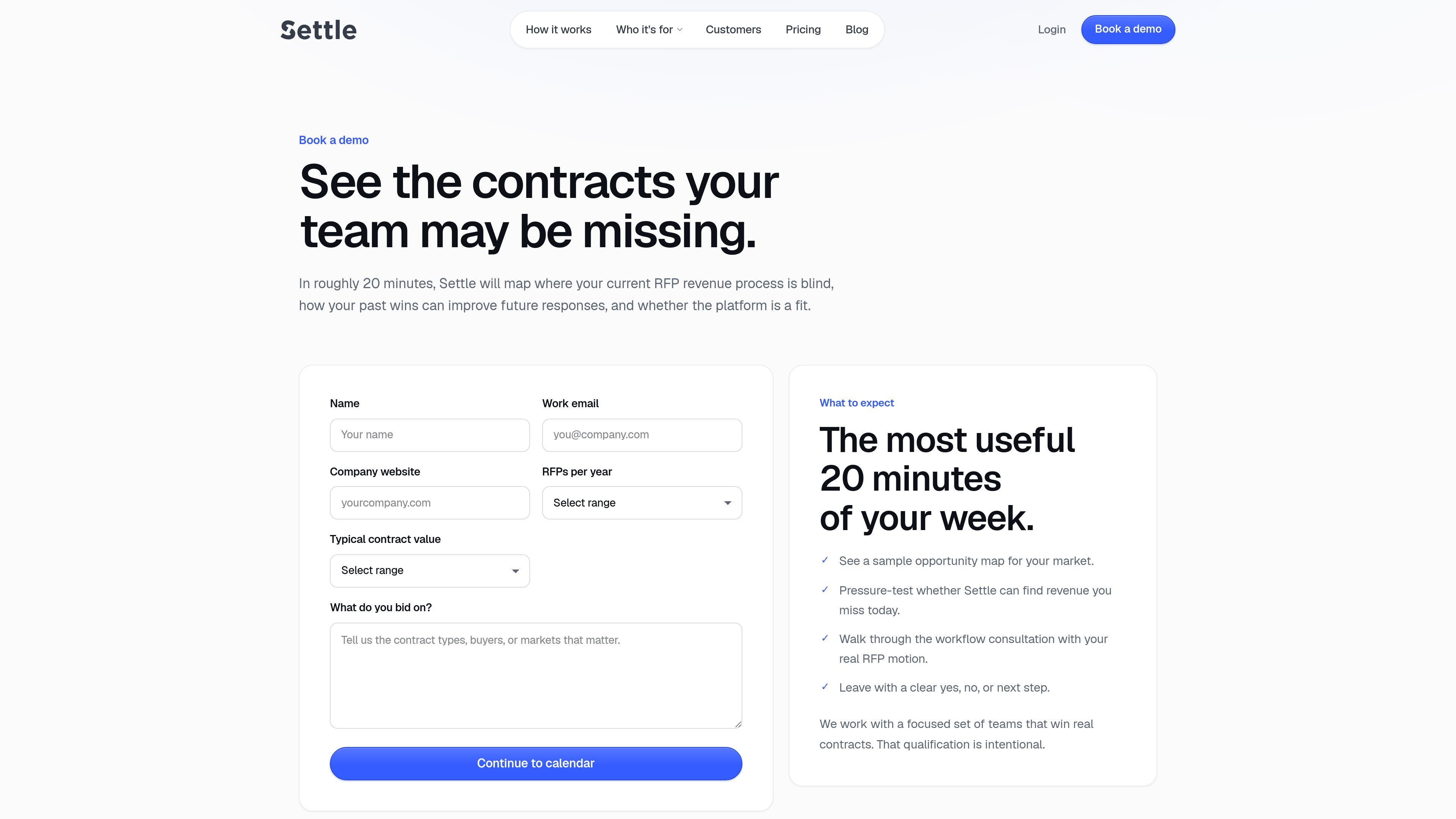
The book-demo flow says Settle starts with a workflow consultation. It asks for basic details such as name, work email, company website, RFPs per year, typical contract value, and what the team bids on.
Settle says it works best for teams with a real contract motion or clear evidence they can win. The site notes that it is strongest when there is past performance, buyer context, or approved knowledge to build from.

Scite is an AI research platform for finding papers, checking citation context, and getting answers grounded in scholarly literature and patents.

Biji is a versatile platform designed to enhance productivity through innovative tools and features.

ProWritingAid is a writing assistant for storytellers that offers grammar checking, style editing, paraphrasing, and story analysis inside popular writing apps. It includes a free plan, paid tiers, and tools for chapter critique, manuscript review, and collaborative editing.

Paperpal 是一款面向学术写作的 AI 工具,提供文献阅读、语言润色、引用、查重、AI 检测和投稿前检查。它适合需要在英文论文和学术材料上进行写作、修改与合规自检的学生、研究人员和教师。

Sanota is an app that turns spoken memories, reflections, and interviews into clear written stories. It supports personal storytelling, family history, and shared memories, with guided prompts and subscription pricing.

nolainocr is an AI OCR tool that extracts structured data from PDF invoices, receipts, forms, contracts, and bank statements. It helps teams move document data into Excel, Google Sheets, JSON, or CSV without manual entry.