
Create a temporary space
Start a new encrypted workspace for sharing files temporarily, rather than setting up a permanent account-based project space.

Space-Bin is a web app for temporary, end-to-end encrypted file sharing without logging in, built for quick account-free exchanges and short-term collaboration.
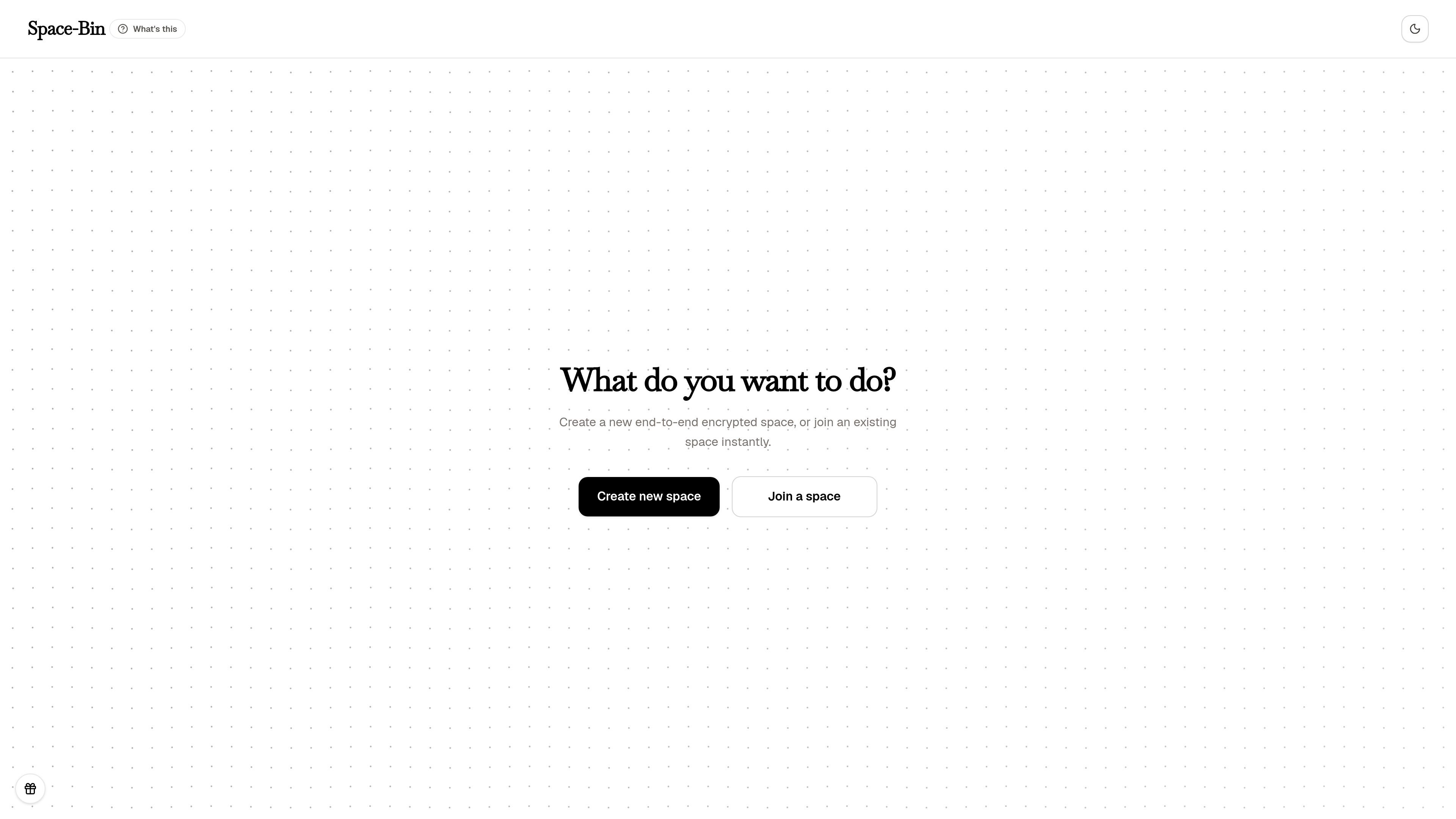
Space-Bin is a web product for creating temporary, end-to-end encrypted spaces for secure file sharing without logging in. The interface is centered on two actions: create a new space or join an existing one.
Its core purpose is to reduce the friction of ad hoc file exchange when a full account-based workflow is unnecessary. The source material does not describe deeper workspace features, so the product should be understood primarily as a lightweight secure sharing entry point.
Start a new encrypted workspace for sharing files temporarily, rather than setting up a permanent account-based project space.
Enter an existing space directly when you have the access details, which supports quick handoffs between people.
The product description states that spaces are end-to-end encrypted, which points to protected file sharing in transit and storage within the space.
The page presents a simple two-action workflow on the home screen, reducing setup steps for people who only need to share files once.
The product is framed as a space-based workflow instead of a traditional inbox or drive, which fits short-lived sharing between known participants.
Use it when you need to send files to a colleague, client, or partner quickly and do not want to create a shared drive or account first.
Use an existing space when someone has already created the room and you need to get access immediately without a separate signup step.
Choose it for short-lived projects or handoffs where the sharing space only needs to exist for a limited time.
Use it when the main requirement is secure exchange, and the team wants an encrypted space rather than a general-purpose storage product.
Space-Bin is designed around creating a temporary encrypted space or joining an existing one without logging in. The source text does not show a separate account setup flow.
The product description says spaces are end-to-end encrypted, and the purpose is secure file sharing. The available page text does not describe the underlying key exchange or encryption settings in more detail.
The source only shows two primary actions: create a new space or join an existing space instantly. It does not document additional collaboration tools, role controls, or file management features.
The source confirms secure file sharing, but it does not list supported file types, size limits, retention rules, or expiration settings.

Biji is a versatile platform designed to enhance productivity through innovative tools and features.

Dcyde is a shared decision log for product teams to capture what was decided, why, and the source, with searchable records from Slack, Figma, or Dcyde.

Carbon Voice is an async voice messaging app for teams and individuals, with transcripts, AI catch-up, and cross-device access.

Goldfish is an AI memory app for macOS that helps you reply, write, summarize, and continue with context already on your Mac. It stores memory locally and writes in your tone.

Codex Plugins bundle reusable skills, app integrations, and MCP servers into workflows you can install in the Codex app or use from Codex CLI.

hob is an independent workspace for coding agents, with local control over sessions, terminals, history, routing, and follow-up work.