
Role and company preparation
Paste a job description or company link to receive a brief covering the company, business model, recent news, team context, and interview talking points.

Toby is an AI mock interviewer for role-specific practice, spoken browser interviews, and scored feedback—ideal for graduates, career changers, and job candidates.
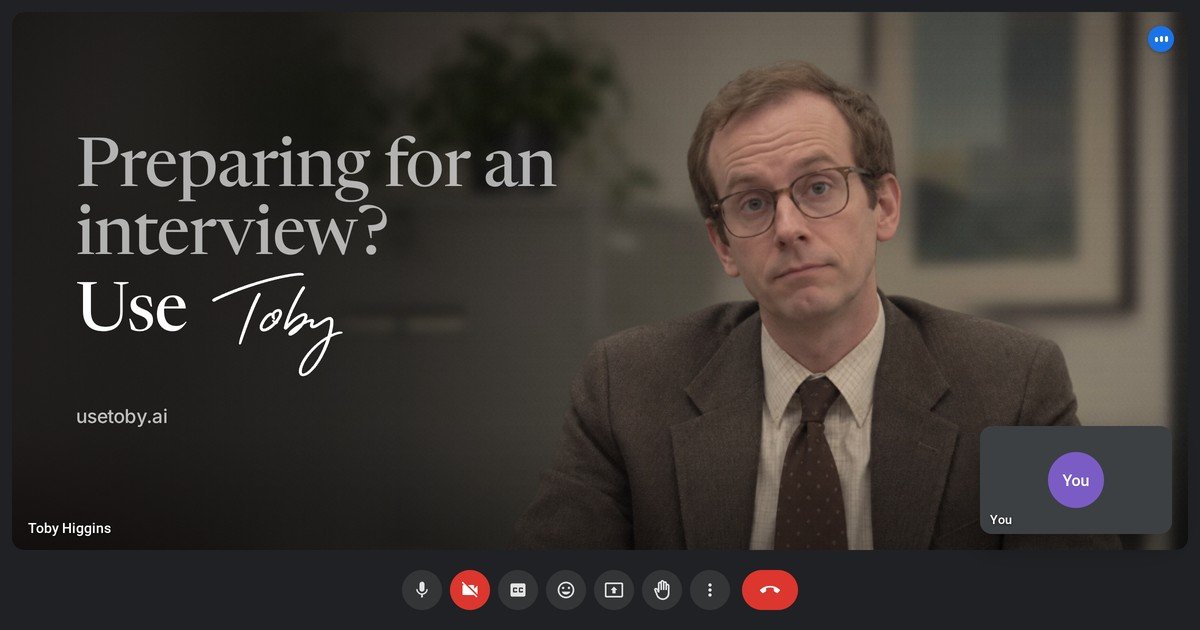
Toby is an AI mock interviewer for people preparing for job interviews. It uses a job description or company link to prepare role-specific interview material, then conducts a spoken practice interview in a browser-based call modeled on familiar video meeting layouts.
Users can select an interview round, choose Real or Coach mode, and practice for 10, 20, or 30 minutes. Afterward, Toby provides a structured debrief covering answer quality, role competencies, speaking patterns, and the full transcript, helping candidates identify specific improvements before the real interview.
Paste a job description or company link to receive a brief covering the company, business model, recent news, team context, and interview talking points.
Toby maps likely interview rounds and the competencies they assess, with questions tagged by competency and difficulty and marked when reported by real candidates.
Practice recruiter screens, hiring-manager interviews, case studies, or values and behavioural rounds in a browser call styled like Google Meet, Microsoft Teams, or Zoom.
Choose Real mode for an uninterrupted run-through or Coach mode for feedback after each answer and an opportunity to retry.
Review an overall score, competency ratings, speaking pace, talk time, filler words, answer length, transcript, and answer-level recommendations.
Use the practice call with the camera on or off; recordings stay in the browser and are not uploaded, according to Toby's FAQ.
Paste the vacancy details to rehearse questions tied to the responsibilities, competencies, and likely stages of a specific role before the interview day.
Use the company brief to review its business model, recent news, team context, and potential talking points before a company-focused conversation.
Run an uninterrupted Real-mode session to simulate interview pressure, then use the debrief to review answer structure, pacing, filler words, and measurable impact.
Choose Coach mode when learning or refining an answer: receive a short note after speaking, retry it, and build more specific behavioural or STAR-style responses.
Use the recruiter badge on a job ad or careers page to direct candidates to Toby's preparation flow; the badge is free for recruiters and does not require an account or tracking code.
Paste a job description or company link. Toby prepares a role-specific brief and likely questions, then lets you choose an interview round, mode, and session length before joining a browser-based practice call.
No installation is required. Toby runs in a browser on a laptop, tablet, or phone with an up-to-date browser and microphone. A quiet room and headphones are recommended for practice.
Real mode runs the interview without interruption and provides a full debrief afterward. Coach mode gives brief feedback after each answer and allows a retry; feedback appears after you finish speaking.
The debrief includes an overall score out of 100, competency scores from 1 to 5 with supporting quotes, delivery statistics, a full transcript, and answer-by-answer notes on strengths, improvements, and a stronger version based only on what you said.
The first five minutes of a call are free. After that, Toby charges £0.50 per minute through prepaid minute packs, with no subscription. Minutes last six months; prices are in GBP and VAT may apply.

HiringPartner.ai is an autonomous AI recruiting platform for sourcing, screening, and interviewing candidates 24/7 with ATS-connected workflows and bulk resume uploads.

SelectPrism is an agentic AI hiring platform for high-volume recruiting teams. Automates screening, scheduling, first-round interviews, and structured evaluation.

UserCall’s Research Triggers invites users into short AI-moderated interviews at signup, onboarding drop-off, cancellation, or checkout abandonment for fresh feedback.
HireKey is a recruiter-informed job search platform with role-fit analysis, resume tailoring, AI voice interview practice, company research, cover letters, and application tracking.

Mockin is an AI career toolkit for UX/UI and Product Designers with resume checking, portfolio review, LinkedIn checking, job matching, and mock interview practice.

Decode AI Moderator runs AI-moderated interviews that adapt questions in real time, detect emotion, and deliver structured insights fast for research and UX teams.