
URL-first brand tracing
Paste a public website URL and have TraceUI read the live site to extract visual design cues from the rendered page.

TraceUI is an open-source framework that reads a live website’s design context and uses it to generate brand-native ads and mockups. It helps AI agents and creative teams turn a URL into usable visual assets.
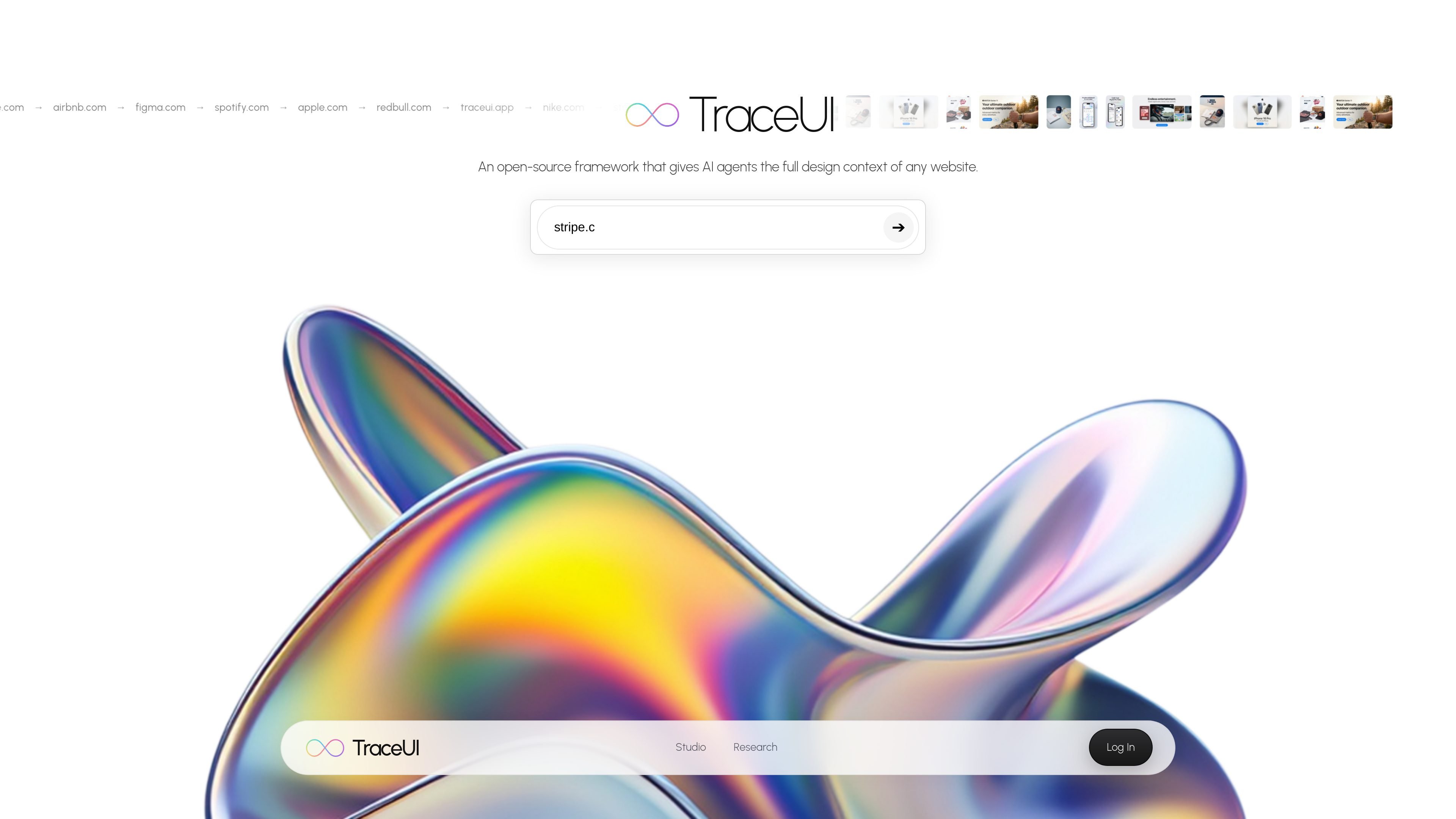
TraceUI is an open-source framework that gives AI agents the full design context of a website. The product is built around a simple workflow: paste a URL, let the system read the live site, extract its design language, and use that context to generate brand-native ads and mockups.
On the public site, TraceUI emphasizes the design signals it can recover from a page, including colors, typography, logo, and broader style. TraceUI Studio then turns those traces into practical creative outputs, with controls for ad style, format, and aspect ratio so users can generate assets for different channels and reuse the saved brand profile later.
Paste a public website URL and have TraceUI read the live site to extract visual design cues from the rendered page.
The site explicitly surfaces extracted colors, typography, logo, and style so the generated output can follow the source brand more closely.
TraceUI uses the extracted context to generate ads and mockups that match the brand rather than relying on generic prompts alone.
TraceUI Studio provides a guided ad-generation flow with style choices, format selection, aspect ratios, and generation controls.
The studio includes a reusable brand profile flow, letting saved traces be picked back up for later generations.
The research page describes TraceUI as open source for AI agents and programmatic clients, making the framework usable beyond a single manual workflow.
A marketer can paste a brand’s homepage URL and quickly generate ad concepts that inherit the site’s colors, typography, and logo treatment.
A design or growth team can use the studio to produce multiple assets in one run and adapt them for social placements and other standard formats.
An agent or automated workflow can use TraceUI as a URL-to-context layer before creating visual assets, rather than depending on manual brand briefs.
A team can save a trace as a reusable brand profile and return to it later when new creative is needed for the same brand.
TraceUI is described as an open-source framework that gives AI agents the full design context of a website, then uses that context to generate brand-native ads and mockups.
The public site shows a workflow where you paste a website URL, TraceUI reads the live site, extracts design signals such as colors, typography, logo, and style, and then generates ads or mockups.
The site presents TraceUI Studio for generating ads and mockups, and the research page describes the framework as open source for AI agents and integrations.
The source does not show a live pricing page. The pricing URL currently returns a 404, so pricing details are not available from the provided sources.
The site does not list integrations or supported export formats beyond the examples shown in the studio and research pages, so those details are not confirmed in the source.

Rekreate is an AI product photography platform for e-commerce teams that generates studio-style product creatives from uploads or marketplace URLs. It supports marketplace-ready sizing, brand-guideline reuse, and transliterated outputs in 11 languages.

Napkin AI turns text into editable visuals for presentations, documents, and shareable content. Text-first generation, collaboration, and export to PPT, PNG, SVG, or PDF.

Refero MCP for AI agents connects an MCP-compatible agent to Refero’s curated library of web and iOS product interfaces and user flows. It helps agents research real design patterns before generating UI, with access included in the Refero Pro plan.

Krev AI is an ecommerce platform with role-based AI employees for market research, creative production, ad planning, and social publishing. It is built for brands that want product and brand context carried through connected growth workflows.

Frames helps you create launch posters and social media marketing graphics fast with premium device frames and templates for Instagram, Twitter, and Product Hunt. Free to start.

GPTIMG2 AI is a web-based image generator built around OpenAI’s GPT Image 2 model. It supports prompt-driven generation, reference-based edits, readable text, and higher-resolution outputs for product visuals, posters, UI mockups, ads, and similar production assets.