
Instant translation
Translate selected text to another language without switching tabs or copying content into a separate app.
Typeflow translates selected text and corrects writing with one keyboard shortcut on macOS and Windows. Start with a 7-day free trial.
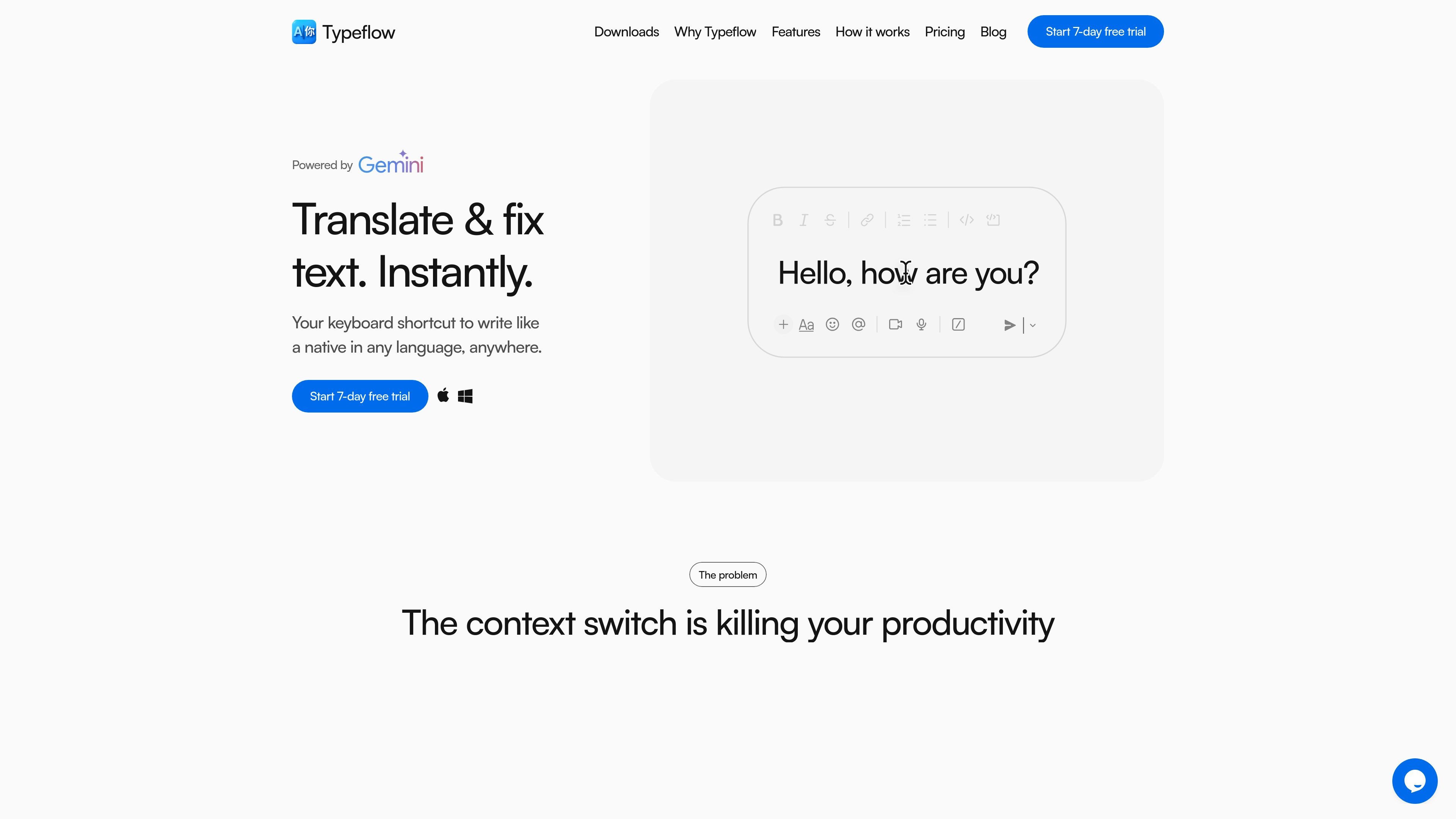
Typeflow is a desktop app for translating selected text and correcting writing from anywhere on your computer. The product is positioned around removing copy-and-paste loops and letting users act on text with a single keyboard shortcut instead of moving between tabs.
The site says Typeflow works by using Google's Gemini API with the options you choose. Before transforming text, you log in with Google or email, select a target language and tone, then highlight text and trigger the shortcut to get the result in place.
Translate selected text to another language without switching tabs or copying content into a separate app.
Correct writing in the language you are using, with options such as tone and clarity adjustments shown in the workflow.
Choose the target language and tone from the tray icon before transforming text, including settings such as direct translation, formal, informal, and improve clarity.
Use one keyboard shortcut anywhere on your desktop after highlighting text, so the workflow stays inside the app you are already using.
Sign in with Google or email on first launch and begin with a 7-day free trial, as shown on the downloads page.
Translate messages, notes, or snippets while working in another app, so you can stay in Slack, email, or a browser tab and avoid copying text into a separate translator.
Revise writing in your own language by using the correction mode to improve tone and clarity before sending a message or publishing copy.
Set a formal or informal tone for different communication contexts, which is useful when the same message needs to fit a client, teammate, or public-facing setting.
Use the app on macOS or Windows machines when you want the same shortcut-driven workflow across supported desktop environments.
Start with the trial flow to test whether the shortcut-based workflow fits your routine before continuing with a paid subscription.
Typeflow uses Google's Gemini API to translate text or correct writing based on the options you choose. After logging in, you set the target language and tone from the tray menu, then highlight text anywhere on your desktop and use the keyboard shortcut.
The source confirms support for macOS and Windows. The downloads page lists macOS builds for Apple Silicon and Intel, plus a Windows download optimized for 64-bit systems.
You can log in with Google or email on first launch. The downloads page says this starts a 7-day free trial.
The site presents Typeflow as a desktop app for individual use, and the pricing copy says the subscription includes 2 devices per user. The source does not describe team administration or shared workspace features.
The FAQ area and support prompt indicate cancellation and refund questions are handled by the product, but the source text does not provide the full policy details.

Rubriq is an AI tool for academic paper editing and translation, with personal subscriptions, institutional plans, and plagiarism-check services.

ProWritingAid is a writing assistant for storytellers with grammar checking, style editing, paraphrasing, and story analysis in popular writing apps.

Dictro is a private AI dictation app for Mac that turns speech into polished text in any editable app. Runs locally on Apple Silicon Mac by default, with optional Fast Mode.

Goldfish is an AI memory app for macOS that helps you reply, write, summarize, and continue with context already on your Mac. It stores memory locally and writes in your tone.

SpeakoFlow is a free, open-source desktop voice-to-text app for Windows, macOS, and Linux. Dictate into any app, use Flow, cleanup, translation, and a screen-aware assistant.

Paperpal is an AI tool for academic writing, offering literature reading, language polishing, citations, plagiarism checks, AI detection, and pre-submission review.