
On-device Browser Free mode
Runs processing in the current browser tab without uploading the image, signing in, or using Product Credits. The first local use downloads about 4.7 MB of AI processing files.

Sharpniq Unblur Image is an AI tool that reduces visible blur in supported photos and exports PNGs, with no-upload local Browser Free or optional Cloud Unblur.
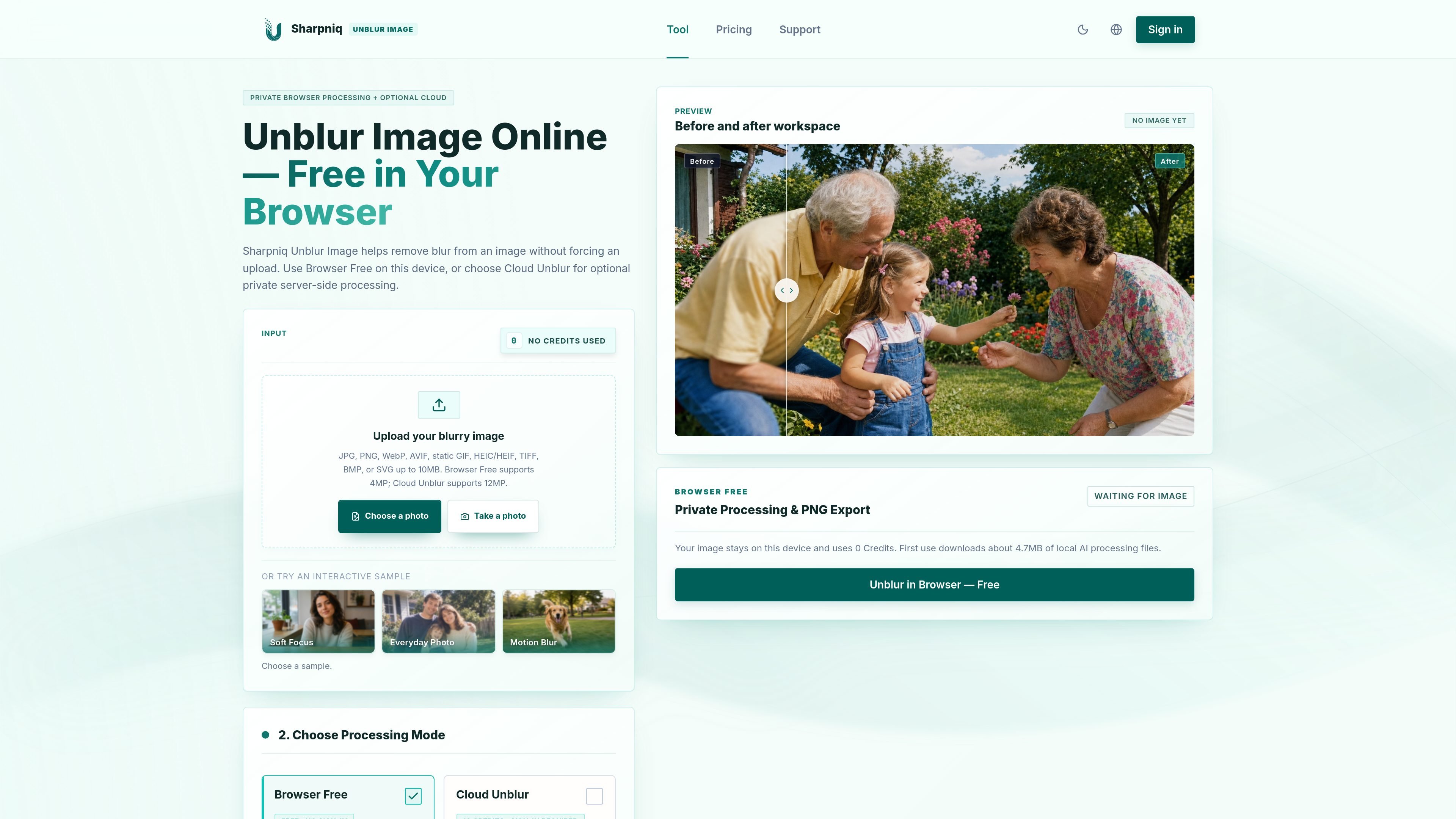
Sharpniq Unblur Image is an AI image-enhancement tool for reducing visible blur in supported static image files. Its primary workflow lets users choose a file, select local Browser Free processing or optional Cloud Unblur, compare the original with the result, and download a PNG if the output is useful.
The local mode keeps the image on the current device and requires no account, upload, or credits. Cloud Unblur is available for supported files that fit its higher resolution limit, but it requires sign-in and server-side upload. Results depend on the original resolution, blur type and severity, compression, and how much detail remains in the source.
Runs processing in the current browser tab without uploading the image, signing in, or using Product Credits. The first local use downloads about 4.7 MB of AI processing files.
An optional server-side mode processes supported files after sign-in. The image is uploaded only after Cloud Unblur is selected.
Checks the actual file format, size, dimensions, and frame count locally before processing, helping reject unsupported inputs before a task starts.
Accepts JPG, PNG, WebP, AVIF, static GIF, HEIC/HEIF, TIFF, BMP, and SVG files under 10 MB. Browser Free supports up to 4MP; Cloud Unblur supports up to 12MP.
Offers Auto, Fast, and High Quality Local settings for Browser Free. Auto adapts settings to the device, Fast uses less tile overlap, and High Quality Local uses more overlap for cleaner joins.
Displays the original and processed image in a before-and-after comparison workspace and lets users download the result as a PNG.
Use Browser Free to test a mildly soft or out-of-focus personal photo locally, then compare visible edges and texture before deciding whether to keep the PNG export.
Try the tool on a suitable product image when the goal is to make edges and surface detail more legible, while checking the result for artificial sharpening before publishing.
For a supported larger image that exceeds Browser Free’s 4MP limit but remains within Cloud Unblur’s 12MP limit, use the optional signed-in server workflow.
Use the before-and-after workspace to assess whether mild motion blur, compression blur, or remaining natural detail is sufficient for a useful improvement.
Browser Free processes supported images in the current browser tab, uses 0 Product Credits, and does not require sign-in or an upload. The first use downloads about 4.7 MB of local AI processing files.
Cloud Unblur is optional, requires sign-in, and uploads the image for private server-side processing. It uses 10 Product Credits only when a usable result is delivered; eligible failures and timeouts restore held credits automatically.
The tool supports JPG, PNG, WebP, AVIF, static GIF, HEIC/HEIF, TIFF, BMP, and SVG files under 10 MB. Browser Free accepts images up to 4MP, while Cloud Unblur accepts images up to 12MP. Animated or multi-frame images, multi-page TIFFs, batch uploads, video, and HD/4K processing are not supported.
Results can improve visible edges, local contrast, and texture in suitable mildly blurred or soft-focus images. Severe blur, heavy motion blur, extreme defocus, compression, and missing source detail can limit the result, and artifacts such as halos or artificial textures may appear.
Use only images you have permission or another lawful basis to process. Censored, private, paywalled, or platform-restricted reveal attempts, deceptive deepfakes, non-consensual intimate imagery, and other prohibited uses are not allowed.

Upscale.media is an AI image upscaling and enhancement tool by Pixelbin that sharpens low-resolution images in the browser, with bulk processing and API support.

Let's Enhance is an online AI image app for enhancing, upscaling, and restoring photos. Clean up images and boost resolution with free credits or paid plans.

ImgUpscaler is a browser-based AI image upscaler that enlarges photos, anime, product images, portraits, and old pictures by 2x or 4x.

VanceAI Image Resizer is an AI image enlargement tool for resizing photos online or in the desktop app while preserving detail.

Pixelcut is an AI photo editor for product images, social content and video assets. Free and paid plans; mobile app and browser access for individuals and teams.

Free browser-based AI image enlarger by PhotoAid for upscaling JPEG, WEBP, and PNG photos, especially portraits, without heavy blur.