
Markdown text notes
Create text notes with markdown formatting for longer, structured writing.

Browser Notes is a private, account-free browser note app for text notes, sticky notes and mind maps, saved locally in your browser.
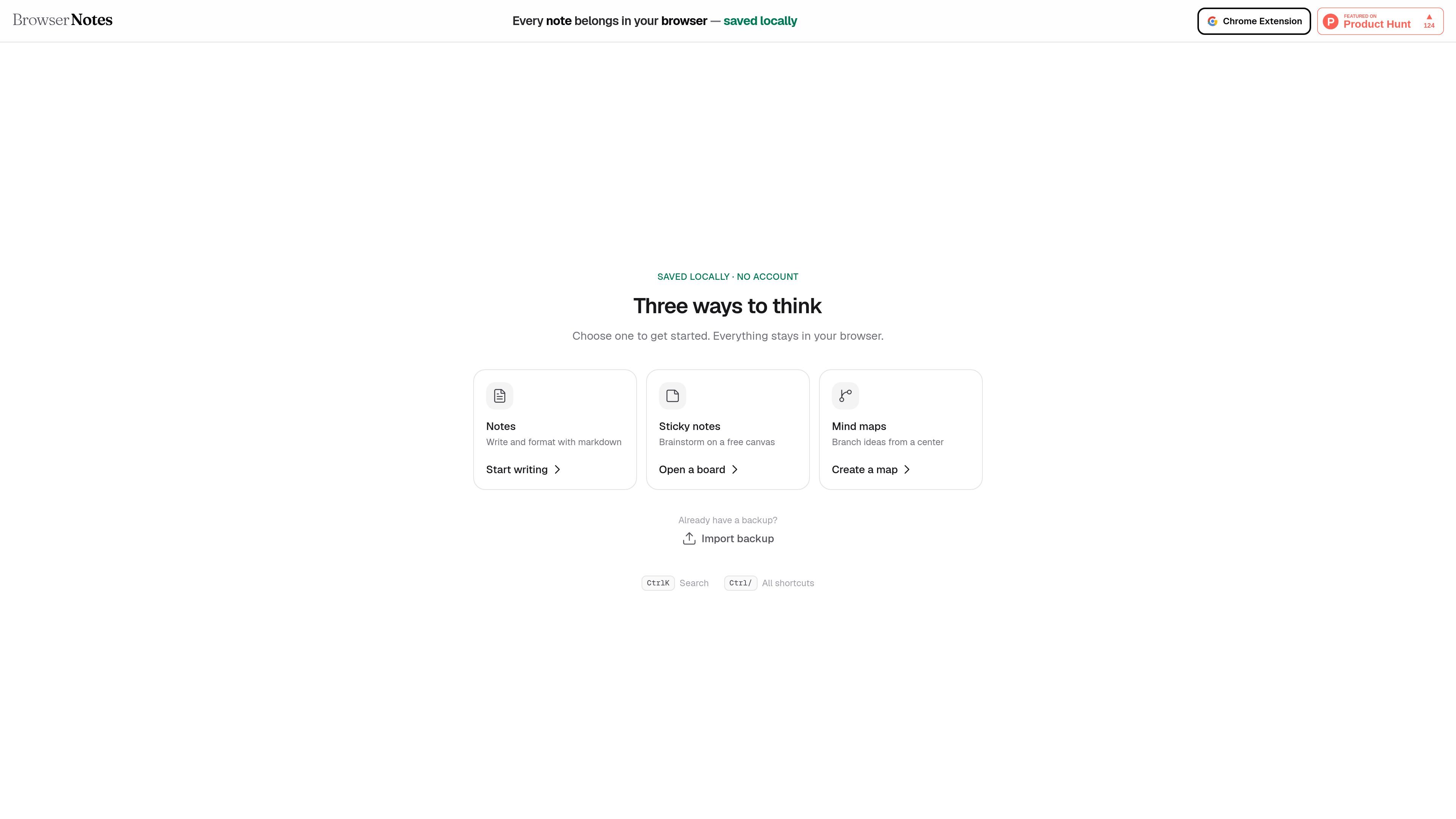
Browser Notes is a local-first note app that runs in the browser and keeps content saved locally rather than tied to an account. The homepage positions it as a private place for notes, sticky notes, and mind maps.
The product is organized around three starting modes: writing markdown text notes, brainstorming on a free sticky-note canvas, or mapping ideas from a central node. A visible backup import option and keyboard shortcuts suggest it is designed for fast capture and retrieval inside the browser.
Create text notes with markdown formatting for longer, structured writing.
Drop notes onto a free canvas for loose idea capture and spatial brainstorming.
Build idea trees from a central node to organize connected thoughts visually.
Bring data back into the app through the backup import option shown on the homepage.
Use shortcuts such as Ctrl+K for search and Ctrl+/ for the shortcuts list to move quickly through the app.
Use the markdown editor when you want to draft a note, outline, or working document without leaving the browser.
Use the sticky-note canvas to collect quick thoughts, tag ideas visually, or move pieces around during a brainstorming session.
Use mind maps when you need to start from one concept and expand related branches around it.
Use the backup import option if you are returning to the app with existing notes you want to restore.
Use keyboard shortcuts when you want faster search and command access while working inside the app.
Browser Notes saves notes locally in your browser, so you can use it without creating an account. The home page explicitly says everything stays in your browser and notes are saved locally.
The homepage shows three note types: text notes with markdown formatting, sticky notes on a free canvas, and mind maps that branch ideas from a center.
Yes. The home page includes an import backup option, which suggests you can bring in an existing backup file if you already have one.
The site shows keyboard shortcuts such as Ctrl+K for search and Ctrl+/ for shortcuts, which suggests the app supports shortcut-driven navigation and commands.

put·here is a local-first spatial workbench for macOS to collect, connect, search, write, and research notes, links, images, and files on visual canvases.

Contextberg records your screen, input, browser, and AI agent history locally, then shares work context via MCP with Claude Code and Cursor for resumptions, search, and reviews.

recall is an AI flashcard app that turns reading and notes into study cards with Claude, ChatGPT, or another MCP client. One-time lifetime access with spaced repetition review.

Goldfish is an AI memory app for macOS that helps you reply, write, summarize, and continue with context already on your Mac. It stores memory locally and writes in your tone.

Flunkey is a voice-first productivity layer for Windows that turns speech into text, AI outputs, and remembered context without leaving your app.

Lasso is an ecommerce product data platform for enriching catalog records, processing supplier files, generating product content, and tracking competitors. It includes a web app, REST API, SDK, and MCP server.