
Visual no-code workflow builder
Build step-by-step workflows in a visual node-based editor so process logic stays readable and editable without dropping into code.

Controller AI is a platform for building AI agents that follow workflows, use ready integrations, and request approval when needed. Track runs, traces, and version history.
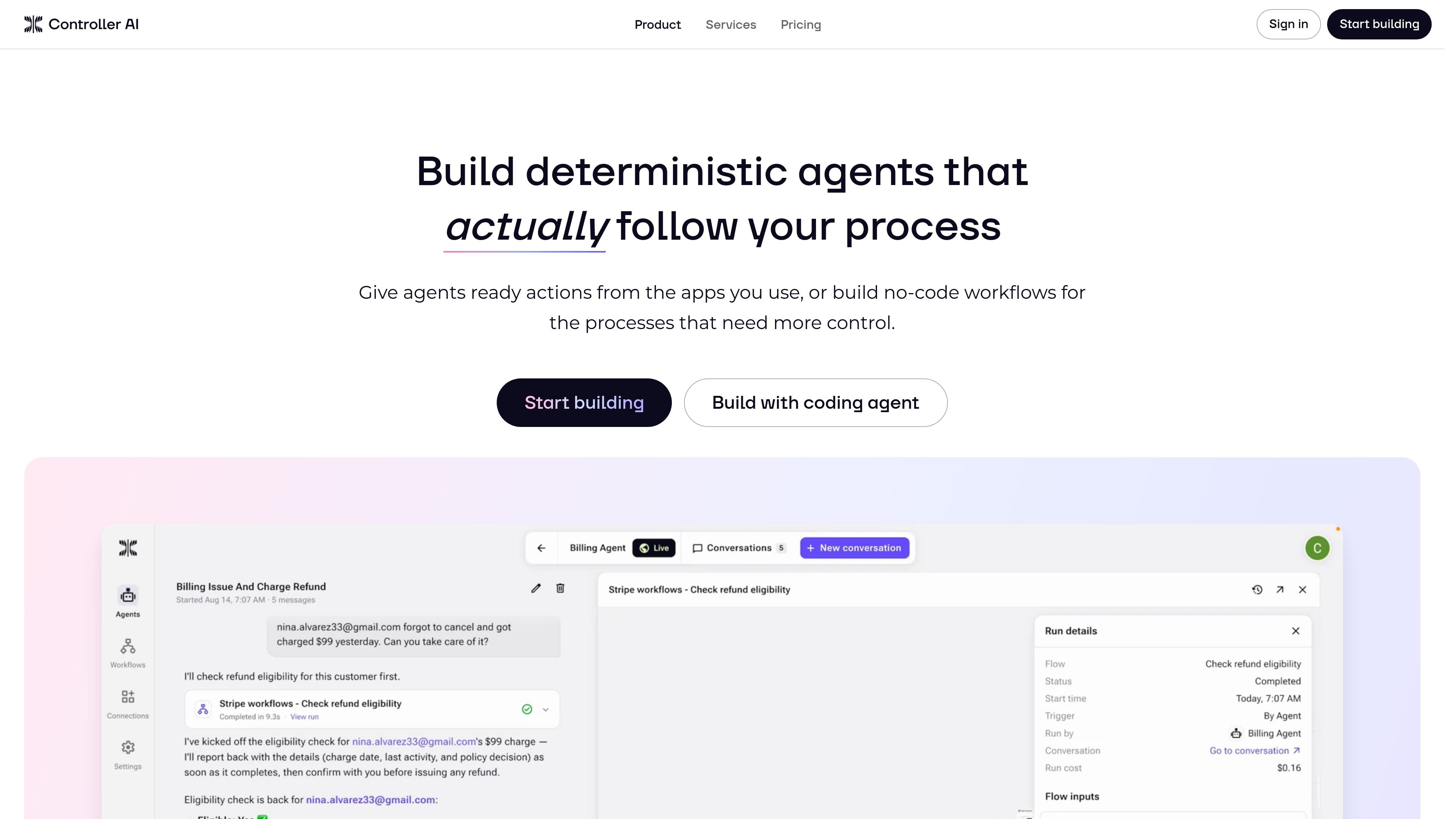
Controller AI is a platform for building AI agents that follow defined business processes instead of operating as open-ended chatbots. The product combines ready integration actions, no-code workflows, approvals, execution traces, and version history so teams can control how agents work and see what happened at each step.
The home page emphasizes two ways to give agents capabilities: attach a single ready action from an app your team already uses, or build a workflow when the task needs orchestration, branches, triggers, state, or reusable logic. The pricing page adds that the platform includes 2,000+ integrations and supports team workspaces with unlimited members on every listed plan.
Build step-by-step workflows in a visual node-based editor so process logic stays readable and editable without dropping into code.
Define exactly what each step accepts and returns using typed inputs, outputs, and custom data structures.
Create branches, transformations, stateful steps, triggers, and reusable subflows for multi-step operational logic.
Set which actions can run automatically and which require a human to approve before execution.
Review inputs, outputs, timing, and errors for each run, with logs and node-level traces for debugging and visibility.
Use development and live environments with version history so teams can test changes before promoting them to production.
An operations team can define an end-to-end workflow for a recurring process, then keep the agent within approved steps while preserving a clear execution history for review.
A marketing or growth team can connect a ready action from the apps it already uses, then let the agent perform a bounded task without building a full workflow from scratch.
A team handling sensitive requests can require human approval for consequential actions, so the agent can draft or prepare work without executing every step automatically.
An operations or finance team can use traces, logs, and version history to debug failed runs, compare changes, and promote workflow updates only after testing.
A team with repetitive evaluation work can build a structured workflow that scores or filters inputs against defined criteria, similar to the resume-screening example shown on the home page.
Controller AI is built for teams that want agents to follow defined processes rather than act with full autonomy. It combines ready integration actions, no-code workflows, approvals, and execution logs so teams can control what the agent may do and review what happened.
The site presents Controller AI as a no-code workflow builder for turning business processes into executable logic. It supports visual, node-based workflows with typed inputs and outputs, reusable subflows, conditional execution, loops, and version history.
The pricing page says plans include 2,000+ integrations, and the home page says you can connect ready actions from the apps your team already uses. The source does not provide a full public integrations list on the pages provided.
The pricing page shows a free plan, Pro, and Max. Free starts at $0 and includes limited usage balance, 20 active workflows, 7 days of run history, and 7-day version restore; Pro is $99/month with 90 days of run history and version control; Max is $300/month with unlimited run history and version control.
Controller AI is positioned for operational workflows where approvals, traceability, and repeatability matter, such as ads operations, refunds, resume screening, and vendor onboarding. The source does not claim it is meant for fully unsupervised or open-ended tasks.

Codex Plugins bundle reusable skills, app integrations, and MCP servers into workflows you can install in the Codex app or use from Codex CLI.

Awish is an AI no-code automation platform that turns natural-language requests into workflows across connected apps—no manual setup.

CreateOS Sandbox is an isolated compute environment for running code and agent workloads in Firecracker micro-VMs with private networking and SDK, CLI, or MCP control.

GitBot is a local browser workspace for reusable coding bots powered by Claude Code, Codex, or OpenCode, with persistent threads and configurable permissions.

Struere turns spreadsheet data into structured operational software with dashboards, alerts, and automations for teams replacing manual spreadsheet workflows.

Wallie is an open-source AI streamer that watches your screen, hears chat, and delivers live commentary in a configurable persona. Runs locally with your own keys.