
System prompt hardening
A hardened system prompt provides the baseline policy, and the Focus Guardrail reinforces those instructions throughout a conversation to reduce drift in long or complex interactions.

Guardrails 2.0 by ElevenLabs keeps AI voice agents on-topic, policy-aligned, and safer to deploy in support, sales, marketing, reception, and internal workflows.
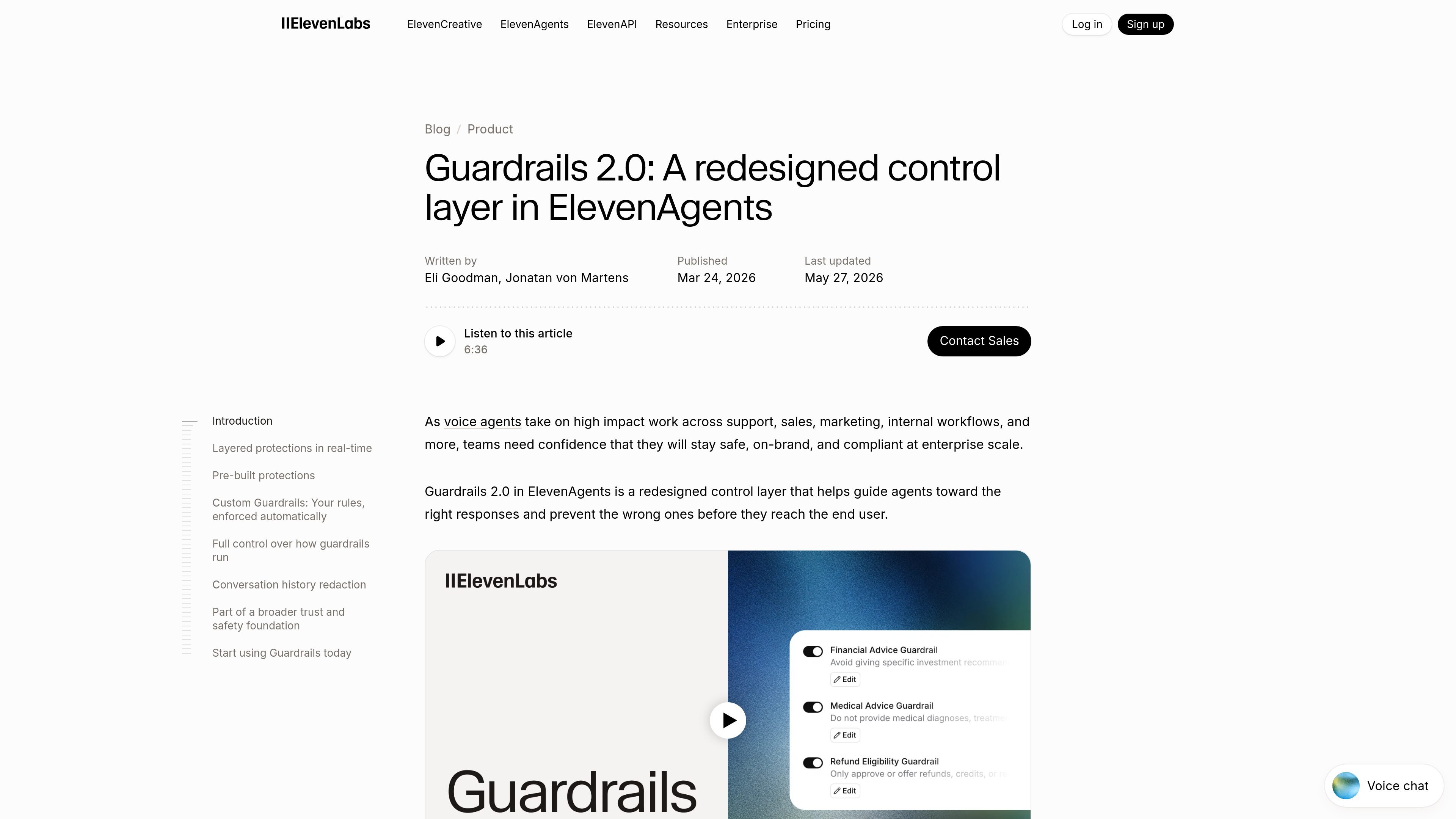
Guardrails 2.0 is ElevenLabs’ control layer for ElevenAgents, designed to keep voice agents aligned with a team’s instructions, safety rules, and operational goals. It adds layered checks around agent behavior so teams can reduce drift, catch manipulation attempts, and block policy-violating replies before they reach the user.
The product is aimed at production voice-agent deployments in support, sales, marketing, and internal workflows. Its controls can be configured in the agent settings or via API, and the page frames them as part of a broader trust-and-safety stack for enterprise deployments, including conversation analytics, optional zero-retention mode, and post-call redaction for eligible customers.
A hardened system prompt provides the baseline policy, and the Focus Guardrail reinforces those instructions throughout a conversation to reduce drift in long or complex interactions.
User inputs are checked for prompt injection and instruction-override attempts, with the option to terminate conversations that pose a security risk.
Every response is evaluated against configured policies before it reaches the user, allowing unsafe or off-topic output to be blocked in real time.
Custom Guardrails let teams write domain-specific rules in natural language and enforce them automatically across calls with a block-or-allow decision.
Execution mode, exit strategy, content sensitivity, and per-guardrail toggles give teams control over how strict enforcement is and what happens after a trigger.
Triggers and actions are logged in conversation analytics, and sensitive information can be redacted from transcripts, recordings, and webhook payloads after a call ends.
Use Guardrails 2.0 when a voice agent needs to stay on script in long or complex calls, such as support or onboarding conversations where drift can lead to bad answers.
Apply manipulation and response checks in customer-facing workflows where users may try to override instructions or prompt the model into unsafe behavior.
Use custom guardrails to enforce company-specific policies, such as escalation rules, prohibited topics, or regulated language requirements.
Configure exit strategies and sensitivity levels for live voice interactions where the team wants different handling for low-risk and high-risk issues.
Combine logging and redaction with post-call QA workflows that need transcripts and recordings for review while removing sensitive details from stored artifacts.
Guardrails 2.0 is configured in ElevenAgents. The page says you can turn them on in the Security tab of an agent’s settings or configure them via the API.
The page describes three layers: system prompt hardening, user input validation, and agent response validation. These work together to reinforce instructions, detect manipulation attempts, and block policy-violating replies before delivery.
The page states that custom guardrails let you define domain-specific policies in natural language and enforce them automatically across every call. A lightweight model evaluates each response and returns a block or allow decision.
Yes. The page says execution modes let you choose between running guardrails alongside the response for near-zero delay or holding responses until they are fully cleared. It also notes you can define exit strategies such as ending the conversation, transferring to another agent, escalating to a human, or retrying with corrective instructions.
Conversation history redaction and Zero Retention Mode are described as available to enterprise clients. The page directs customers to contact sales for access.

Wallie is an open-source AI streamer that watches your screen, hears chat, and delivers live commentary in a configurable persona. Runs locally with your own keys.

Flunkey is a voice-first productivity layer for Windows that turns speech into text, AI outputs, and remembered context without leaving your app.

CreateOS Sandbox is an isolated compute environment for running code and agent workloads in Firecracker micro-VMs with private networking and SDK, CLI, or MCP control.

Codex Plugins bundle reusable skills, app integrations, and MCP servers into workflows you can install in the Codex app or use from Codex CLI.

An All-In-One AI Platform that combines tools for image, video, voice, writing, and chat to enhance creativity and collaboration.

Gemma AI is a phone call reminder app that calls you with scheduled reminders instead of push notifications, with Google Calendar sync and natural voice interaction.