
Natural-language analysis
Ask questions in plain English or other languages and get charts, tables, and answers without writing queries manually.

Formula Bot is an AI data analytics platform that helps users ask questions about their data, generate charts and dashboards, and export results to spreadsheets or reports. It is aimed at business users and teams that want faster reporting and analysis without building everything manually.
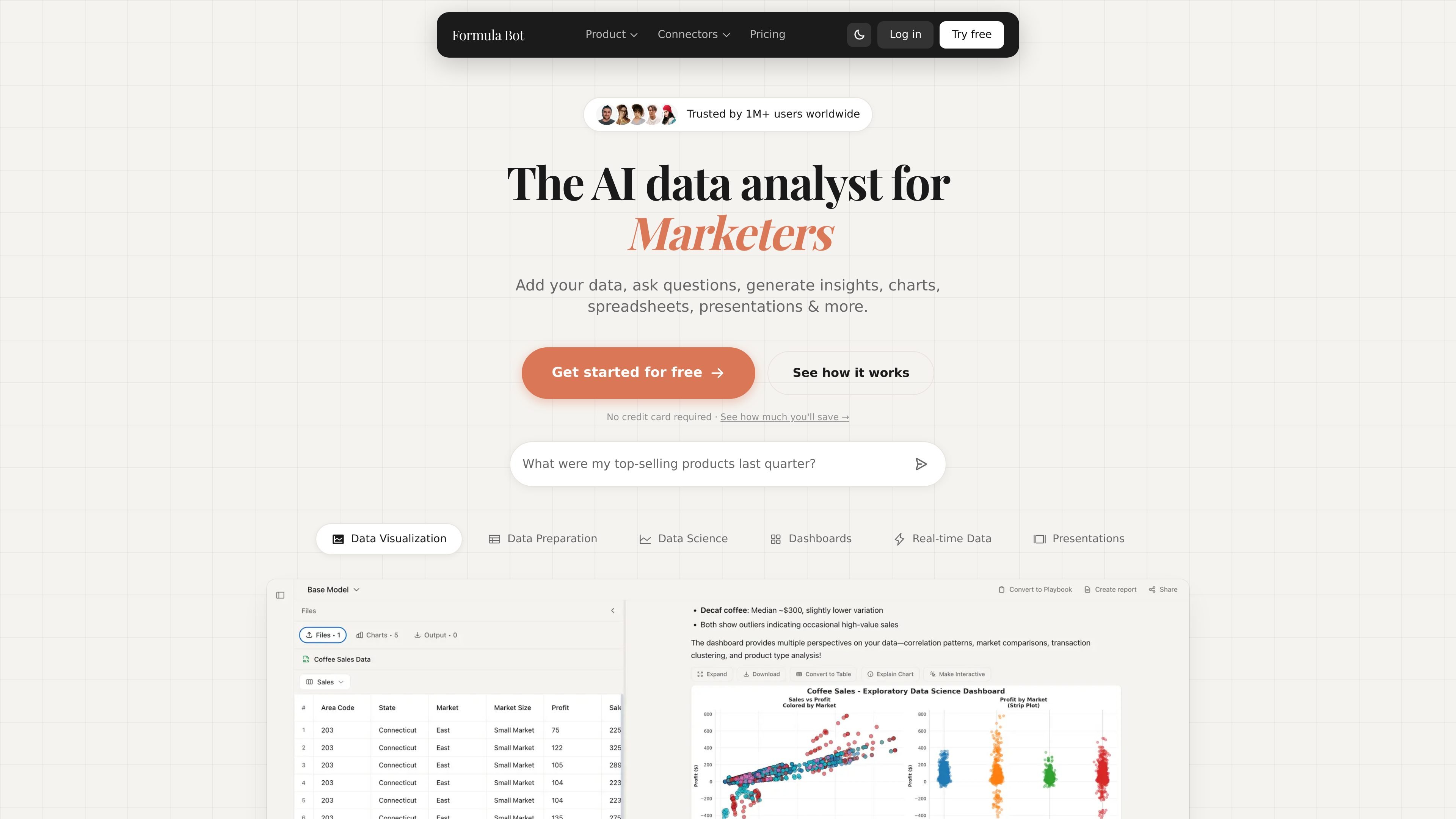
Formula Bot is an AI data analytics platform for turning raw data into charts, dashboards, reports, and answers through natural-language prompts. It is positioned as a tool for business users and data teams that want to move from a question to an insight quickly.
The site highlights a workflow where users add or connect data, ask a question, and receive outputs such as visualizations, spreadsheets, presentations, and automated dashboards. It also includes tools for data transformation, text analysis, scheduled reporting, and exports to Excel and Google Sheets.
Ask questions in plain English or other languages and get charts, tables, and answers without writing queries manually.
Turn data into charts, tables, spreadsheets, and formatted reports for sharing or further work.
Clean, standardize, merge, reshape, filter, and reformat messy datasets across multiple sources.
Generate dashboards from prompts, choose templates, customize the layout, and schedule automatic refreshes.
Analyze text for sentiment, keyword extraction, translation, and related text workflows.
Connect spreadsheets, databases, PDFs, martech tools, websites, and knowledge-base files to support analysis workflows.
Upload or connect a dataset, ask a question in plain English, and get a chart or answer without building the analysis from scratch.
Generate dashboards from a template, customize the elements, and schedule refreshes so recurring reports stay current.
Clean columns, merge files, filter rows, and reformat data before sending it into a report or analysis workflow.
Classify customer feedback, reviews, or other text into sentiment and related labels for faster review.
Export results into Excel or Google Sheets and use formatted spreadsheets or reports for sharing with others.
Formula Bot is an AI data analytics platform that lets you ask questions in plain English, generate charts, create dashboards, transform data, and export results to spreadsheets or reports.
The product supports a workflow where you add or connect data, ask a question, and receive charts, tables, answers, or formatted outputs such as spreadsheets and reports.
The site shows support for spreadsheets, databases, PDFs, martech data, websites through web scraping, and knowledge-base files such as DOCX, PDF, SQL, TXT, and web content.
Formula Bot positions itself for individual users and teams that need faster reporting, dashboard building, text analysis, and recurring analysis tasks.
The pricing page presents a free starting option and paid plans, including a starter plan, but the exact plan mix and limits should be checked on the pricing page because the page content is partially truncated in the source.

Bricks is an AI data analyst that turns CSV, Excel, PDF, PNG, Google Sheets, and database data into dashboards and reports. It helps people create, refresh, share, and present visual reporting without manual chart building.

PromptScout tracks how ChatGPT, Gemini, Google AI Overviews, and Perplexity mention your brand or competitors, then pairs those results with source analysis and website audits. It helps teams decide what to fix in content, positioning, or site readiness next.

SaveMRR is a Stripe retention tool for SaaS teams that scans billing data for churn and MRR leaks, then automates recovery through dunning, cancel-save offers, win-back emails, and onboarding nudges. It is built for founders and bootstrapped teams using Stripe.

Hype is a web tool for finding trending YouTube topics by category, time range, and scoring mode. Spot emerging ideas and review source videos.

Sleek Analytics is a privacy-friendly web analytics tool with real-time visitor tracking, Core Web Vitals, and revenue attribution. It helps site owners understand traffic and conversions without cookie banners or a heavy setup.

Struere is an AI-native platform for turning spreadsheet data into structured operational software with dashboards, alerts, and automations. It is aimed at teams that want to replace manual spreadsheet workflows without building custom tools from scratch.