
Minimal CLI harness
fx is a minimal CLI and agent runtime written in Zig, with a small core and a shell-like interface rather than a heavy terminal TUI.

fx is a tiny, open coding agent and CLI written in Zig. Run natively, connect via Agent Client Protocol, or load from JavaScript as WebAssembly.
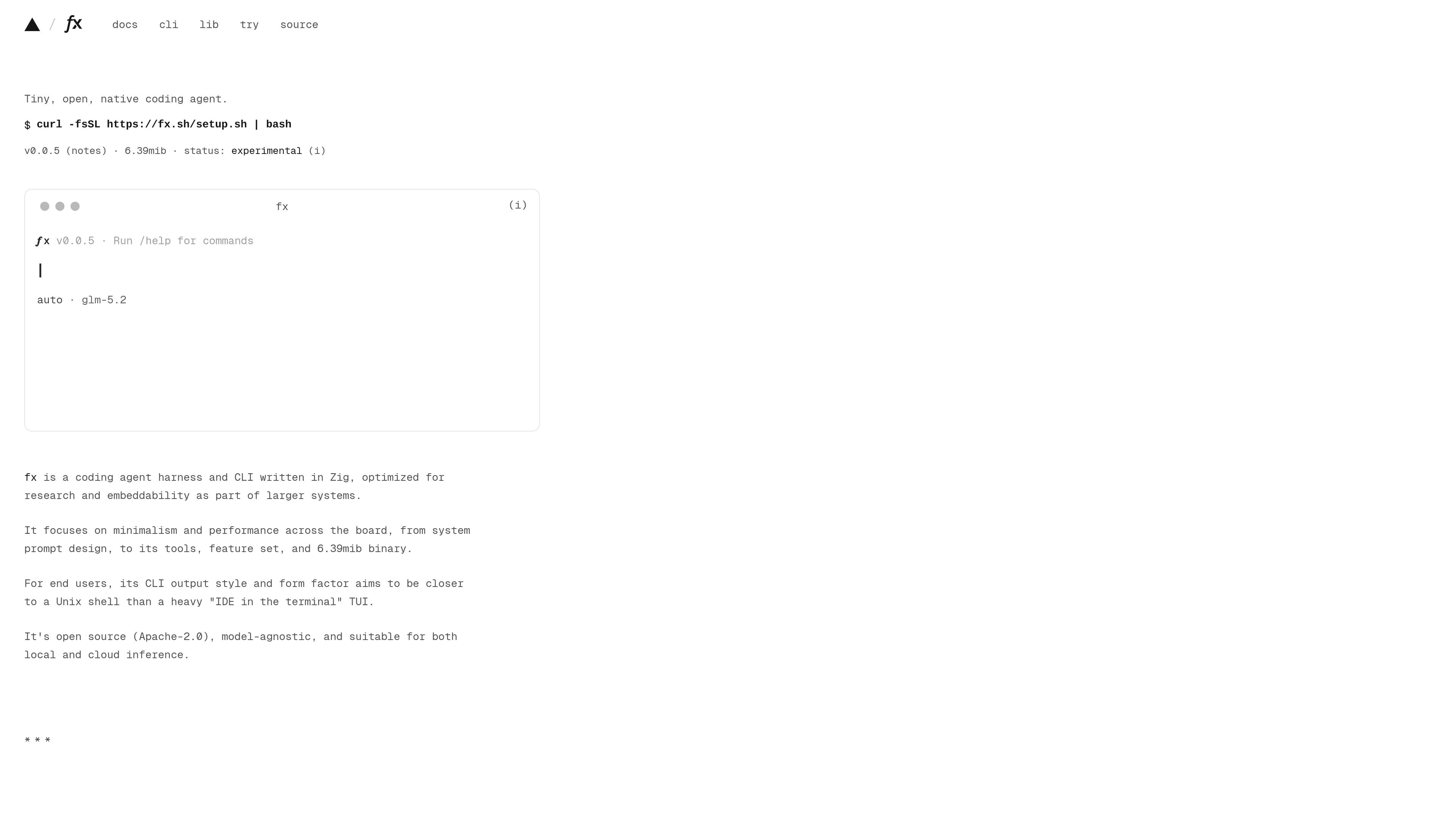
fx is a tiny, open coding agent and CLI written in Zig. It is positioned as a minimal agent harness for developers who want a compact, embeddable tool rather than a terminal-heavy IDE experience.
The product can run natively in a shell, act as an ACP server for editors and applications, or load from JavaScript through a WebAssembly build. The documentation frames it as suitable for research, resource-constrained environments, and larger systems that need a configurable agent runtime.
fx is a minimal CLI and agent runtime written in Zig, with a small core and a shell-like interface rather than a heavy terminal TUI.
The product is designed for fast startup and low overhead, with documentation describing instant time to prompt, no unnecessary work before input, and a small binary footprint.
fx can run natively in a terminal, serve as an ACP server for editors and other clients, or load as WebAssembly through the JavaScript SDK.
The docs describe browser adapters for storage, authentication, command execution, and network requests, with separate adapters for terminal and agent use.
fx is model-agnostic and can work with local models, gateways, direct provider APIs, or subscriptions.
The runtime is built to be extended through skills, plugins, and MCPs, and the docs emphasize embeddability as part of larger systems.
Run fx in a project directory as a terminal-based coding agent when you want a small CLI that treats the current folder as the main workspace.
Connect fx through Agent Client Protocol when building or using an editor that wants an agent running as a native process over standard input and output.
Load the WebAssembly build from JavaScript when you need an embeddable agent runtime or an interactive terminal inside a browser or app.
Use the browser adapter model to persist session state, restore config, complete device login, or proxy network requests in a custom app.
Choose fx when you need a compact, extensible harness for research, sandboxed environments, or systems that need multiple instances with modest resource use.
fx supports macOS and Linux on x86_64 and arm64. The installation guide also notes that the installer needs curl or wget and tar.
Yes. The docs describe fx as open source under the Apache-2.0 license.
You can run the native CLI in a terminal, connect an editor or another application over Agent Client Protocol (ACP), or load the WebAssembly build from JavaScript.
The installation docs say the installer downloads a release archive over HTTPS from Vercel's release storage and does not check a signature or published checksum. They recommend reviewing the script and verifying artifacts yourself if your policy requires an audited install.
The docs describe fx as model-agnostic and suitable for local models, gateways, direct provider API access, or subscriptions.

ByteAsk is a terminal-first AI coding agent for C and C++ that edits repos and verifies changes with compilers, debuggers, sanitizers, and tests.

Ghost is a terminal-based AI assistant for chatting, code generation, and CLI tasks. Includes free models, supports Linux, macOS, Windows, and is open source.

Vi3ecode is a maintained development environment for AI coding agents, keeping project context, terminal, Git, memory, flows and review connected.

CreateOS Sandbox is an isolated compute environment for running code and agent workloads in Firecracker micro-VMs with private networking and SDK, CLI, or MCP control.

hob is an independent workspace for coding agents, with local control over sessions, terminals, history, routing, and follow-up work.

Manta AI is an autonomous web app testing tool that maps app behavior, catches regressions, and generates tests from a URL, no scripts or selectors needed.