
One folder system across multiple AI tools
Create a single folder hierarchy for chats across ChatGPT, Claude, Gemini, DeepSeek, and Grok. Chats from different services can live side by side in the same project structure.

TidyFolders is a browser extension for organizing AI chats into folders, subfolders, and highlights across ChatGPT, Claude, Gemini, DeepSeek, and Grok.
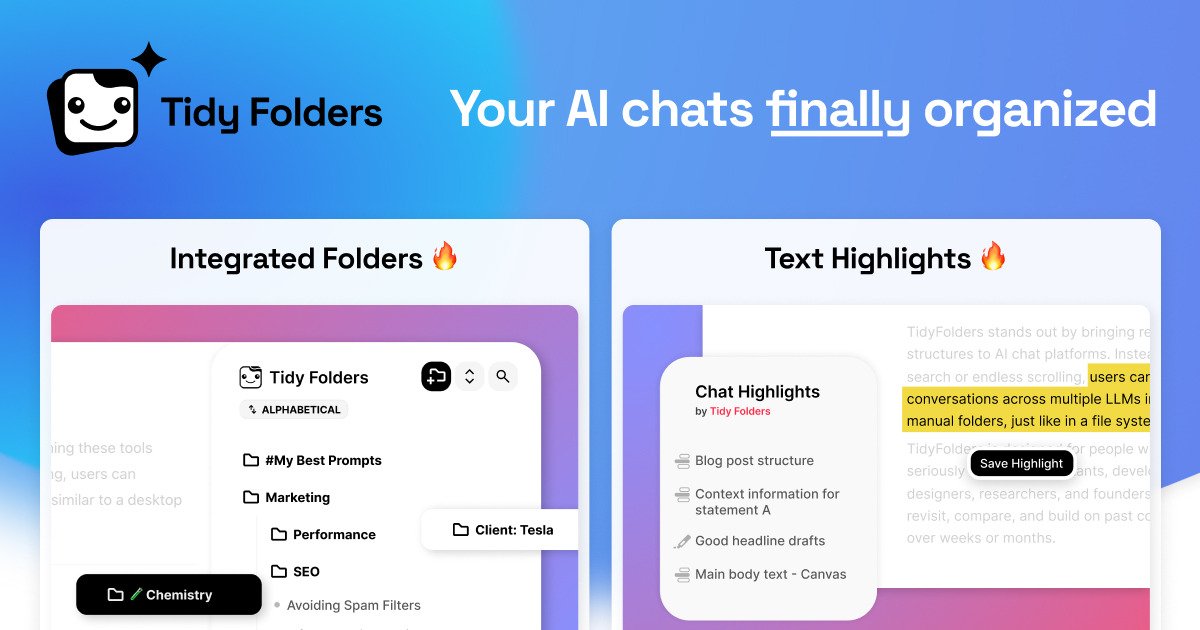
TidyFolders is a browser extension for organizing AI chat history into folders and subfolders. It is built for people who use ChatGPT, Claude, Gemini, DeepSeek, or Grok and want a shared structure for conversations, highlights, and saved links.
The product focuses on making long or repeated chats easier to revisit. You can mark important answers, jump back to a specific spot in a conversation, and keep supporting web pages in the same folder as the related chat.
Create a single folder hierarchy for chats across ChatGPT, Claude, Gemini, DeepSeek, and Grok. Chats from different services can live side by side in the same project structure.
Nest folders and subfolders, drag chats in and out, reorder items, and use folder colors and dividers to keep larger libraries understandable.
Mark text or whole replies inside a chat and turn those marks into links that take you back to the exact point in the conversation.
Save web pages and bookmarks in the same folders as chats, so source articles and reference pages sit next to the conversation they support.
Open the extension directly inside supported AI chat interfaces, with folders and highlights syncing across devices.
Organize single chats or whole projects, including work like client research, prompt testing, drafts, or learning notes.
Keep all conversations for a client, product, or internal initiative in one folder, even when different AI tools are used for different parts of the work.
Save the best answer from a long chat, highlight the important passage, and return to that exact point later without rereading the whole thread.
Store draft prompts, rewrites, and final outputs in a reusable folder so you can return to the versions that worked.
Collect source pages, docs, and AI responses in the same folder when you are comparing options or assembling research for a decision.
Build topic folders for classes or self-study, then mark explanations you want to revisit while learning from AI.
TidyFolders is a browser extension for organizing AI chat conversations. It lets you place chats in folders and subfolders, highlight important text or replies, and save web links in the same folder structure.
Yes. The source states that existing chats can be reorganized into folders and enhanced with highlights afterward.
TidyFolders supports ChatGPT, Claude, Gemini, DeepSeek, and Grok, and lets you mix them in one shared folder structure.
TidyFolders runs in Chrome, Brave, Edge, Safari, and Firefox. The site notes that Safari is delivered as a direct download rather than through the Mac App Store.
Yes. The site says teams can request volume licensing starting at 10 members.

Goldfish is an AI memory app for macOS that helps you reply, write, summarize, and continue with context already on your Mac. It stores memory locally and writes in your tone.

ArtDeck is a visual reference board app for iPhone, iPad, and Mac. Collect mixed references on one canvas and study them with ToolBox lenses. Offline, optional iCloud sync, one-time purchase.

Dcyde is a shared decision log for product teams to capture what was decided, why, and the source, with searchable records from Slack, Figma, or Dcyde.

recall is an AI flashcard app that turns reading and notes into study cards with Claude, ChatGPT, or another MCP client. One-time lifetime access with spaced repetition review.

Lasso is an ecommerce product data platform for enriching catalog records, processing supplier files, generating product content, and tracking competitors. It includes a web app, REST API, SDK, and MCP server.

Biji is a versatile platform designed to enhance productivity through innovative tools and features.