
Color-coded web and PDF highlighting
Highlight websites and PDF files with multiple colors, then review those highlights later from your Glasp homepage.

Glasp Web Highlighter is a free Firefox extension to highlight, annotate, organize, and share web pages, PDFs, images, and YouTube videos with AI summaries and export tools.
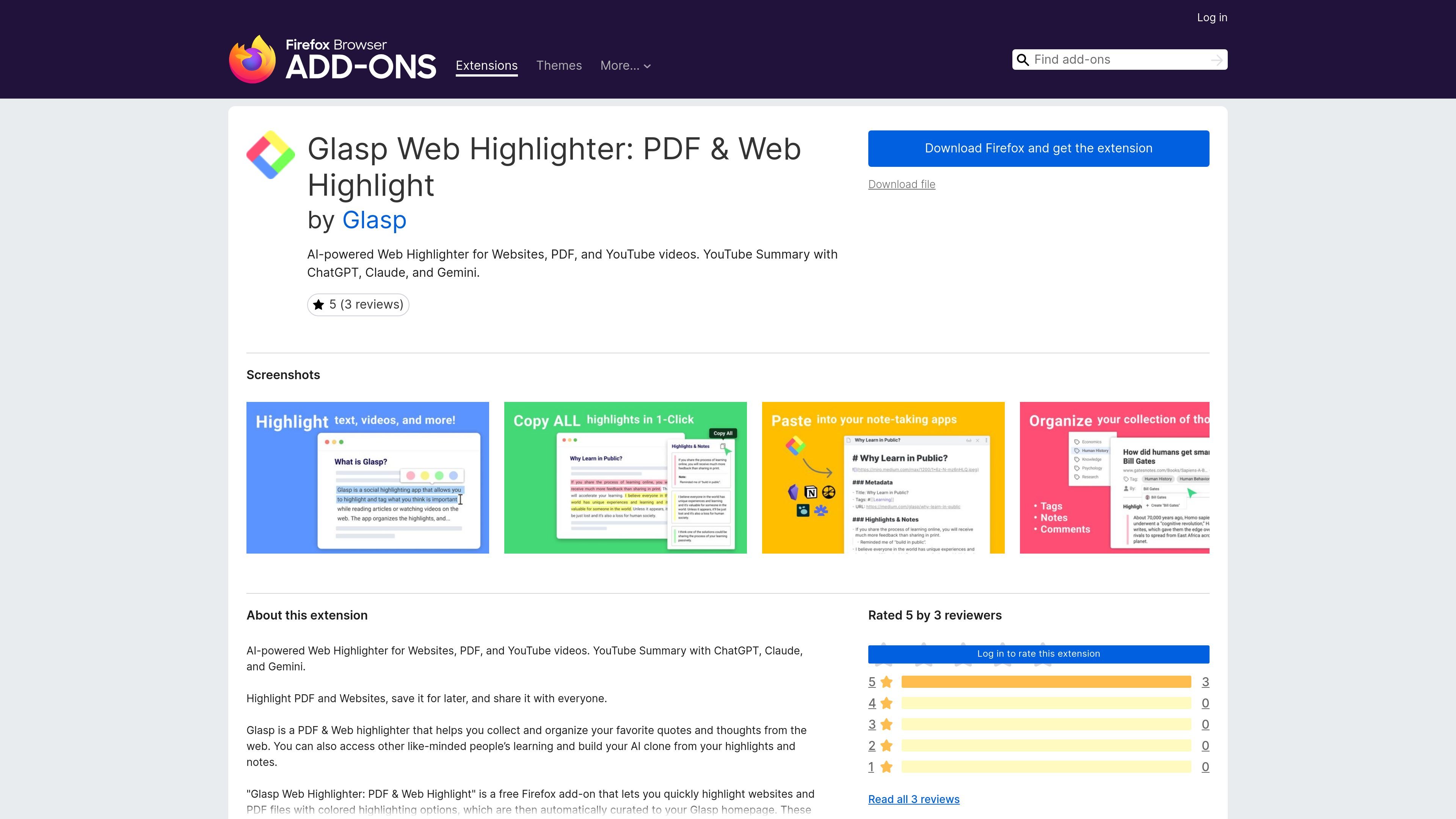
Glasp Web Highlighter is a Firefox add-on for highlighting and annotating web pages, PDFs, images, and YouTube videos. It is built to help users collect quotes, notes, and other saved passages in one place, with those highlights curated to a Glasp homepage.
The extension also emphasizes organizing and revisiting saved material. Users can tag, search, link, and share highlights, view them in a sidebar, and jump back to the original highlighted location in a web page or PDF. The listing describes it as a free add-on for Firefox.
Highlight websites and PDF files with multiple colors, then review those highlights later from your Glasp homepage.
See all highlights and notes in a sidebar on web pages and PDFs, and jump back to the exact highlighted location.
Add tags and links to highlights so they can be organized and retrieved more easily.
Save copied highlights and notes, including metadata, into a note-taking app in one click.
Use AI models such as ChatGPT, Claude, Mistral AI, and Gemini to summarize YouTube videos, web articles, and PDFs based on your annotations.
Capture highlights and annotations from YouTube videos and generate quoteshots from webpages.
Save important passages from articles or reference pages, then revisit them later from the Glasp homepage or the original page with the highlights still visible.
Review a PDF inside Firefox, keep comments tied to the text, and use the sidebar to move between saved points quickly.
Watch a YouTube video and capture highlights or annotations, then use AI summarization to turn those notes into a faster recap.
Organize collected passages with tags and links, search them later, and copy the full set of highlights and notes into a note-taking app.
Share selected highlights with others on supported platforms such as Twitter, Teams, and Slack.
Yes. The extension is described as a free Firefox add-on on the product page.
The add-on is presented for Firefox, and the page shows a Firefox browser add-on listing.
The page says it can highlight websites and PDF files, and it also supports highlighting and annotation on YouTube videos.
The page says highlights and notes can be curated to your Glasp homepage, and that you can tag, search, link, and share them.
The page lists support and privacy links, and the add-on description says data collection includes website activity and website content, with optional technical and interaction data.

Contextberg records your screen, input, browser, and AI agent history locally, then shares work context via MCP with Claude Code and Cursor for resumptions, search, and reviews.

Goldfish is an AI memory app for macOS that helps you reply, write, summarize, and continue with context already on your Mac. It stores memory locally and writes in your tone.

ArtDeck is a visual reference board app for iPhone, iPad, and Mac. Collect mixed references on one canvas and study them with ToolBox lenses. Offline, optional iCloud sync, one-time purchase.

Dcyde is a shared decision log for product teams to capture what was decided, why, and the source, with searchable records from Slack, Figma, or Dcyde.

Flunkey is a voice-first productivity layer for Windows that turns speech into text, AI outputs, and remembered context without leaving your app.

Lasso is an ecommerce product data platform for enriching catalog records, processing supplier files, generating product content, and tracking competitors. It includes a web app, REST API, SDK, and MCP server.