
Real-time framing guides
The app overlays visual composition guidance directly in the camera so you can align a subject before taking the shot.

Klick Photo is an AI-powered mobile camera app that gives real-time guidance on framing, composition, and lighting while you capture photos. It is aimed at people who want help taking better pictures in the moment, especially beginners learning composition.
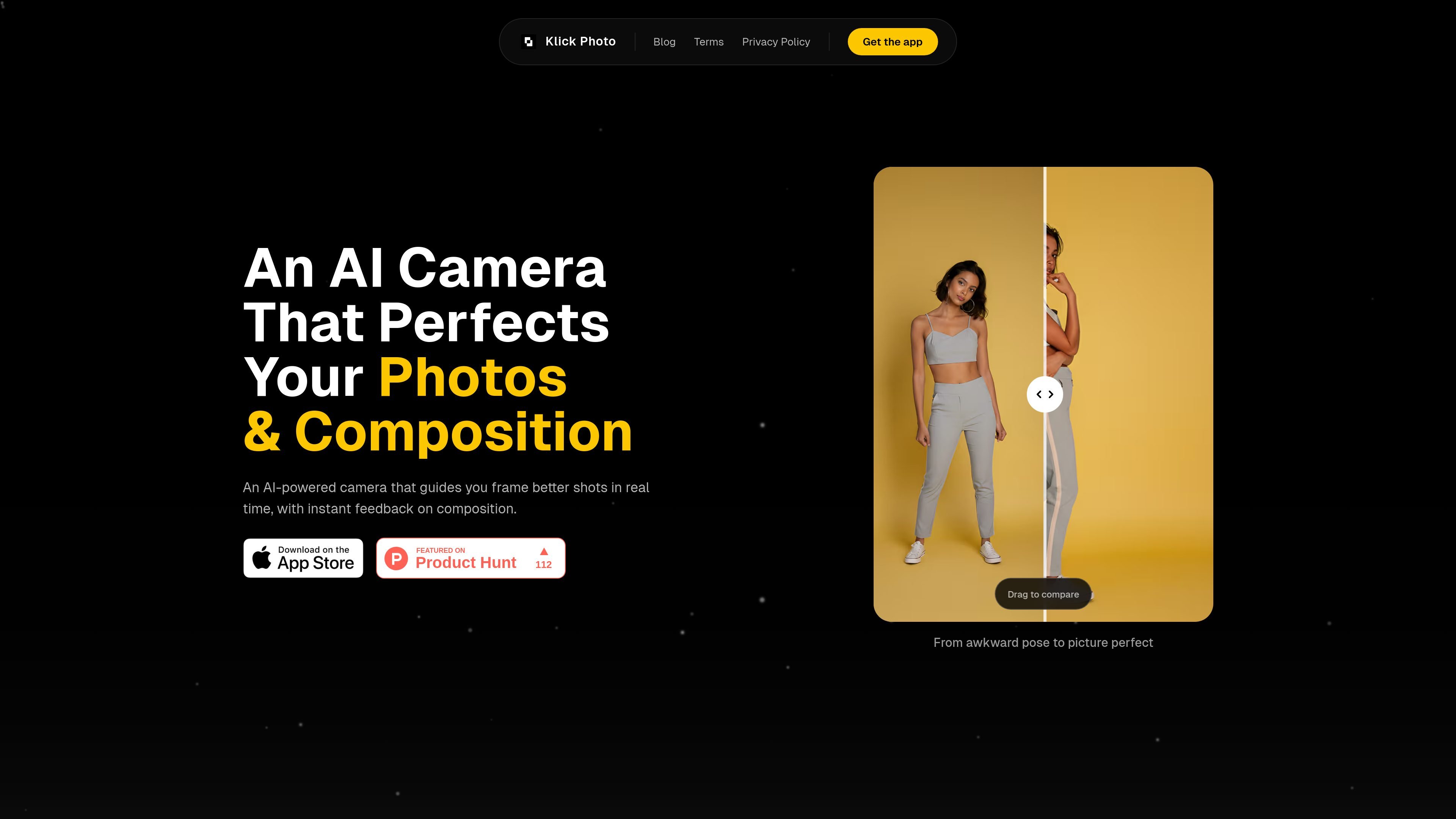
Klick Photo is an AI-powered camera app that helps people frame better photos while they are shooting. The site presents it as a guided camera experience rather than a traditional editor, with visual composition assistance shown on the camera screen.
According to the product pages, the app focuses on real-time guidance for framing, composition, and lighting. The blog describes a simple workflow: open the camera, choose a composition frame, align the subject with the guide, and capture the photo. A privacy notice and terms page confirm that the service is offered by Klick Inc and is intended for use as a mobile application.
The app overlays visual composition guidance directly in the camera so you can align a subject before taking the shot.
The homepage says the app gives instant feedback on composition, helping users make adjustments while they are still shooting.
The privacy and terms pages say the app provides guidance on framing, composition, and lighting during capture.
The blog explains that users can choose from different composition frames, such as cinematic, portrait, travel, and story-driven layouts.
The privacy policy says the app may include basic photo review or editing features after capture.
The app is distributed as a mobile application and requests access to device features such as the camera.
Use the app when you want visual guidance while taking a portrait, so the subject sits in a stronger position within the frame.
Use composition frames to quickly set up travel or everyday scenes without needing to memorize photography rules first.
Open the camera and rely on the guides when a moment is moving quickly and you want to improve framing before pressing the shutter.
Try the app when you want to practice common composition patterns, such as off-center placement or framing within a frame, while shooting on a phone.
Use the guided workflow if you want a capture-time assistive tool rather than a post-processing editor that fixes photos later.
Klick Photo is an AI-powered camera app that provides real-time visual guidance while you frame and capture a photo. The site says it can help with framing, composition, and lighting, and may include basic photo review or editing features.
The site describes a simple workflow: open the camera, choose a composition frame, align the subject with the guide, and capture the image.
The source content centers on real-time composition guidance, including visual frames and instant feedback. It does not list supported export destinations or third-party integrations.
The website positions Klick Photo as helpful for beginners who want better framing without extensive photography training. The blog also says the guides can help users learn composition over time.
The pricing page currently returns a 404, so the site does not clearly show pricing details in the available source content.

Faceswapai.Online is a web-based AI face swap tool for photos and videos, including multiple-face workflows. It offers free-to-try access without sign-up and paid credit-based VIP features for larger or longer jobs.

Vectorizer.AI converts raster images into vector formats such as SVG, PDF, EPS, and DXF, with a browser-based workflow and developer tools for automation. It is designed for users who want previewable, editable vector output from logos, artwork, sketches, scans, and other bitmap images.

Pixelcut is an AI photo editor for creating and editing product images, social content, and video assets. It offers free and paid plans, plus mobile app and browser access for individual users and teams.

Petalica Paint is a web service for automatically coloring line art and tracing line drawings from photographed images. The home page says it can be used under the stated terms for commercial and noncommercial work, but it is scheduled to end on 2025-07-31 at 16:00 JST.

Snapmark is a VS Code extension that lets you annotate clipboard screenshots before pasting them into AI chats. It supports blur redaction, numbered callouts, and automatic resizing for large images.

Wearvue AI generates personalized outfit previews from a photo, lets users refine the style for an occasion, and surfaces similar real products to shop. It is aimed at people who want to preview outfit ideas before buying and compare them with shoppable alternatives.