
Outline Builder
Suggests structures for longer writing projects so you can start from an outline and build out the draft with more direction.

Litero is a source-based AI writing partner for research, drafting, citations, summaries, and polishing in one workflow.
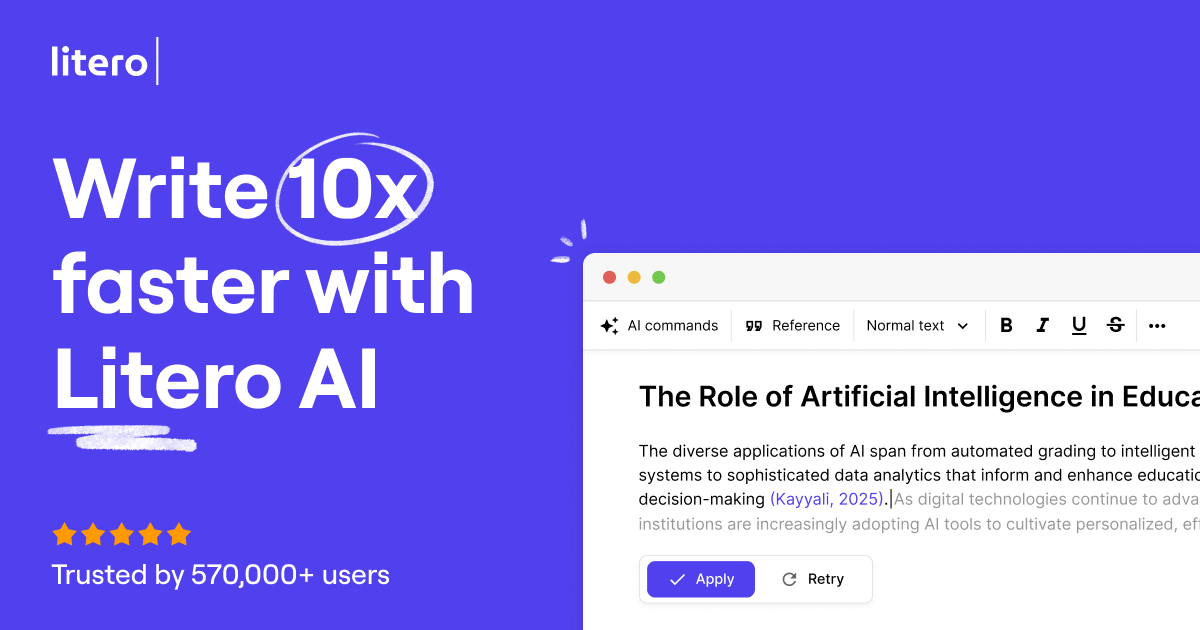
Litero is a source-based AI writing partner for research and drafting. The product is positioned around helping users research, write, cite, summarize, and polish text in one workflow rather than using separate tools for each step.
Across the site, Litero emphasizes author control and responsible use. It combines source finding, outline building, autosuggest, citation formatting, AI detection, paraphrasing, and plagiarism checking so users can move from research to a finished draft with more structure and review built in.
Suggests structures for longer writing projects so you can start from an outline and build out the draft with more direction.
Offers context-aware next-sentence ideas when you are stuck, helping you continue drafting without switching tools.
Searches a large source base and suggests relevant citations, with formatting support in APA, MLA, Harvard, and other styles.
Highlights text that may be AI-generated so you can review and revise it before submitting or publishing.
Condenses longer text into a concise overview, which is useful for summarizing articles, notes, or documents.
Supports paraphrasing, grammar checking, punctuation checking, rewording, and plagiarism review as part of a combined writing workflow.
Start a paper or article with an outline, then use autosuggest and drafting support to move from a blank page to a working draft.
Look up sources, generate citations, and format references in styles such as APA, MLA, or Harvard while writing.
Condense long passages, notes, or articles into a shorter summary for review or reuse.
Check text for AI-generated sections or accidental plagiarism before turning in a paper or publishing content.
Polish tone, grammar, punctuation, and phrasing to make an existing draft clearer without changing the overall meaning.
Litero is presented as a source-based writing partner rather than a generic chatbot. It helps with outlining, drafting, summarizing, citation support, AI detection, and plagiarism checking in one workspace.
The site shows a free plan and a paid plan. The free tier includes limited daily AI output plus access to the source finder, citation tool, AI companion, and AI detector; the paid plan starts at $7.9 per month when billed annually and adds unlimited AI output, outline and drafting tools, humanizer, plagiarism checker, and built-in ChatGPT.
The source text indicates the product is meant to support research and writing workflows on the web, but it does not provide a clear list of desktop, mobile, or browser-app availability.
Litero highlights source finding, citation formatting, outlining, drafting, summarizing, AI detection, paraphrasing, grammar checking, and plagiarism checking. The source text does not confirm any file-based import integrations or third-party app connections beyond those capabilities.
The site describes Litero as helping with research, writing, citation, and polishing, with a focus on source-based and author-driven writing. It is positioned for people who want support with academic and general writing tasks without losing control of the final text.

Goldfish is an AI memory app for macOS that helps you reply, write, summarize, and continue with context already on your Mac. It stores memory locally and writes in your tone.

ProWritingAid is a writing assistant for storytellers with grammar checking, style editing, paraphrasing, and story analysis in popular writing apps.

SpeakoFlow is a free, open-source desktop voice-to-text app for Windows, macOS, and Linux. Dictate into any app, use Flow, cleanup, translation, and a screen-aware assistant.

Paperpal is an AI tool for academic writing, offering literature reading, language polishing, citations, plagiarism checks, AI detection, and pre-submission review.

Sanota turns spoken memories and interviews into clear written stories for personal storytelling, family history and shared memories, with guided prompts and subscriptions.

Dirac is an AI email assistant for Gmail that prepares a morning brief, prioritizes important threads, and drafts replies in your voice.