
Persistent memory graph
Stores preferences, projects, relationships, files, conversations, writing style, and prior decisions in a persistent memory graph that remains available beyond a single chat.

Make0 is a personal AI memory platform with a user-controlled Brain that connects to Claude, ChatGPT, Cursor, MCP clients, and a shared Agent canvas.
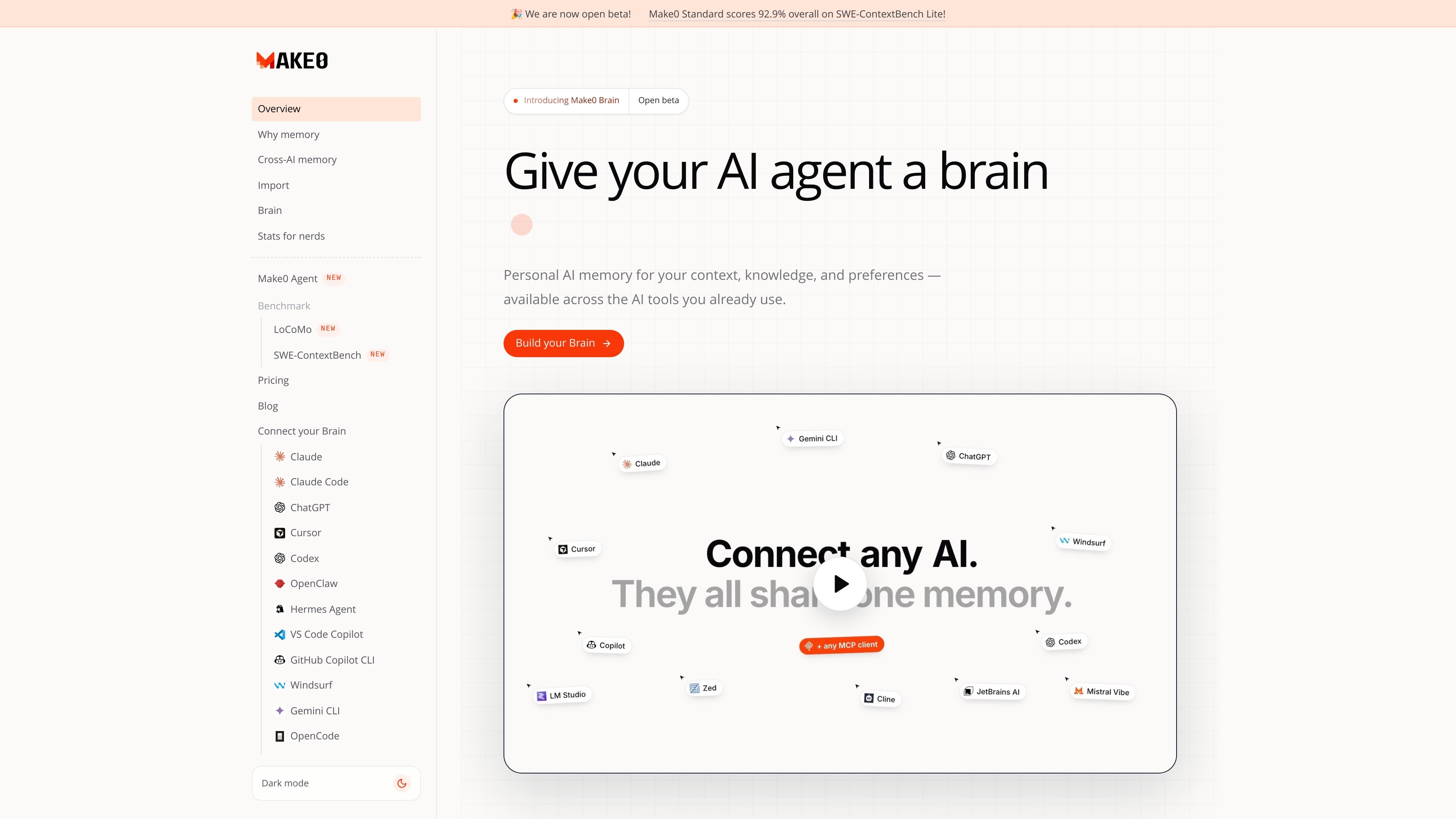
Make0 is an AI memory platform built around a personal Brain: a portable memory graph for preferences, projects, relationships, files, conversations, and prior decisions. The Brain is designed to preserve useful context beyond an individual prompt or model session, so users do not have to recreate the same background when moving between supported AI tools.
The product also includes the Make0 Agent, a shared canvas workspace for researching, creating, reviewing, and shipping work with people and AI. Users can bring research and source material into the canvas, choose an output format, and review generated assets before sharing or scheduling them. Make0 Brain and the Agent are available together, with the Brain supplying context across the workflow.
Stores preferences, projects, relationships, files, conversations, writing style, and prior decisions in a persistent memory graph that remains available beyond a single chat.
Connects one Brain to supported Claude, ChatGPT, Cursor, Make0 Agent, and other MCP-compatible clients so approved context can follow the user between tools.
Import memory from ChatGPT or Claude, add notes and documents, and bring in images, audio, video, or preferences. Make0 Capture can collect useful context from the browser.
Lets users review, add, edit, delete, import, export, and download a plaintext profile of stored memories rather than relying on an inaccessible profile.
Provides a shared live canvas where people and agents can keep objectives, research, drafts, feedback, decisions, and final work visible in one workspace.
Turns research into presentations, documents, spreadsheets, web apps, images, videos, and social posts, with review and approval before sharing or scheduling.
Import an existing ChatGPT or Claude memory dump, review the resulting entries, and connect the Brain to both tools so approved preferences and background remain available when switching models.
Connect the Brain to an MCP-compatible coding client such as Cursor and preserve project context, writing preferences, and recurring decisions across development sessions.
Research a topic with web and file context, then use Make to turn the work into a presentation, document, spreadsheet, web app, or other deliverable without restarting the research.
Use the shared canvas to coordinate objectives, drafts, feedback, brand context, and final assets with teammates and agents, while retaining human review before publication.
Connect GitHub for repository context and prepare approved posts or other materials for LinkedIn, X, Instagram, and YouTube from the same workspace.
Build a Brain by importing context from ChatGPT or Claude, adding a Notion page, recording a 60-second introduction, or uploading files such as PDFs, documents, notes, images, audio, and video. You can then connect the Brain to supported AI clients through MCP.
Make0 Brain can be connected through MCP in supported versions of Claude, ChatGPT, Cursor, and other MCP-compatible clients. The Make0 Agent uses the same Brain within its canvas workspace.
You can review, add, edit, and delete Brain entries. Make0 also supports importing a memory dump from ChatGPT or Claude and downloading a plaintext profile.
Research a topic in chat, click Make, choose an output format, and review the result on the canvas before sharing or scheduling it. Supported outputs include presentations, documents, spreadsheets, web apps, images, videos, and social posts.
The free plan includes 250 Brain memories, 100 MB of Brain storage, up to 3 brains, 3 app connections, 500,000 agent tokens, and 250 media credits. Paid plans provide higher limits; the Brain APIs do not consume agent tokens.

garden-md is an open-source Node.js CLI that turns meeting transcripts into a local company wiki, linking entities and preserving the original text.

Goldfish is an AI memory app for macOS that helps you reply, write, summarize, and continue with context already on your Mac. It stores memory locally and writes in your tone.

Lasso is an ecommerce product data platform for enriching catalog records, processing supplier files, generating product content, and tracking competitors. It includes a web app, REST API, SDK, and MCP server.

CreateOS Sandbox is an isolated compute environment for running code and agent workloads in Firecracker micro-VMs with private networking and SDK, CLI, or MCP control.

ArtDeck is a visual reference board app for iPhone, iPad, and Mac. Collect mixed references on one canvas and study them with ToolBox lenses. Offline, optional iCloud sync, one-time purchase.

GitBot is a local browser workspace for reusable coding bots powered by Claude Code, Codex, or OpenCode, with persistent threads and configurable permissions.