
Prompt-to-design workflow
Turn a text prompt into merch artwork, then refine the result in the editor instead of starting from a blank canvas.

MerchBanao is an AI merch design tool for print-ready T-shirt and merchandise artwork from text prompts, with text, logos, layers, background removal, and export settings.
MerchBanao is an AI merch design tool for creating custom T-shirt and apparel graphics from text prompts. The site positions it as an AI-first designer for people who want to turn an idea into a print-ready merchandise file without building every asset manually.
Its workflow is straightforward: enter a prompt, refine the design with text, logos, and styles, then export a print-ready result. The product page emphasizes production-oriented output, including 4500x5400px exports at 300 DPI, background removal, and upscaling, which makes it aimed at designs intended for physical printing rather than simple avatar-style images.
Turn a text prompt into merch artwork, then refine the result in the editor instead of starting from a blank canvas.
Add custom text, logos, fonts, layers, and brand elements in the studio to shape the final composition.
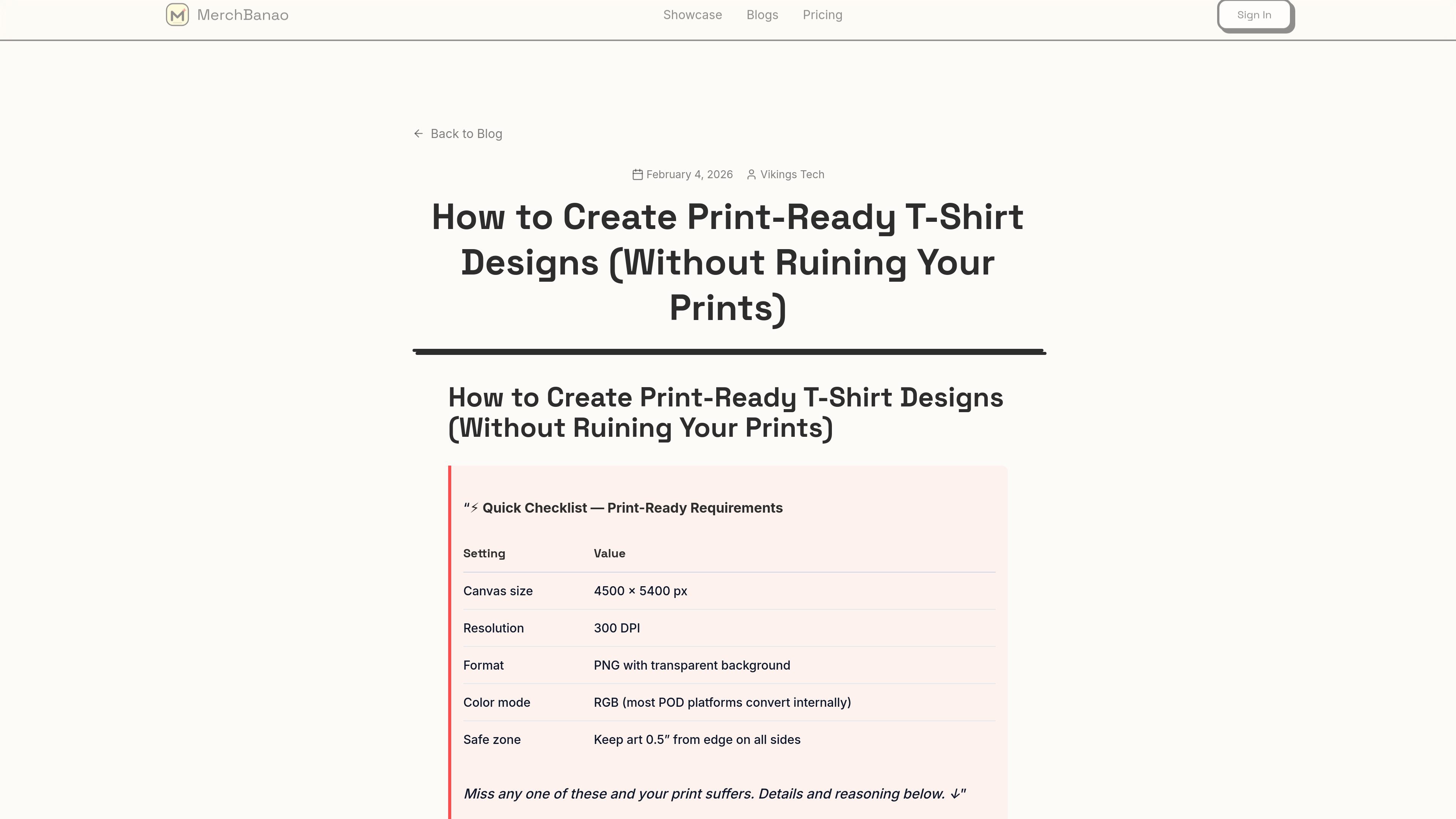
Export designs at 4500x5400px and 300 DPI by default so artwork is prepared for physical printing.
Remove backgrounds automatically with one click to speed up cleanup for apparel graphics and mockups.
Use the built-in upscaler to add detail and keep designs sharp at larger sizes.
Create a merch concept from a short prompt, then adjust the composition before exporting a print-ready file.
Prepare T-shirt graphics that need print-focused sizing and resolution for physical production.
Clean up artwork quickly by removing the background before export or mockup use.
Add brand-specific text, logos, and layered elements when a simple text-to-image result is not enough.
MerchBanao is presented as an AI merch and T-shirt design tool. Its workflow is based on typing a prompt, refining the design in an editor, and exporting print-ready files.
The rendered pages emphasize an AI-first editor with prompt generation, text and logo refinement, instant background removal, and print-ready export. The source does not provide a detailed integration list beyond mentioning print-on-demand and design workflows in the blog.
The site says exports are 4500x5400px at 300 DPI by default and describes the output as print-ready files for T-shirts and merchandise.
The site shows a Start Creating call to action and a View Tiers link on both the home and pricing pages, but it does not publish plan names, prices, free-trial details, or usage limits in the provided text.
The source content is centered on individual design creation and print-ready export. It does not provide evidence of team collaboration features or shared workspace tools.

BgSub is a browser-based AI tool for removing or replacing image backgrounds. Fast cutouts, background replacement, and color adjustment for product images, photos, and web visuals.

Pixelcut is an AI photo editor for product images, social content and video assets. Free and paid plans; mobile app and browser access for individuals and teams.

Video Effects SDK adds real-time webcam effects like background blur, replacement or removal, denoising, framing, beautification, and color grading for live video apps.

PixelDrive is a bulk image generation API for on-brand images from one template via browser editor, REST API, CSV batch, or MCP.

Napkin AI turns text into editable visuals for presentations, documents, and shareable content. Text-first generation, collaboration, and export to PPT, PNG, SVG, or PDF.

UNI-1 by Luma is a multimodal model for text-to-image, image editing, reference-guided creation, and API-based visual workflows.