
Text-to-image generation
Generate images from text prompts, with style and category options and an AI agents mode that can turn a prompt into a visual story.

neural.love is a browser-based AI toolkit for creating and improving images, video, audio, and text. It offers a free tier, paid credit plans, and business options for teams that need API access or custom collaboration.
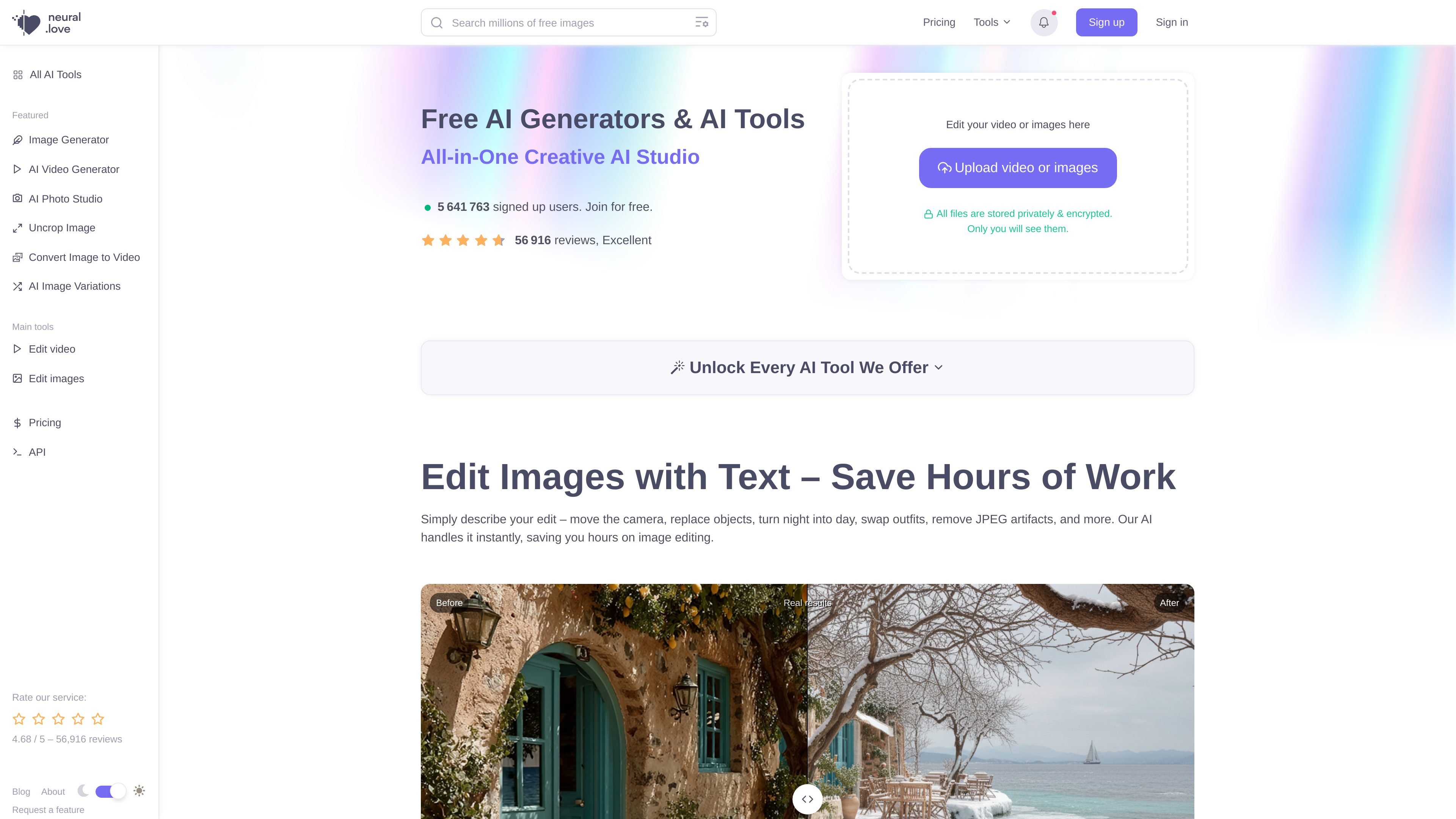
neural.love is an online AI toolkit for generating, editing, and enhancing media across image, video, audio, and text workflows. The site presents it as an all-in-one creative studio with separate tools for image generation, video generation, photo studio outputs, enhancement, restoration, and other content tasks.
The product is designed for users who want browser-based AI tools with a low setup burden. The site highlights one-click workflows, privacy-focused handling of uploaded files, a free tier, paid credit plans, an API, and B2B options for custom collaboration.
Generate images from text prompts, with style and category options and an AI agents mode that can turn a prompt into a visual story.
Edit and improve existing images with tools such as uncrop, sharpen, background removal, background replacement, colorization, and image enhancement.
Work with video through image-to-video conversion, video enhancement, FPS changes, colorization, face enhancement, speed control, animation, and text-to-video generation.
Improve audio quality online, with support for boosting sample rates up to 48 kHz according to the site’s audio enhancement page.
Use AI Photo Studio and other portrait-oriented tools to create CV photos, Tinder photos, headshots, and other stylized outputs from a single photo.
Access writing and ideation tools such as summarization, blog post generation, brand name generation, quote generation, and script ideas from the same platform.
Create images from text prompts, then refine them with style controls or AI agents for more guided visual output.
Upload existing photos or graphics to uncrop, sharpen, remove backgrounds, replace backgrounds, or improve resolution before publishing.
Turn still images into MP4 videos or improve existing video quality, frame rate, speed, color, and face detail for social or archival content.
Enhance audio online when you need clearer samples or higher sample rates without using a desktop editor.
Create stylized portraits, headshots, CV photos, or other profile images from a single photo using the AI Photo Studio.
Yes. The pricing page shows a Free Plan with sign-up and limited AI tool access, plus paid Pro and Pay As You Go options.
The product is centered on web-based AI tools for image, video, audio, and text tasks, and the site also mentions an API and B2B integrations. It is presented as an online toolkit rather than a desktop app.
The site shows tools for image generation, image and video enhancement, audio enhancement, photo restoration, uncropping, background removal, image-to-video conversion, and text tools such as summarization and blog post generation.
For business use, neural.love says custom B2B collaboration starts at a minimum contract value of €10,000, converted into credits, and it also offers a ready-to-use API.
The site says uploaded files are stored privately and encrypted, and that only the user can see them. It also states that their materials are kept confidential and are never used to train models.

An All-In-One AI Platform that combines tools for image, video, voice, writing, and chat to enhance creativity and collaboration.

Pixelcut is an AI photo editor for creating and editing product images, social content, and video assets. It offers free and paid plans, plus mobile app and browser access for individual users and teams.

Snapmark is a VS Code extension that lets you annotate clipboard screenshots before pasting them into AI chats. It supports blur redaction, numbered callouts, and automatic resizing for large images.

Upscale.media is an AI image upscaling and enhancement tool from Pixelbin that enlarges low-resolution or pixelated images and improves clarity in the browser. It offers free individual image use, paid credit plans, and team-oriented workflows such as bulk processing and API integration.

Arduino VENTUNO Q is an edge AI computer for AI and robotics applications. It combines AI inference and deterministic control on a single board and is designed to work with Arduino App Lab.

PicCopilot is an AI content platform for e-commerce that turns product photos into marketing visuals, model shots, videos, and social content. It offers a free plan plus paid tiers for templates, model swap, virtual try-on, and batch-oriented creation.