
AI clipping for multiple video types
OpusClip uses AI editing models to identify and cut clips from long videos. The site says it can handle different genres, including podcasts, vlogs, gaming, sports, interviews, and explainer videos.

OpusClip is an AI video clipping and editing platform that turns long videos into short-form clips for social sharing. It supports creators and teams with editing, publishing, collaboration, and API-based workflow options.
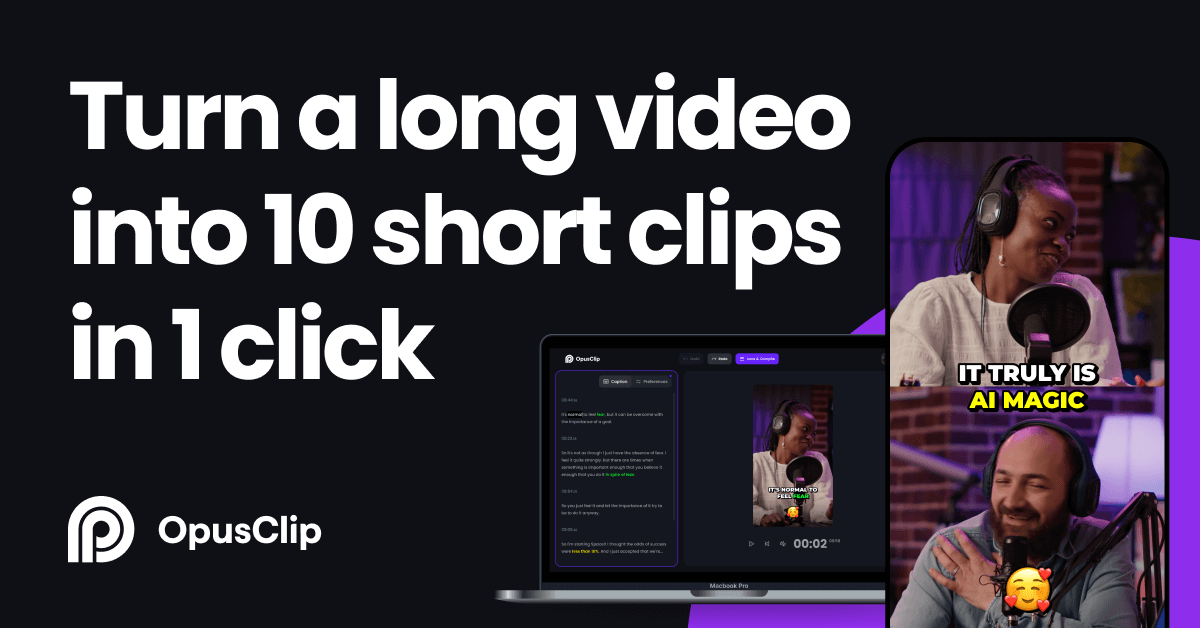
OpusClip is an AI video clipping and editing platform that turns long-form video into shorter clips for social sharing. The homepage describes it as an AI video clipping tool for creating viral shorts, while the pricing page shows a product built around clipping, reframing, editing, exporting, and publishing workflows.
The product is aimed at creators and teams that want to produce short-form video faster without doing every edit manually. It supports multiple video genres, social publishing, team collaboration, and API-based workflow integration, with pricing that ranges from a Free plan to paid tiers and a custom Business option.
OpusClip uses AI editing models to identify and cut clips from long videos. The site says it can handle different genres, including podcasts, vlogs, gaming, sports, interviews, and explainer videos.
The ReframeAnything model resizes video for different platforms and uses object tracking to keep moving subjects centered. The pricing page also lists multiple aspect ratios and layout options such as screenshare and gameplay layouts.
The product includes AI captions, animated caption templates, multi-language transcription, speaker-based caption colors, auto emoji and keyword highlights, and auto censoring for curse words.
Users can edit with text and timeline-based tools, add B-roll, voice-over, music, text overlays, transition effects, and media assets. This gives the product both AI-assisted and manual editing workflows.
OpusClip includes export and publishing options such as watermark-free exports, MP4 export, bulk export, sharing project links, social scheduling, and post-to-multiple-profiles support.
The platform supports team workspaces, templates, branding controls, analytics, security features, support options, and API/integration options on higher plans.
Convert podcast episodes, interviews, or talking-head recordings into short clips for social channels. The product highlights AI clipping, captions, and social publishing to support a fast repurposing workflow.
Edit gaming, sports, vlog, and explainer footage into vertical shorts that fit platform formats. The site specifically calls out genre-aware clipping and reframing models for non-podcast content.
Prepare branded short-form output for a marketing or content team. The pricing and home pages describe brand templates, team workspaces, collaboration controls, and workflow automation for shared production.
Publish clips across multiple social profiles with less manual handoff. The pricing page lists a social media scheduler, multi-profile posting, shareable project links, and export options for common delivery workflows.
Integrate short-form video generation into a broader CMS or app workflow. The site lists API-related options on higher tiers, including a Video Editing API, Scheduler API, MCP connector, CMS integration, and Zapier integration.
OpusClip is built to turn long-form videos into shorter clips that can be shared on social platforms such as TikTok, YouTube Shorts, and Reels. The site also says it can publish clips to social platforms in one click and offers a social media scheduler on paid plans.
The site positions OpusClip for creators, businesses, and teams that want to produce and publish short-form video faster. It highlights use cases such as podcasts, interviews, marketing, sports, gaming, and other video genres.
Yes. The pricing page shows a Free plan and paid plans including Starter, Pro, and Business, with Business available through custom sales contact.
The pricing page lists APIs and integration options, including a Video Editing API, Scheduler API, MCP connector, CMS integration, and Zapier integration. The home page also says OpusClip can connect with your CMS and other tools through its API.
The site says teams can use a team workspace, member seats, folder management, sub-teams, and member permissions. The contact page also offers demos and personalized packages for organizations.

Clipo AI is an AI content repurposing platform that turns one video or podcast into clips, thumbnails, carousels, images, and written posts. It’s built for creators who want one workflow for editing, repurposing, and publishing long-form content.

Virvid is an AI shorts generator for creators and marketers who want to make faceless short-form videos for TikTok, Instagram Reels, and YouTube Shorts. It supports both manual video creation and automated daily posting workflows.

DeepMotion is a web-based AI motion capture and 3D animation platform with Animate 3D for video-to-animation and SayMotion for text-to-animation. It helps creators and teams generate motion in a browser and export results in common production formats.

Frames helps you create launch posters and social media marketing graphics fast with premium device frames and templates for Instagram, Twitter, and Product Hunt. Free to start.

Optimo is a free, open-source CLI for optimizing and converting images and videos with format-specific commands built on ImageMagick and FFmpeg. It helps developers prepare web assets, batch process media, and automate compression from the shell or a Node.js script.

SocialEcho is an all-in-one social media AI workspace for publishing, engagement, listening, analytics, and automation across major networks. It is built for creators, brand teams, agencies, and businesses that want to manage multiple accounts from one system.