
Measure layout
Inspect an element’s box and read the gap to the next element on a live page.

Squints is a free Chrome extension for inspecting layout, typography, colour, grids, annotations, and motion on live web pages—built for design engineers.
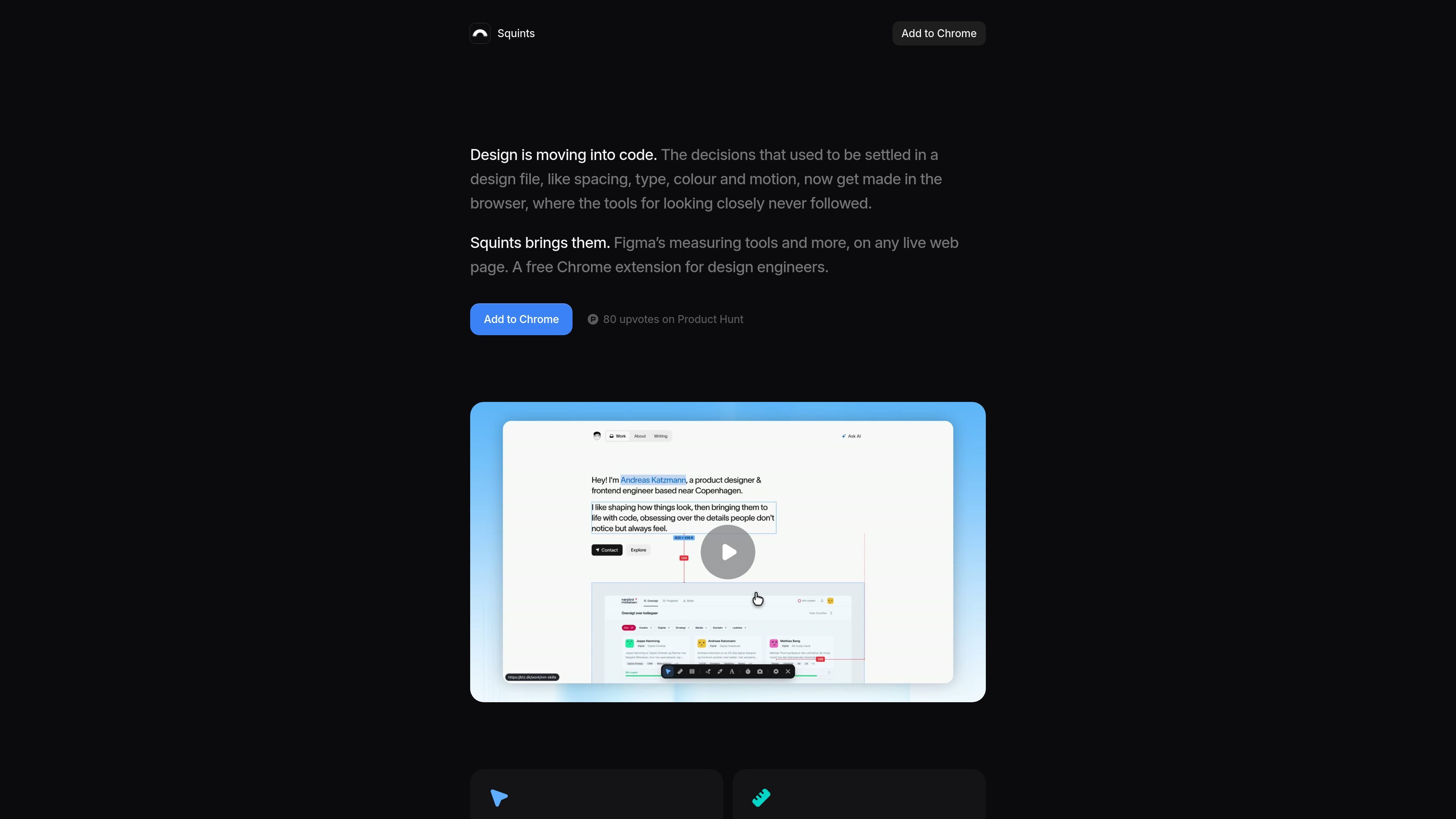
Squints is a Chrome extension that brings design-inspection tools to live web pages. It is aimed at design engineers working where layout, typography, colour, and motion are implemented in code rather than settled only in a design file.
The extension lets users inspect dimensions and spacing, place snapping guides, overlay a remembered column grid, annotate the page, identify rendered fonts and colour tokens, and slow or scrub animations. Results can be captured as screenshots or recordings, with annotations included or excluded.
Inspect an element’s box and read the gap to the next element on a live page.
Drag out rulers and guides that snap into place, similar to measuring tools in Figma.
Overlay a column grid on the real page; the grid is remembered per site.
Draw arrows, boxes, and notes directly over the page to mark areas for discussion or review.
Pick colours to view them in every available format and identify the associated token.
Identify the font that actually rendered, including its metrics, and slow animations to one-tenth speed for closer inspection.
Check implemented spacing, element dimensions, and rendered type directly in the browser while refining a coded interface.
Place a column grid, rulers, and snapping guides over a live page to compare its visual structure with an intended layout.
Mark up a specific area with arrows, boxes, and notes before sharing a visual review or implementation comment.
Inspect the font that actually rendered, review its metrics, and sample colours or their tokens when diagnosing visual differences.
Slow an animation to a tenth of its normal speed or scrub it, then record or capture the result for closer review.
Squints is added through Chrome as a browser extension. The source describes it as a free Chrome extension, but does not document setup steps beyond adding it to Chrome.
It is designed for inspecting live web pages and includes tools for measuring layout, checking typography and colour, drawing annotations, overlaying grids, and examining motion.
Yes. Squints can capture the inspected result as a screenshot or a recording, with annotations either included or omitted.
The source identifies Chrome as the supported browser. It does not specify support for other browsers or operating systems.

图像大厨imgcook 是一款设计转代码工具,可将设计稿转换为前端代码,支持 Sketch、Photoshop、VS Code 和 CLI 工作流。

Beautiful.ai is an AI presentation platform for teams and enterprises. Create branded slide decks with Smart Slides, collaboration, and export options.

SlideSpeak Onbrand gives AI agents live access to approved brand assets and slide layouts so decks and collateral start on brand. Built for Claude Code, Codex, Cursor, and other MCP clients.

GitFig syncs Figma design tokens and styles with GitHub in both directions, supporting repository files, branches, commits, and pull requests.

Decktopus AI is a web-based AI presentation maker that creates branded slide decks from prompts, text, or PDFs for teams and enterprises.

Chronicle is an AI presentation maker for teams to turn notes, docs, or decks into polished business presentations, with AI slides, brand controls, collaboration, and export to PPT, PDF, or website.