
Local-first text memory
Mode A keeps core remember and recall on the user's machine without a model-provider call, cloud account, or Docker requirement.

SuperLocalMemory is an open-source, local-first memory control plane for AI agents and teams, with governed recall, corrections, shared memory, and optional media search.
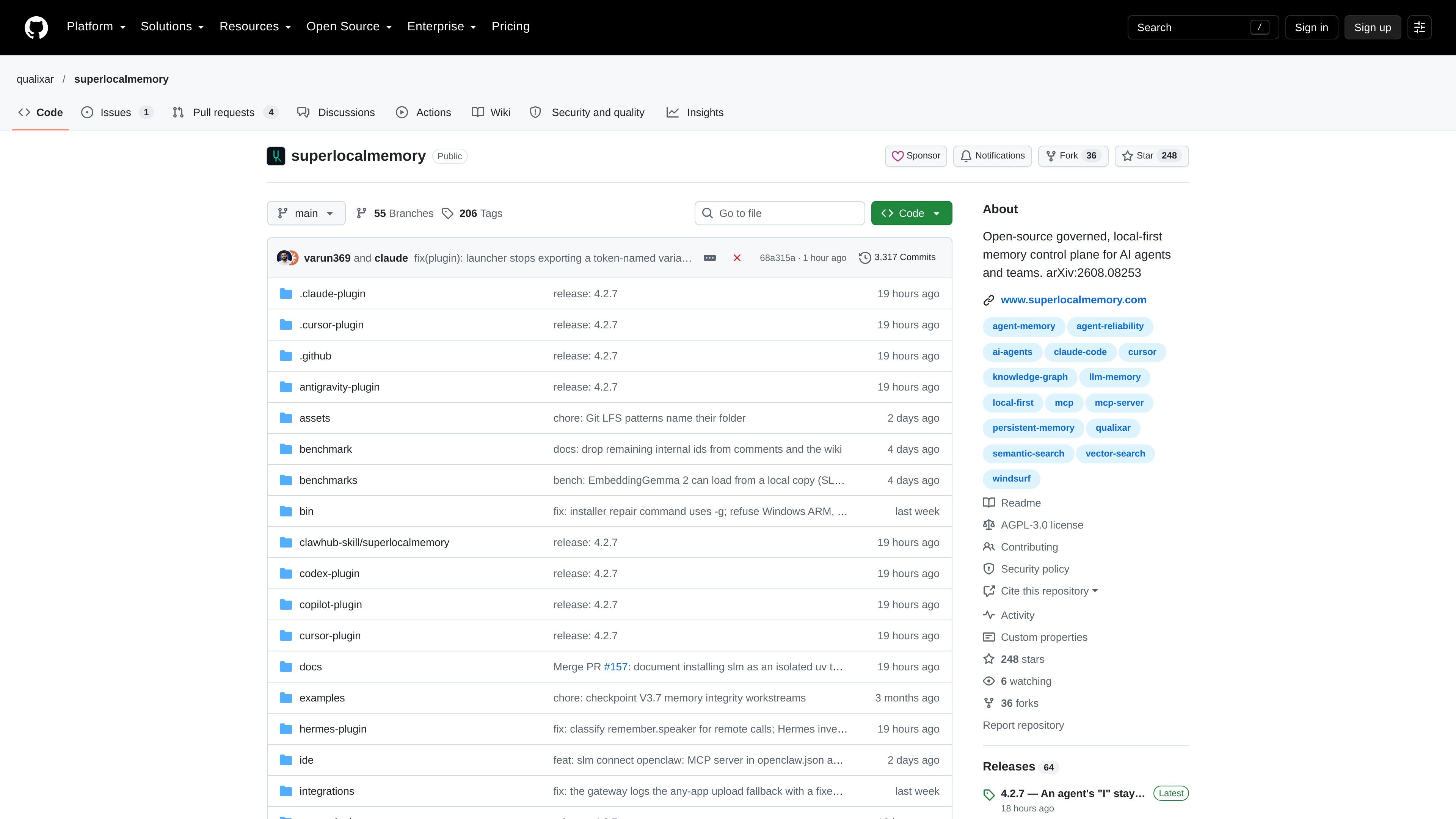
SuperLocalMemory is an open-source, local-first memory control plane for AI agents and teams. It stores decisions, documents, and other project information on a user's machine, then makes that information available through recall instead of leaving each agent session with isolated context.
Its core design emphasizes governed retrieval: results can identify an exact supported answer, show the closest available memories when the match is incomplete, or state that the information is not present. In the documented local Mode A, core remember and recall do not require a model-provider call, API key, cloud account, or Docker.
The project can connect multiple agents through MCP or commands and includes optional indexing for pictures, screenshots, and PDFs. It also provides workflows for replacing outdated memories, reviewing corrections, and sharing memory through a governed mesh.
Mode A keeps core remember and recall on the user's machine without a model-provider call, cloud account, or Docker requirement.
Recall distinguishes supported answers, close-but-not-exact matches, and cases where the requested information is not present, rather than always returning an apparently relevant result.
Memories can be categorized, replaced, reviewed, and rolled back. The documented CLI example updates a staging database fact with --replaces and exposes a correction review workflow.
The project is designed to share memory between local agents and web bots through a mesh, with access governed as company data. The repository also includes documentation for team and shared-memory workflows.
An optional media mode indexes pictures, screenshots, and PDFs with a second local model, allowing text and media to be returned from one recall operation.
It offers command-line access, MCP support, and documented connection or plugin paths for multiple coding agents and desktop tools.
Record architecture decisions, deployment procedures, and environment facts once, then make them available to coding agents across sessions instead of re-explaining the project each time.
Connect several local agents and web-facing bots to a shared memory mesh so a team can use common decisions and documents while retaining governed access to the information.
Use the recall behavior when accuracy matters: accepted answers are separated from close matches, and absent information is returned as absent rather than silently filled with a guess.
Enable the optional media mode when project knowledge includes screenshots, scanned material, PDFs, or other pictures that users need to find by description.
Correct changing operational facts such as database versions, ports, or deployment procedures by replacing an older memory and retaining a review or rollback path.
SuperLocalMemory can be installed through an agent-guided setup flow, the macOS/Linux shell installer, npm, pip, uv, or a repository install script. The README also documents setup and connection commands for supported tools.
In Mode A, core remember and recall do not make model-provider calls, and the memory stays on the local machine. Optional features that send data out are described separately in the documentation, so users can choose whether to enable them.
Text is searched with a local text model. If pictures and documents are enabled, a second local model handles those files, and a recall can return results from both text and media.
The project provides commands such as slm connect for connecting agents, and supports agents or harnesses that speak MCP or run a command. The repository lists connection paths for tools including Claude Code, Codex, Cursor, Windsurf, Zed, Claude Desktop, JetBrains, and OpenCode.

Falconer is an AI-powered company brain that keeps internal docs accurate, searchable, and up to date by syncing with GitHub, Slack, and Linear.

Goldfish is an AI memory app for macOS that helps you reply, write, summarize, and continue with context already on your Mac. It stores memory locally and writes in your tone.

Lasso is an ecommerce product data platform for enriching catalog records, processing supplier files, generating product content, and tracking competitors. It includes a web app, REST API, SDK, and MCP server.

CreateOS Sandbox is an isolated compute environment for running code and agent workloads in Firecracker micro-VMs with private networking and SDK, CLI, or MCP control.

ArtDeck is a visual reference board app for iPhone, iPad, and Mac. Collect mixed references on one canvas and study them with ToolBox lenses. Offline, optional iCloud sync, one-time purchase.

GitBot is a local browser workspace for reusable coding bots powered by Claude Code, Codex, or OpenCode, with persistent threads and configurable permissions.