
Hotkey-driven dictation
Hold the default hotkey on Mac or Windows to start dictation, then release to paste cleaned text from the clipboard into the target app.

Vox is an on-device AI dictation app for Mac and Windows. It lets you speak, clean up the output, and paste text locally without a cloud round-trip or account sign-up.
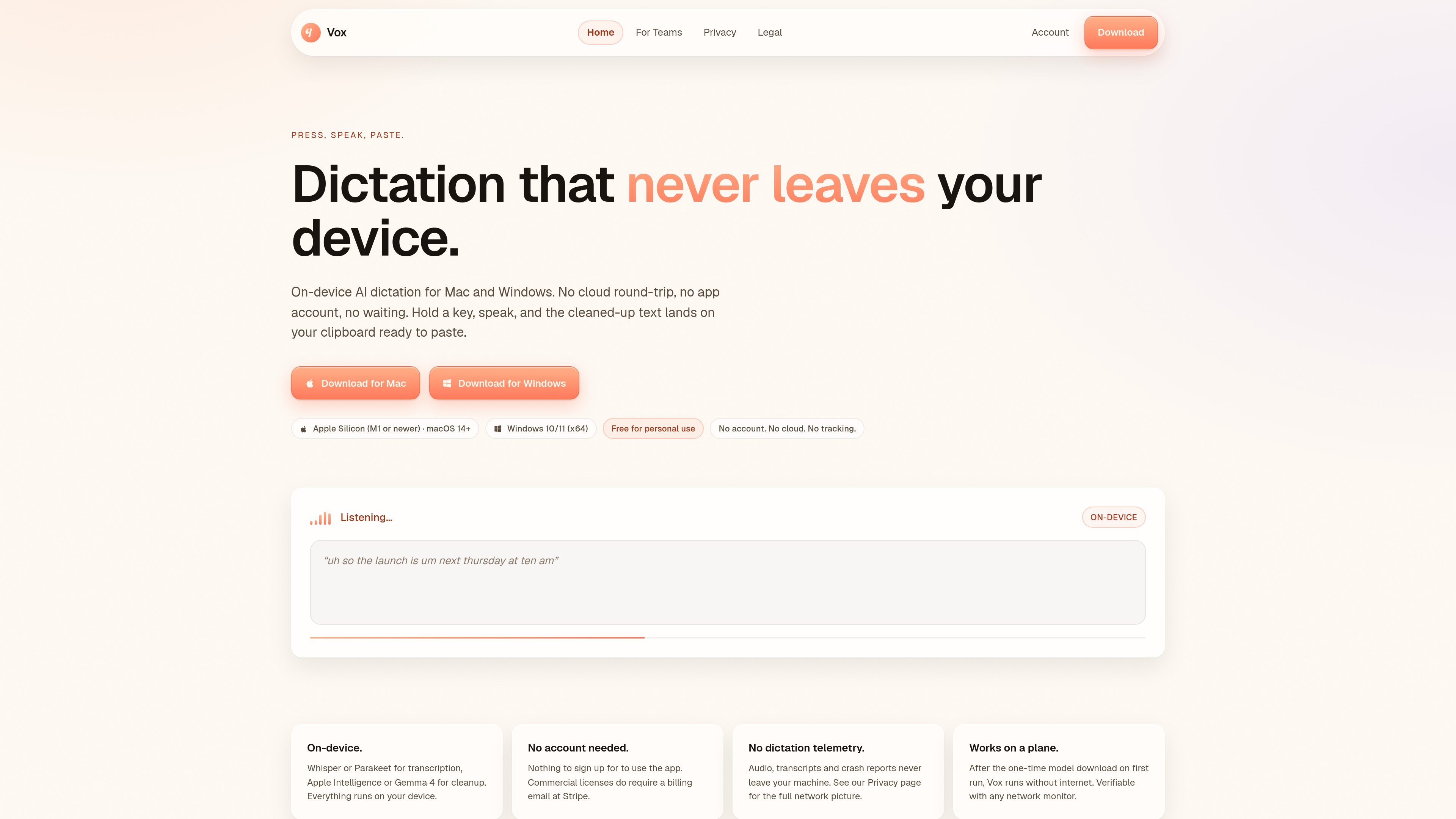
Vox is an on-device dictation app for Mac and Windows that lets you press a hotkey, speak naturally, and paste cleaned-up text into another app. It is designed to keep audio processing local, with transcription and cleanup handled on your device rather than in a cloud service.
The product is aimed at individual users who want private dictation without an account, and at companies that need a commercial license and managed deployment. Vox supports both personal use and paid business use, with separate consumer and Teams licensing paths.
Hold the default hotkey on Mac or Windows to start dictation, then release to paste cleaned text from the clipboard into the target app.
Vox uses local transcription and cleanup models so audio processing stays on the device instead of being sent to a cloud service.
The app switches output style by destination, with modes for general writing, email, chat, code comments, notes, and custom prompts.
No account is needed to use the personal edition, and the site says audio, transcripts, and crash reports never leave the machine.
After the first model download, Vox is designed to run without internet access, which the site says can be verified with a network monitor.
The Teams offering adds managed rollout, a signed installer, central configuration, and optional managed branding for IT-managed devices.
Dictate prose, then paste the cleaned result into any app without waiting on a cloud round-trip or creating an account.
Use the email mode to turn spoken draft language into a punctuated email body that is ready to paste into Mail, Gmail, or Outlook.
Switch to chat mode for short, conversational output when drafting messages in Slack, Discord, or iMessage.
Use the code-comment mode to dictate present-tense comments that preserve identifiers verbatim for Xcode, VS Code, or GitHub workflows.
Roll Vox out on managed Macs or Windows PCs, set defaults centrally, and license the seat for work use under the Teams plan.
Yes. Vox transcribes audio using a local model on your Mac or Windows PC, and cleanup also runs locally. The site says no part of the dictation pipeline requires the internet at runtime after the initial model download.
Vox says it does not collect audio, transcripts, telemetry, crash reports, or analytics during dictation. The only network activity described is the one-time model download on first run and an optional update check.
Vox is available for Mac and Windows. The site lists Apple Silicon (M1 or newer) with macOS 14+ on Mac, and Windows 10/11 (x64) on Windows.
The consumer app is free for personal use, but commercial use at work requires a paid license. The Teams page says business seats start at $12 USD per seat per month, with annual billing options and higher-volume pricing for larger teams.
The team plan includes a commercial-use license, MDM-friendly installers for macOS and Windows, central configuration, priority support, and invoice or purchase order support for larger seat counts.

Speech to Text Converter is a browser-based transcription tool for live dictation and uploaded audio or video files. It offers a free tier for short tasks and a Pro plan for unlimited transcription, AI summaries, translation, speaker identification, and advanced exports.

Dictato is a Mac dictation app that transcribes speech into text in any app using an on-device, offline workflow. It supports multiple transcription engines, optional cleanup and translation, and a one-time purchase license.

Sanota is an app that turns spoken memories, reflections, and interviews into clear written stories. It supports personal storytelling, family history, and shared memories, with guided prompts and subscription pricing.

Carbon Voice is an asynchronous voice messaging app for teams and individuals, with transcripts, AI catch-up, and cross-device access. It helps people and agents communicate without needing a live call.

An OpenAI API guide for choosing the right speech architecture for live audio, translation, transcription, speech generation, and audio-capable chat. It helps developers map each speech application to the appropriate session type, endpoint, and connection method.

Pewbeam is a church presentation app that listens to sermons, detects Bible verse references in real time, and displays the matching passage on screen. It is built for pastors, projection teams, and church media volunteers who want to reduce manual slide control during live services.