
Real-time animation
Cavalry renders in real time, so changes appear immediately instead of waiting on preview renders.

Cavalry is 2D animation and motion graphics software for macOS and Windows, built for real-time, data-driven workflows. Free for individuals, with SSO access for organizations.
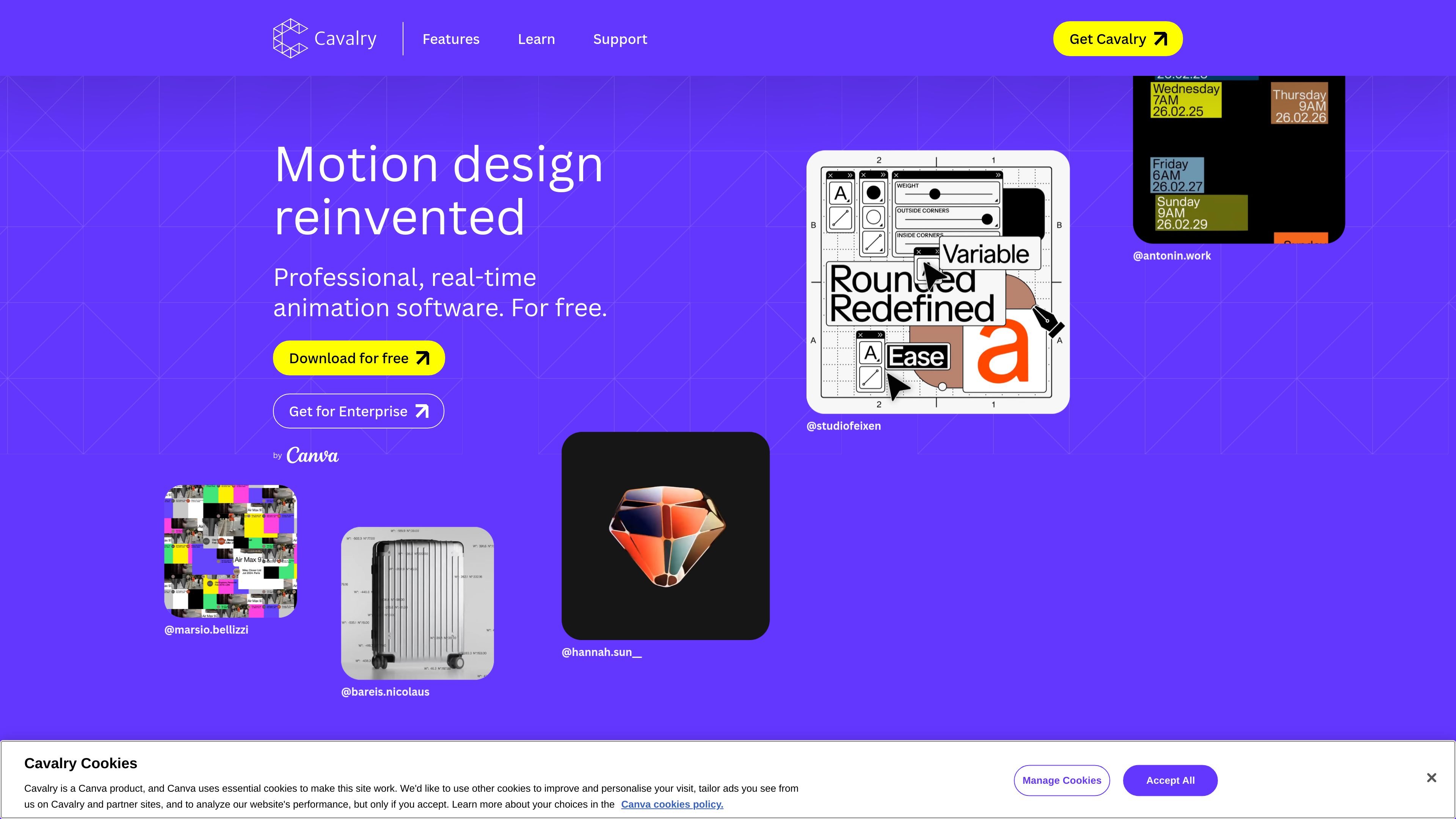
Cavalry is 2D animation and motion graphics software for macOS and Windows. The homepage describes it as professional, real-time animation software that is free for individuals, while the documentation presents it as a 2D animation tool used in animation, motion design, creative coding, film, generative art, data visualisation, experiential work, and advertising.
Its core emphasis is workflow speed and systems-based motion design. The site highlights real-time rendering, data-driven sequences, and the ability to change a value and have that change ripple through related elements, which makes it suited to repeatable animation systems rather than only one-off keyframed scenes.
Cavalry renders in real time, so changes appear immediately instead of waiting on preview renders.
It supports data-driven animation workflows, including connecting spreadsheet data and animating at scale.
The product highlights procedural rig control, designed for rigs and reusable motion systems.
The homepage lists tools such as Rubber Hose, Magic Easing, Duplicator, and Text Animation as part of the feature set.
Cavalry includes export options noted on the site, including Lottie export.
The site says it is optimized for macOS and Windows and runs natively on Apple silicon and Intel.
Use Cavalry when you need a fast motion-design workflow with immediate feedback while adjusting timing, easing, or layout.
Use it for animations built from external data, such as spreadsheet-driven sequences or repeated variants that need to update from one source of truth.
Use it when you are building reusable motion systems with rigs, duplicators, and procedural controls instead of animating every element manually.
Use it for short-form tutorial content, feature demos, or experimental motion pieces where real-time playback and quick changes matter.
Use it in team environments that already use Canva Enterprise or Canva Education and need SSO-based access for a group rollout.
Yes. The site says Cavalry is free for individuals and can be downloaded and used without payment or restrictions.
Yes. The documentation and homepage describe Cavalry as software for macOS and Windows, and the homepage notes it is only available on those desktop platforms.
The site says existing users retain access to their legacy Scene Group version, but the latest features and updates are available in Cavalry by Canva. It also notes that refunding a subscription removes Pro features in Cavalry 2.6.1 and earlier.
The homepage says team access is available through SSO with a Canva Enterprise or Canva Education account, and the FAQ mentions Canva Enterprise or Canva Districts access for SSO.
The pricing page at /pricing currently returns a page-not-found message, so the source does not provide current plan or pricing details.

FlexClip is an AI-powered online video maker and editor for creating videos from templates or from scratch with browser-based editing, scripting, voiceover, subtitles, translation, and background removal.

Codex Plugins bundle reusable skills, app integrations, and MCP servers into workflows you can install in the Codex app or use from Codex CLI. They help extend Codex with connected-service tasks, reusable instructions, and shared team workflows.

Struere is an AI-native platform for turning spreadsheet data into structured operational software with dashboards, alerts, and automations. It is aimed at teams that want to replace manual spreadsheet workflows without building custom tools from scratch.

CAMB.AI Streams dubs live audio in multiple languages in real time for broadcasts on platforms like YouTube, Twitch, and X. It plugs into existing live workflows using common streaming protocols and avoids a post-production step.

OpenFlags is an open-source, self-hosted feature flag platform for modern JavaScript teams. It supports local evaluation, targeted rollouts, and controlled launches while keeping flag data in your own infrastructure.

DeepMotion is a web-based AI motion capture and 3D animation platform with Animate 3D for video-to-animation and SayMotion for text-to-animation. It helps creators and teams generate motion in a browser and export results in common production formats.