
Deep research
Queries dozens of pages, reconciles conflicting information, and returns cited, structured reports for research tasks.

Open Comet is a Chrome extension that acts as an autonomous AI browser agent for browsing, research, editing, and data extraction inside your existing browser. It supports multiple AI providers, including local Ollama setups, and offers a free plan plus a paid monthly option.
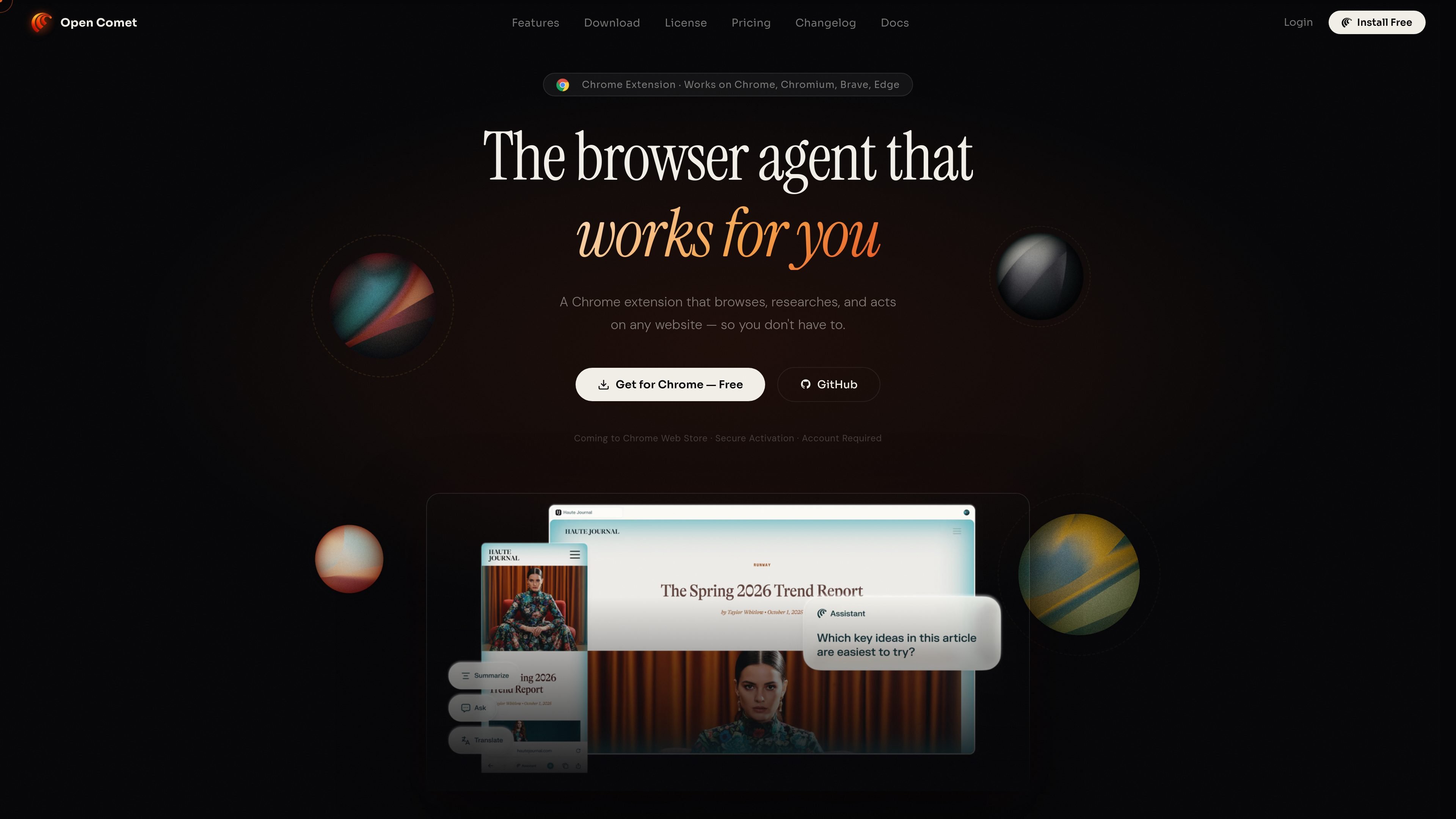
Open Comet is an autonomous AI browser agent delivered as a Chrome extension. It runs in a browser sidepanel and uses visual grounding plus DOM analysis to read pages, decide what to do next, and carry out multi-step tasks such as browsing, researching, editing, and extracting data.
The product is designed to work inside browsers people already use, including Chrome, Chromium, Brave, and Edge. It supports multiple AI providers and also offers a local setup with Ollama, which gives users the option to run the agent without a cloud API key.
Queries dozens of pages, reconciles conflicting information, and returns cited, structured reports for research tasks.
Uses screenshot plus DOM grounding to click, type, scroll, and interact with pages inside the active tab.
Highlights a text field and lets you draft, refine, translate, or improve text directly on the page.
Extracts tables, lists, and structured page data to JSON, CSV, or plain text.
Creates reusable agent behaviors or macros that can be triggered with one command.
Offers an approval-based mode where every browser action pauses for explicit user confirmation.
Use Open Comet to compare products, check prices across stores, and read reviews while staying on the current tab.
Use the deep research workflow to gather information from multiple pages and turn it into a cited summary for a topic or question.
Use the extraction tools to pull tables or lists from a webpage and export them as JSON, CSV, or plain text.
Use in-page editing to draft or refine text in forms, content fields, or message boxes without leaving the page.
Use Ask Mode when a task is sensitive and you want to approve each browser action before it executes.
Open Comet is a Chrome extension. The site says it works in Chrome, Chromium, Brave, and Edge, and the quick start docs describe it as a sidepanel browser agent.
The site says Open Comet does not store your history, sessions, or personal information on its servers, and that screenshots stay on your machine or are processed through your own keys.
Yes. The pricing page includes a free Student plan with a one-day trial key per account, and a Premium Monthly plan at Rs299/month.
Yes, if you use a local model stack. The site says Open Comet can run with Ollama at http://127.0.0.1:11434, with no cloud or API key required.
The product includes approval controls. The features page describes an Ask Mode where every browser action requires explicit approval before it runs.

Codex Plugins bundle reusable skills, app integrations, and MCP servers into workflows you can install in the Codex app or use from Codex CLI. They help extend Codex with connected-service tasks, reusable instructions, and shared team workflows.

Wallie is an open-source AI streamer that watches your screen, hears chat, and generates live commentary in a configurable persona. It runs locally on your machine with your own keys and is aimed at faceless content, autonomous streams, and real-time reactions.

AakarDev AI helps teams manage AI provider access, project-level setups, logs, and analytics from one dashboard. It supports BYOK workflows and lists providers including OpenAI, Google Gemini, Anthropic, Groq, Mistral AI, and Perplexity AI.

Whirr is a quiet macOS menu bar app that mirrors Claude Code activity to your notch. It helps Mac users glance at agent progress without keeping a terminal window open.

AgentMail is an email inbox API for AI agents to create, send, receive, and search messages via REST APIs and SDKs. Built for threaded workflows, verification, support, scheduling, and approvals.

Arduino VENTUNO Q is an edge AI computer for AI and robotics applications. It combines AI inference and deterministic control on a single board and is designed to work with Arduino App Lab.