
Template and asset library
Browse presentation assets, templates, icons, and graphics from a single collection designed for slide creation and brand consistency.

Premast Vertex is a presentation asset and brand kit platform for branded slides, asset organization, and PowerPoint and Google Slides access.
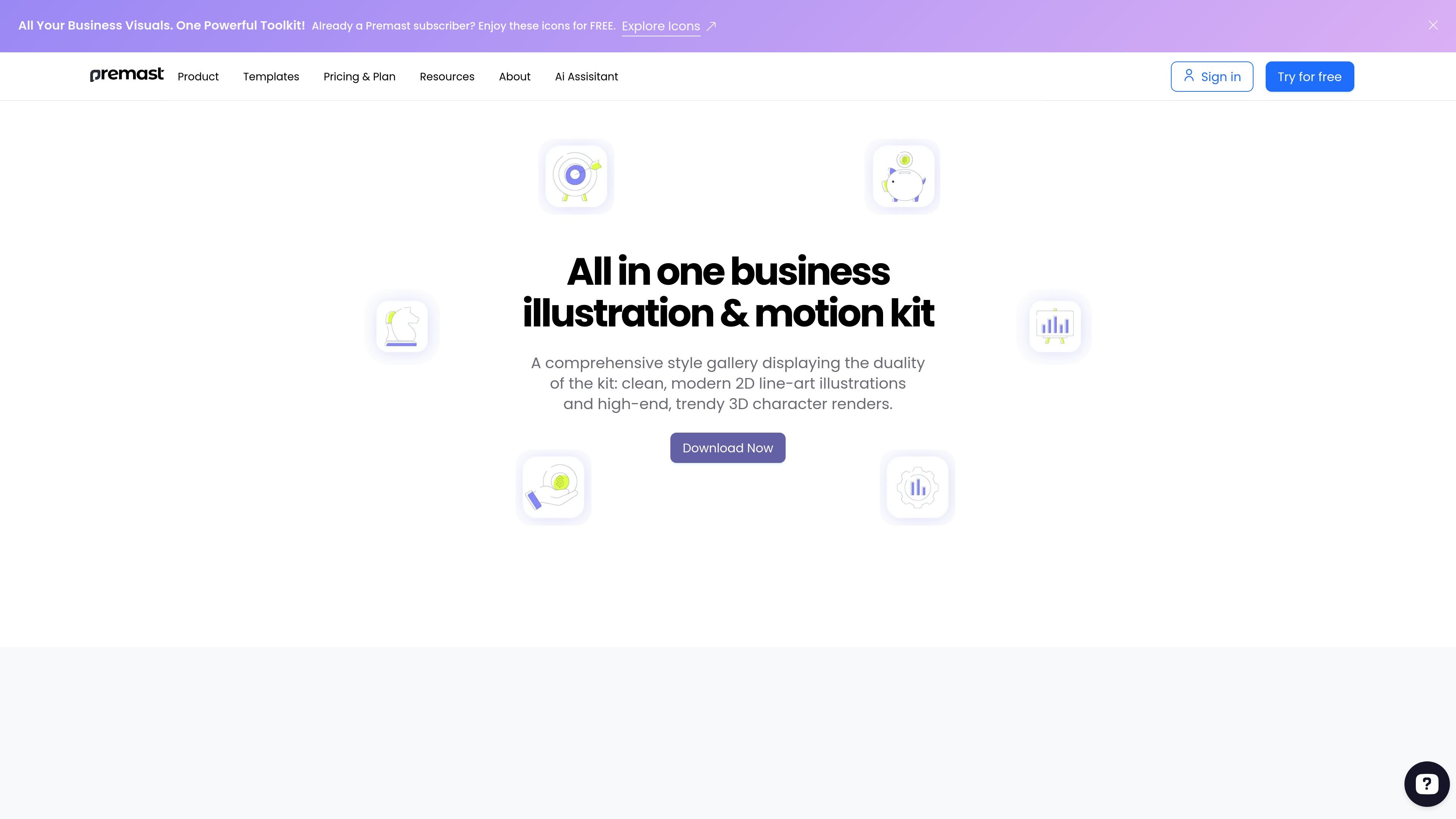
Premast Vertex is a presentation asset platform built around templates, icons, graphics, brand kits, and plugin-based access for slide creation. The site positions it as a way to organize branded content and pull it into common presentation tools without rebuilding assets from scratch.
The public pages emphasize practical workflow support rather than a single file download: users can manage presentation materials in one place, share them with teammates, and access them from PowerPoint and Google Slides. The site also highlights compatibility with formats such as SVG, JSON, Lottie, GIF, and MP4, along with design use in Figma and Adobe XD.
Browse presentation assets, templates, icons, and graphics from a single collection designed for slide creation and brand consistency.
Store logos, fonts, images, and colors in a centralized brand kit so teams can keep presentation materials aligned.
Share brand kits and presentation files with team members, including access and permission controls for collaboration.
Open and import assets inside PowerPoint and Google Slides through the plugin instead of moving files between tools.
Use assets in formats such as SVG, JSON, Lottie, GIF, and MP4, with editable vector content highlighted on the site.
Work with assets in Figma and Adobe XD, with drag-and-drop vector illustrations called out on the site for design prototyping.
Teams can keep logos, fonts, images, and colors in a shared brand kit and reuse them across presentation work instead of hunting for files in different folders.
People preparing slide decks can browse templates and assets, then bring them directly into PowerPoint or Google Slides while staying inside the presentation workflow.
Designers working in Figma or Adobe XD can use the asset library for draggable visual elements and editable vector graphics during prototyping.
Marketing and business teams can turn charts, dashboards, and other information-heavy content into visual slides using the library’s illustrations and graphics.
Distributed teams can share presentation assets and permissions so multiple contributors work from the same source of truth.
Premast Vertex is presented as a presentation asset and plugin-based toolkit for building slides in PowerPoint and Google Slides. The site also highlights support for Figma and Adobe XD in its design workflow.
The source shows access through PowerPoint and Google Slides plugins, along with downloadable assets and templates on the website. It also references formats such as SVG, JSON, Lottie, GIF, and MP4.
Yes. The brand and library pages describe sharing brand kits, presentation assets, and permissions with team members so multiple people can work from the same organized source.
The pricing page returned a 404 in the collected evidence, so the public pricing structure is not confirmed from the available source. The site does show calls to start for free, but no reliable plan details are visible here.
The site emphasizes templates, icons, graphics, brand kits, and presentation libraries. It does not provide enough evidence here to claim support for every presentation format or workflow beyond those shown on the site.

Napkin AI turns text into editable visuals for presentations, documents, and shareable content. Text-first generation, collaboration, and export to PPT, PNG, SVG, or PDF.

Slidesgo is a presentation template platform for Google Slides, PowerPoint and Canva workflows, with free and Premium templates plus AI-assisted creation.

PixelDrive is a bulk image generation API for on-brand images from one template via browser editor, REST API, CSV batch, or MCP.

ChatBA is a generative AI tool for instantly creating slide decks from prompts, with help on templates, sharing, and data sources.

Beautiful.ai is an AI presentation platform for teams and enterprises. Create branded slide decks with Smart Slides, collaboration, and export options.

MagicSlides is an AI presentation generator that turns text, topics, documents, URLs, and videos into slide decks. Google Slides by default, with PowerPoint export and multilingual AI editing.