
AI face photo restoration
Restores old or blurry face photos with AI so users can recover a clearer version of a memory-focused image.

Face Photo Restorer is an AI web app to restore old or blurry face photos, with free sign-in to try a restore and credit-based pricing for more uses.
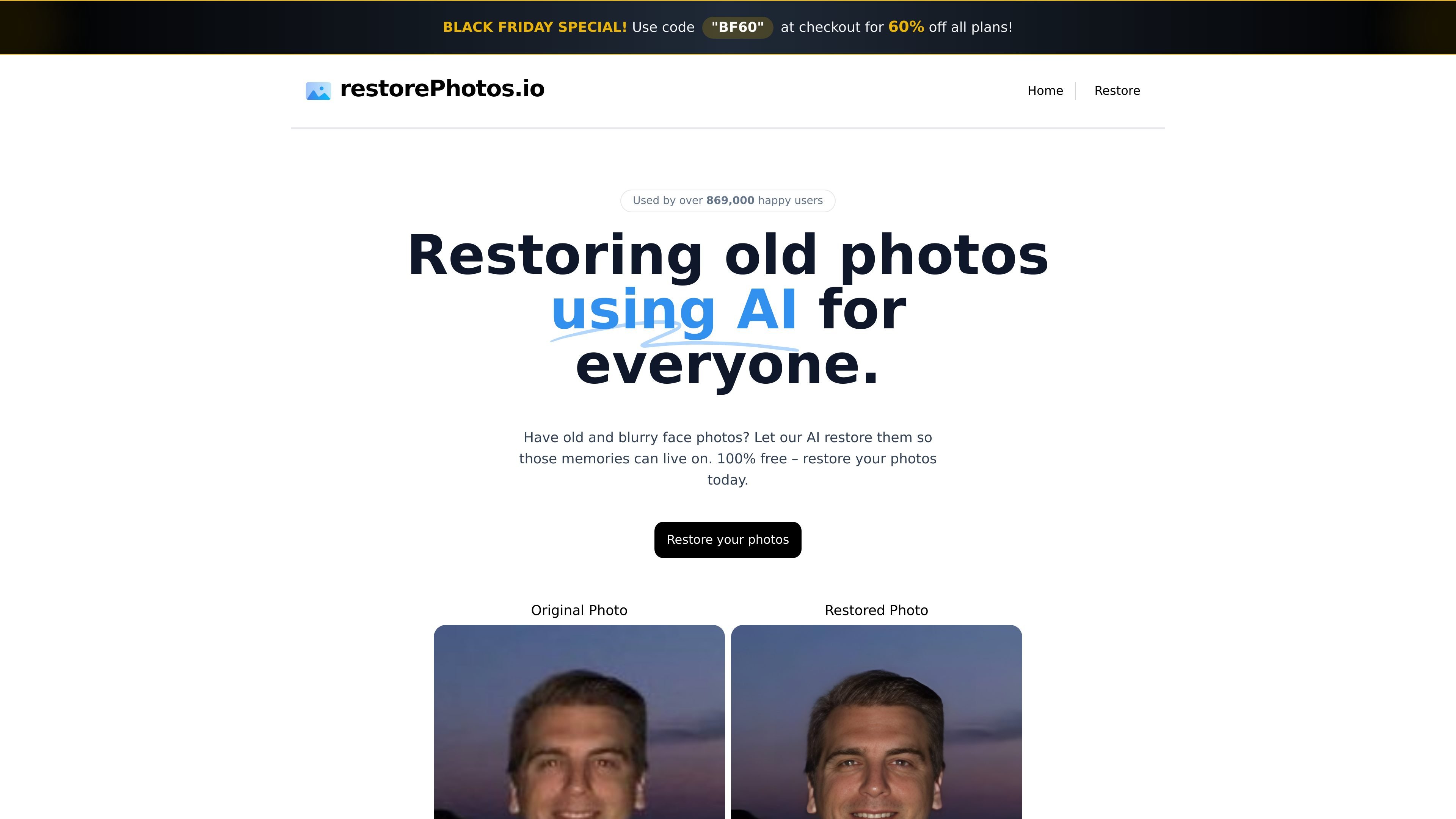
Face Photo Restorer is an AI photo restoration product focused on old, blurry face photos. It is presented as a simple way to bring clearer detail back to images that carry personal or family memories.
The site offers a direct restore workflow with a free account sign-in through Google, a side-by-side comparison view, and a credit-based pricing page for additional restores. The public pages emphasize personal photo recovery rather than broader image editing or professional retouching.
Restores old or blurry face photos with AI so users can recover a clearer version of a memory-focused image.
Shows original and restored images side by side, making it easier to compare the result before deciding whether to keep it.
Offers a restore flow that can be started after signing in with Google and creating a free account.
Provides a free restore path for new users, with the site stating that a photo can be restored for free.
Supports credit-based purchasing on the pricing page for users who need more restores beyond the free flow.
A person has an old family portrait or scanned snapshot with blur and wants to make the face easier to recognize.
Someone wants to compare the original and restored versions before deciding whether the result is usable.
A new visitor wants to test the service quickly without committing to a paid plan upfront.
A returning user needs more restore attempts after using the free flow and can buy additional credits.
You can start from the main restore flow and sign in with Google to create a free account. The site says you will be able to restore a photo for free, though it does not spell out how many free restores are included.
The site positions the product around old and blurry face photos. It does not provide a detailed list of supported file types or restoration limits on the pages reviewed.
The pricing page shows that additional restore credits can be purchased, and the site also highlights a Black Friday discount code for 60% off all plans. Specific plan names and prices were not shown in the collected text.
The reviewed pages do not describe team accounts, collaboration features, or business workflows. The visible flow appears to be oriented around individual photo restoration.
The pages show a before-and-after style restore flow with side-by-side comparison, but they do not describe export formats, download options, or output resolution.

Upscale.media is an AI image upscaling and enhancement tool by Pixelbin that sharpens low-resolution images in the browser, with bulk processing and API support.

Pixelcut is an AI photo editor for product images, social content and video assets. Free and paid plans; mobile app and browser access for individuals and teams.

Free browser-based AI image enlarger by PhotoAid for upscaling JPEG, WEBP, and PNG photos, especially portraits, without heavy blur.

Let's Enhance is an online AI image app for enhancing, upscaling, and restoring photos. Clean up images and boost resolution with free credits or paid plans.

Airbrush is an AI photo and portrait editor for web, desktop, and mobile. Retouch portraits, remove backgrounds, and enhance images with credit-based AI tools.

Aaavatar is a macOS portrait editor for teams. Remove backgrounds, apply brand colors or presets, and export consistent staff photos to LinkedIn, Slack, and email.