
Browser-based image restoration
Upload or paste a JPG, PNG, or WebP image up to 10 MB, then receive a result in about 10 seconds for the free Standard workflow.

Unpixelate.ai is a browser-based AI tool to depixelate, sharpen, and enlarge low-resolution images, with prompt-based edits for backgrounds, objects, and text.
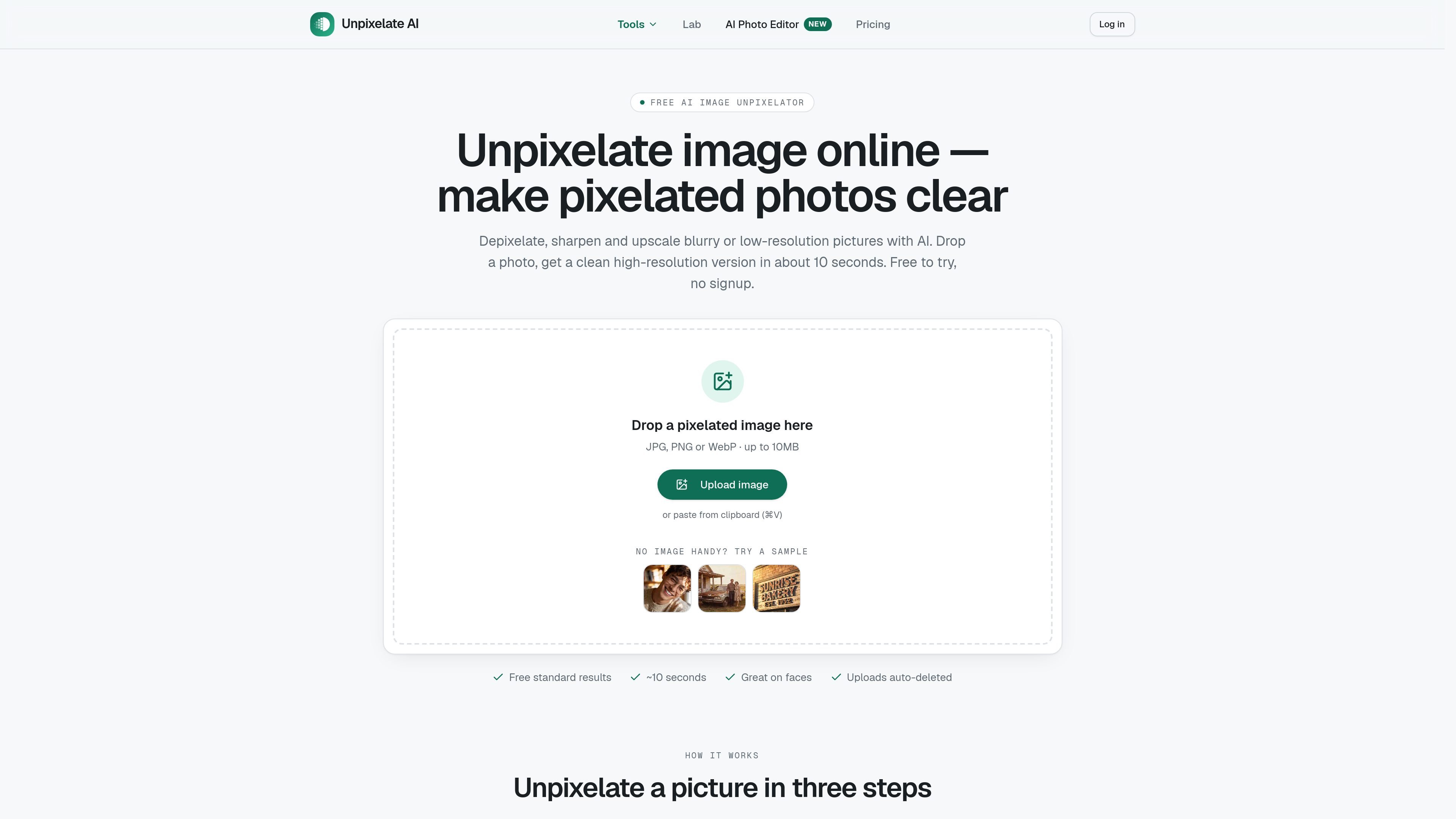
Unpixelate.ai is a browser-based AI image restoration and editing service. Its main tool turns pixelated, low-resolution, compressed, scanned, or mildly blurry images into larger, sharper versions, with particular attention to faces and fine texture. Users can upload or paste a JPG, PNG, or WebP file up to 10 MB and compare the original with the result before downloading it.
The site also includes a prompt-based AI photo editor for targeted changes such as replacing a background, removing an object, changing clothing or hair, adjusting light, editing text, or combining two photos. The restoration workflow has free Standard runs, while HD restoration and editor models use credits. The product is designed for visual improvement rather than exact recovery: information destroyed by severe pixelation or censorship may be plausibly reconstructed, but cannot be faithfully retrieved.
Upload or paste a JPG, PNG, or WebP image up to 10 MB, then receive a result in about 10 seconds for the free Standard workflow.
Choose between Standard and HD processing. Both tiers include face enhancement; HD adds a model focused on facial detail and fine texture.
Generative super-resolution reconstructs plausible edges, skin, fabric, foliage, and other texture instead of only stretching existing pixels.
A before-and-after slider lets users inspect the processed image before downloading the full-resolution result.
The separate prompt-based editor supports background changes, object and person removal, outfit and hairstyle changes, relighting, recoloring, text changes, and combining two images.
The editor offers four named models for different jobs, including everyday edits, product and scene changes, long instructions or text, and identity-preserving portrait edits.
Enhance small avatars and thumbnails from social or messaging apps, with HD available when facial detail is the priority.
Enlarge scanned prints or phone photos of old family pictures while improving visible faces, woodwork, fabric, and other photographic texture.
Improve cropped screenshots, chat images, and other zoomed-in captures when the goal is to make naturally occurring image detail easier to inspect. The tool is not intended to reverse censored text.
Upscale game captures, sprites, and pixel-art imagery for wallpapers or streams while aiming to preserve crisp edges rather than produce a smeared enlargement.
Use the prompt editor for directed changes such as removing objects from a listing photo, changing a room background, trying a hairstyle, relighting a scene, or adding text to a mock-up.
No account is required for the free Standard unpixelation workflow. Upload or paste a JPG, PNG, or WebP image up to 10 MB, choose Standard or HD when available, compare the before-and-after result, and download it.
Standard processing is free every day, with two Standard runs per day without an account. Signing up provides 50 credits; credits are used for HD restoration and AI photo editor runs. Paid credit packs start at $6.90, and monthly plans are also available.
The service can improve low-resolution, pixelated, mildly blurry, compressed, scanned, and screenshot images. It cannot faithfully recover information destroyed by severe pixelation, including heavily censored text, license plates, or faces reduced to only a few blocks.
Both Standard and HD include face enhancement. HD uses a stronger model for facial detail and fine texture, while Standard is intended as the faster free option.
Uploads are processed in memory and automatically deleted, and the site states that uploaded images are not used for training. The service also states that downloads have no watermark and retain full resolution.

Upscale.media is an AI image upscaling and enhancement tool by Pixelbin that sharpens low-resolution images in the browser, with bulk processing and API support.

Pixelcut is an AI photo editor for product images, social content and video assets. Free and paid plans; mobile app and browser access for individuals and teams.

Free browser-based AI image enlarger by PhotoAid for upscaling JPEG, WEBP, and PNG photos, especially portraits, without heavy blur.

Let's Enhance is an online AI image app for enhancing, upscaling, and restoring photos. Clean up images and boost resolution with free credits or paid plans.

Airbrush is an AI photo and portrait editor for web, desktop, and mobile. Retouch portraits, remove backgrounds, and enhance images with credit-based AI tools.

Aaavatar is a macOS portrait editor for teams. Remove backgrounds, apply brand colors or presets, and export consistent staff photos to LinkedIn, Slack, and email.