
Real-time folder monitoring
Watch folders such as Desktop, Downloads, or scanner directories in real time so new files are queued as soon as they appear.

NudgeFile is a Windows AI file organizer that watches folders, renames documents, routes files into destination folders, and applies rule-based automation locally. It is aimed at users who want to keep Downloads, Desktop, and other working folders organized without cloud processing.
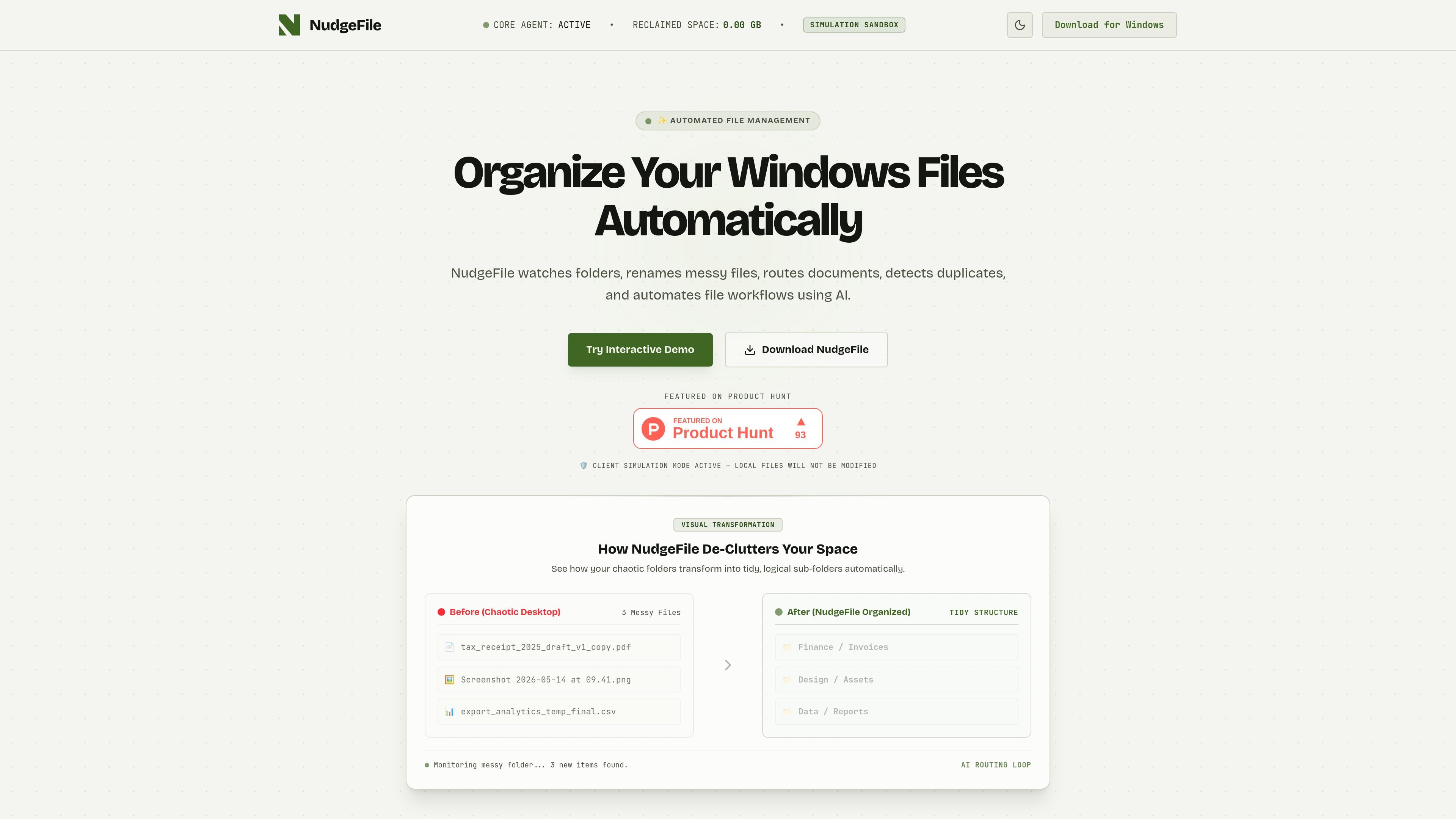
NudgeFile is an AI file organizer and workflow automation app for Windows. It watches selected folders, renames files, routes them into destination folders, and applies custom automation rules to keep local storage organized.
The product is positioned around local, client-side processing: the site describes offline AI models, zero-data processing, and Windows-only installation. Typical examples include cleaning up Downloads, organizing documents, and sorting files into folders for finance, design, development, or contracts.
Watch folders such as Desktop, Downloads, or scanner directories in real time so new files are queued as soon as they appear.
Analyze messy filenames and document context locally to generate clearer names without sending files to the cloud.
Move files into destination folders automatically using routing rules for categories like invoices, design assets, developer files, and contracts.
Set conditional workflows based on file type, extension, name patterns, size, or duplicate status, then save those rules for repeat use.
Review, customize, or undo actions after organization steps, and use the simulation sandbox shown on the site to test behavior safely.
Run the app as a local Windows client with client-side processing and no telemetry or cloud transfer mentioned on the site.
Watch Downloads or Desktop, then rename incoming files and move them into accounting, design, or project folders so clutter does not accumulate.
Route invoices, contracts, reports, and asset files into separate destination folders using file-type and keyword rules.
Use offline processing for sensitive documents that should stay on the local machine, including contracts and internal records.
Create conditional rules for extensions, names, size thresholds, or duplicate detection to automate repetitive admin work.
Test file-handling rules in the site’s sandbox and use undo/customization controls before applying them to real folders.
NudgeFile monitors selected folders on your Windows PC, analyzes new files locally, and can rename, route, or organize them based on rules you set. The site shows examples for folders like Downloads, Desktop, and local scanner folders.
The site presents NudgeFile as a Windows utility that runs locally and uses offline AI models for file naming and routing. The pricing and install pages also describe it as a client-side tool for Windows users.
The use-cases page and homepage show it working best for watched folders such as Downloads, where it can rename files and move them into destination folders as they arrive.
The source does not list a public pricing table in the collected text. The site includes a pricing page and a direct download flow, but the captured text does not provide exact plan names or prices.

Codex Plugins bundle reusable skills, app integrations, and MCP servers into workflows you can install in the Codex app or use from Codex CLI. They help extend Codex with connected-service tasks, reusable instructions, and shared team workflows.

Extend is a document processing platform for turning PDFs and other documents into structured data. It helps teams parse, extract, split, classify, and route documents through APIs, Studio, Evals, Composer, and Workflows.

Struere is an AI-native platform for turning spreadsheet data into structured operational software with dashboards, alerts, and automations. It is aimed at teams that want to replace manual spreadsheet workflows without building custom tools from scratch.

OpenFlags is an open-source, self-hosted feature flag platform for modern JavaScript teams. It supports local evaluation, targeted rollouts, and controlled launches while keeping flag data in your own infrastructure.

Snapmark is a VS Code extension that lets you annotate clipboard screenshots before pasting them into AI chats. It supports blur redaction, numbered callouts, and automatic resizing for large images.

Open Computer Use is an open-source Computer Use service wrapped as MCP for macOS, Linux, and Windows. It helps AI agents and MCP clients run desktop automation workflows through client setup commands or manual MCP configuration.