
Distraction-free PDF reading
Shelfhost provides a PDF reading interface focused on readability, with the product positioning emphasizing a warm, distraction-free experience and tools that appear only when needed.

Shelfhost is an open-source, self-hosted PDF reader, library, and highlighter for keeping documents under your own control. Runs on Cloudflare Pages, Workers, D1, and R2, with reading, multi-color highlighting, and page bookmarks.
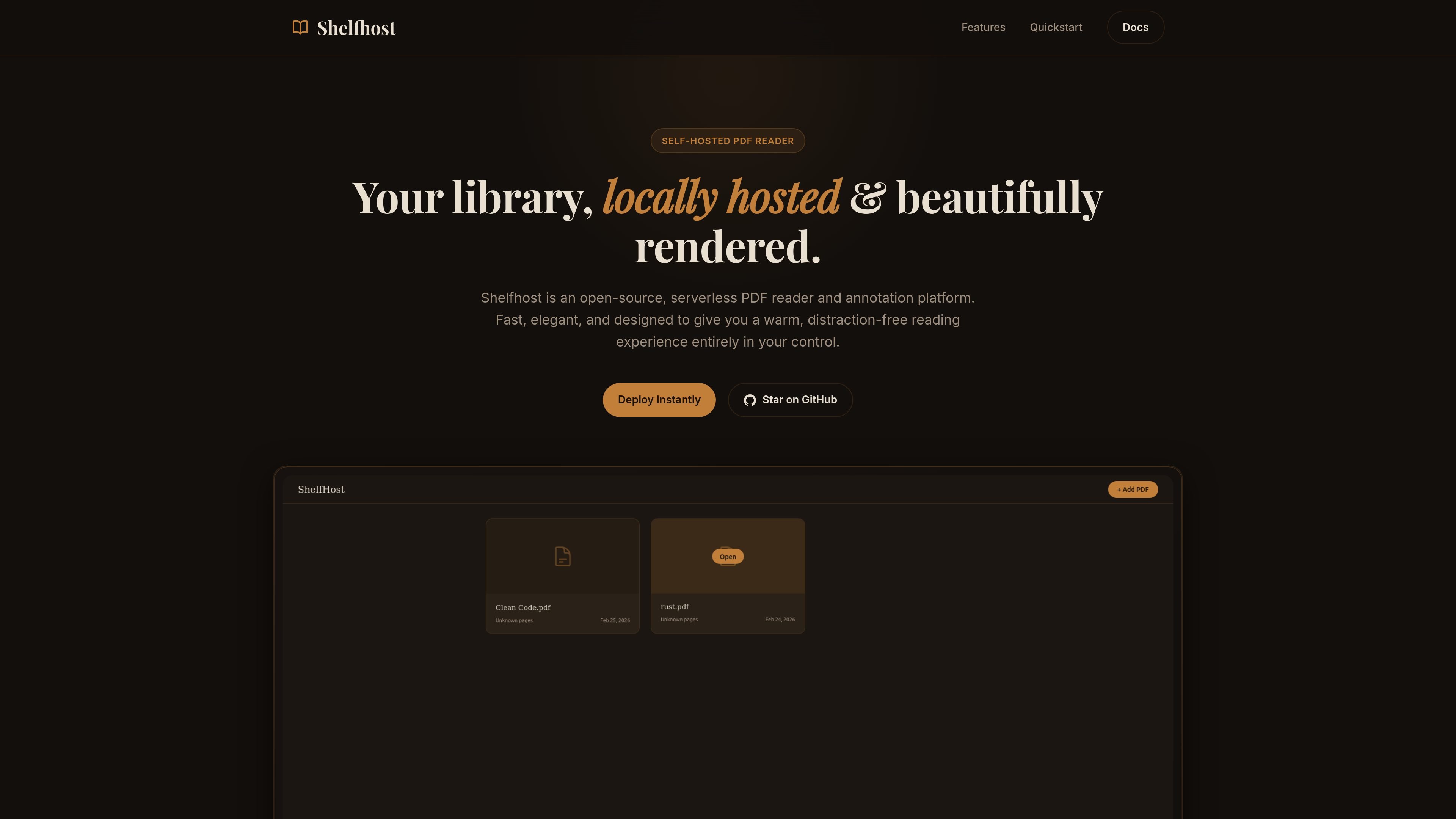
Shelfhost is an open-source, self-hosted PDF reader and annotation platform built for people who want to keep a PDF library under their own control. It combines reading, highlighting, and bookmarking in a locally hosted library interface.
The product is built on Cloudflare Pages, Workers, D1, and R2, and is described as serverless and globally deployable. Its setup guide centers on creating the database and storage bucket, applying migrations, and deploying to Cloudflare Pages.
Shelfhost provides a PDF reading interface focused on readability, with the product positioning emphasizing a warm, distraction-free experience and tools that appear only when needed.
You can highlight text selections with multiple highlight colors, which supports annotation and later review within the library.
The library supports page bookmarks so you can save your place in a document and return to it from the dashboard.
Shelfhost runs as serverless functions through Nuxt Nitro on Cloudflare Pages and Workers, avoiding the need to manage Docker containers or virtual machines.
PDF files are stored in Cloudflare R2, while D1 provides the SQLite-backed database layer for fast queries and library data.
The deployment guide shows a small set of setup steps: clone the repo, install dependencies, log in to Cloudflare, create the database and bucket, apply migrations, and deploy globally.
Use Shelfhost when you want a private PDF library that you control yourself instead of sending documents to a third-party reading service.
Use the highlighting and bookmarking tools when you are reading papers, reports, or long-form PDFs and need to mark passages and resume later from the dashboard.
Use the Cloudflare-based setup if you want a serverless deployment that does not require managing Docker containers or virtual machines.
Use Shelfhost when you prefer a simple deployment path with a documented sequence for creating storage, applying migrations, and publishing the app.
Shelfhost is designed to run on Cloudflare Pages and Workers, with D1 for its SQLite database and R2 for PDF storage. The deployment guide shows cloning the repository, installing packages, logging in with Wrangler, creating the D1 database and R2 bucket, applying migrations, and running the deploy script.
The product is positioned as a self-hosted PDF reader, library, and highlighter. The source specifically describes highlighting text selections, saving bookmarks, and reading PDFs in a locally hosted library.
Shelfhost is presented as open-source and self-hosted, so it is aimed at readers who want to keep their PDF library under their own control rather than using a hosted reading service.
The source says Shelfhost compiles to pure Cloudflare Pages components and can be used under Cloudflare’s free tier for personal library usage. It does not provide a full paid plan breakdown or explicit plan limits.

Lasso is an ecommerce product data platform for enriching catalog records, processing supplier files, generating product content, and monitoring competitors. It combines a web app with a REST API, SDK, and MCP server for teams and developers.

Codex Plugins bundle reusable skills, app integrations, and MCP servers into workflows you can install in the Codex app or use from Codex CLI. They help extend Codex with connected-service tasks, reusable instructions, and shared team workflows.

Struere is an AI-native platform for turning spreadsheet data into structured operational software with dashboards, alerts, and automations. It is aimed at teams that want to replace manual spreadsheet workflows without building custom tools from scratch.

garden-md is an open-source Node.js CLI that turns meeting transcripts into a local company wiki, linking entities and preserving the original text.

Falconer is an AI-powered company brain that keeps internal documentation accurate, searchable, and up to date by syncing with tools like GitHub, Slack, and Linear. It helps engineering and cross-functional teams centralize knowledge and answer questions from a shared source of truth.

Snapmark is a VS Code extension that lets you annotate clipboard screenshots before pasting them into AI chats. It supports blur redaction, numbered callouts, and automatic resizing for large images.